
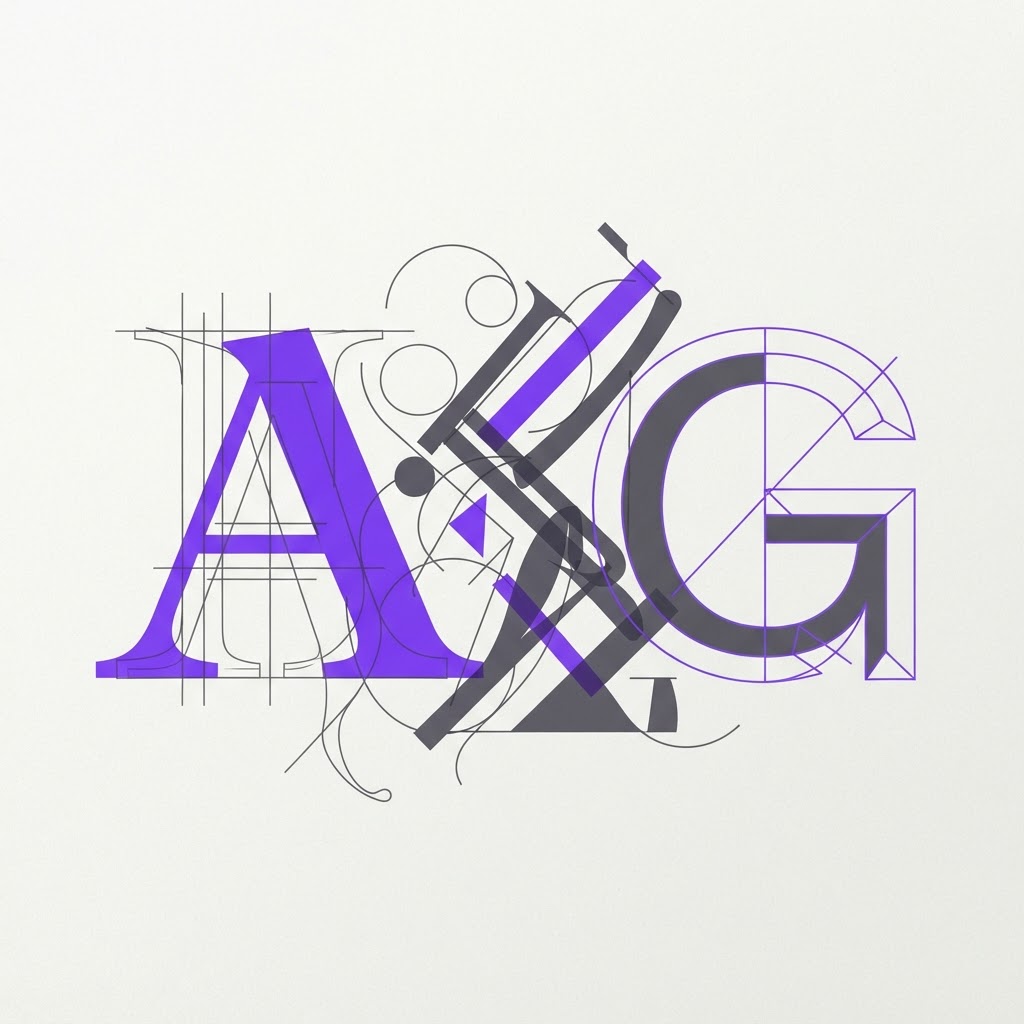
Font Pairings Most Designers Ignore: Unlocking Unique Typography in Product Design
Originally shared as a carousel on @dailywebdesign, original carousel by @lubosvolkov.
Font Pairings Most Designers Ignore: Unlocking Unique Typography
Most designers default to the same few pairings: Inter + Inter, Roboto + Open Sans, or SF Pro + SF Pro. But the best products use typography to create personality and differentiate. Here are pairings most designers overlook.

Why Typography Pairings Matter
Typography is the voice of your product. The right pairing creates hierarchy, sets tone, and guides the user's reading experience. Generic pairings make products feel interchangeable.

Unique Pairings Worth Trying
1. Editorial Serif + Modern Sans
Pair a characterful serif like Fraunces or Recoleta with a clean sans like Inter or DM Sans. The serif adds personality to headlines; the sans keeps body text readable.
2. Grotesque + Humanist Sans
Try Space Grotesk for headings with a humanist sans like Söhne or Manrope for body. The contrast between geometric and organic forms creates visual interest.
3. Monospace + Sans
Use a monospace like JetBrains Mono for labels and metadata, paired with a clean sans for content. This creates clear functional hierarchy in technical products.
4. Variable Serif + Variable Sans
Use variable fonts like Recursive or Roboto Flex. Their flexibility lets you adjust weight and optical size dynamically.

Pairing Rules
- Contrast is key, don't pair two similar fonts
- Test at all sizes, a font that works at 48px may fail at 12px
- Check legibility, decorative fonts are for headings only
- Limit to 2-3 fonts per project

Ready to find more design tools? Discover your perfect stack.
View the full carousel on Instagram →
Originally shared as a carousel on @dailywebdesign, original carousel by @lubosvolkov.
Find Your Stack
Discover the perfect design tools for your workflow.
Take the 60-second quizNewForm Studio
Turn your designs into professional mockups instantly.
Open StudioMore from NewForm

How to Build One Reusable Animation System for Multiple Brand Campaigns
Stop rebuilding the same motion design for every brand. Learn how to create one animation in Jitter and turn it into a reusable system that scales across entire campaign systems.
5 min read · Oct 1, 2026

Train Your Eye for Better Design: How to Develop Visual Design Skills
Great design starts with a trained eye. Here is how to develop the visual instincts that separate good designers from great ones, with practical exercises you can start today.
6 min read · Sep 30, 2026