
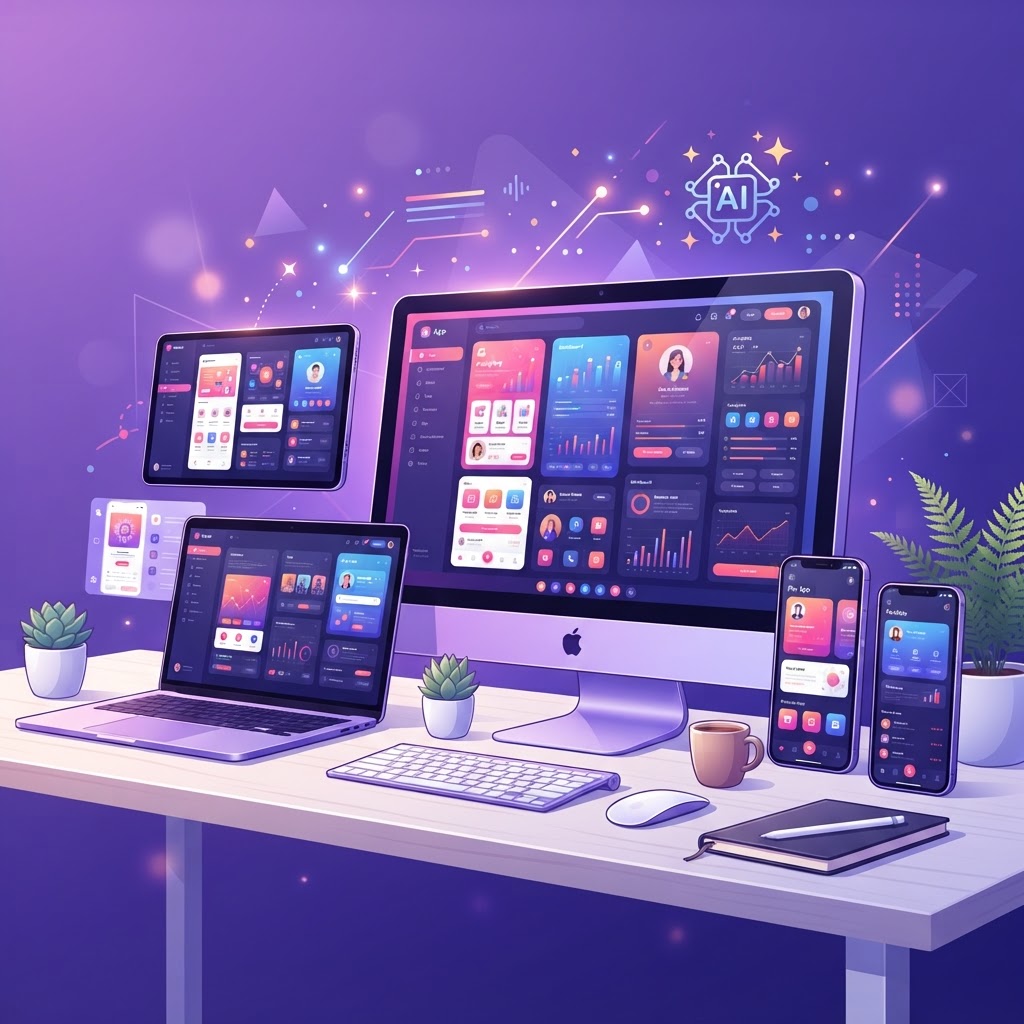
How AI Mockups Can Transform Your Dribbble Portfolio
How AI Mockups Can Transform Your Dribbble Portfolio
Dribbble is crowded. Every day, thousands of designers post shots, and most get lost in the noise. The ones that stand out share one thing: professional presentation. AI mockups are the fastest way to level up your presentation game.
The Problem with Raw Designs
Posting a raw Figma export or a flat screenshot is like serving a meal on a paper plate. The design might be excellent, but the presentation undermines it.
Professional designers use mockups because context matters. A login screen design looks 10x more impressive in a realistic iPhone frame on a contextual background than as a bare rectangle.
How AI Mockups Work
AI mockup tools (like the NewForm Studio) take your raw design and automatically:
- Place it in a realistic device frame (iPhone, iPad, laptop, desktop)
- Apply proper perspective and lighting
- Add contextual backgrounds and shadows
- Export at high resolution for Dribbble
The entire process takes seconds, no Photoshop, no manual composition, no searching for the right mockup template.
5 Ways AI Mockups Improve Your Dribbble
1. Consistent Presentation Across Shots
When all your shots use the same style of mockup, your Dribbble profile looks cohesive and professional. It signals that you have a design system, even for your own brand.
2. Context Tells a Story
A dashboard design in a laptop mockup on a desk tells a different story than the same dashboard in a mobile frame on a gradient background. Mockups give you control over the narrative.
3. Higher Click-Through Rates
Shots with professional mockups get more views, likes, and comments. It's not that the design is better, it's that the presentation stops the scroll.
4. Faster Workflow
Manually creating mockups in Photoshop takes 15-30 minutes per shot. AI mockups take seconds. That means you can post more frequently without sacrificing quality.
5. Better Client Presentations
When you show clients your work in realistic mockups, they understand the design in context. 'This is how your app will look on a real iPhone' is more compelling than 'Here's a Figma frame.'
The NewForm Studio Workflow
- Upload your raw design (Figma export, screenshot, or image file)
- Choose a device frame (iPhone, iPad, laptop, etc.)
- Select a background style (gradient, desk, studio, minimal)
- Generate the mockup
- Download in high resolution
- Post to Dribbble
The studio offers 5 free mockups to start, with unlimited generations for $1.99/month.
Mockup Best Practices for Dribbble
Do:
- Use consistent device frames across your portfolio
- Match the background color to your design's palette
- Keep the focus on your design, the mockup should enhance, not distract
- Export at 2x resolution for retina displays
- Use proper aspect ratios (Dribbble uses 4:3 for standard shots)
Don't:
- Use mockups that are more visually interesting than your design
- Mix too many device types in a single shot
- Use low-resolution mockups that look pixelated
- Add too many decorative elements that compete with your design
Start Transforming Your Portfolio
Ready to level up your Dribbble? Try the NewForm Studio, your first 5 mockups are free.
And if you want to find more tools to power your design workflow, take our 60-second design stack quiz.
Find Your Stack
Discover the perfect design tools for your workflow.
Take the 60-second quizNewForm Studio
Turn your designs into professional mockups instantly.
Open Studio