
Webflow Just Became a Gemini Connected App. That Changes the Designer's Job
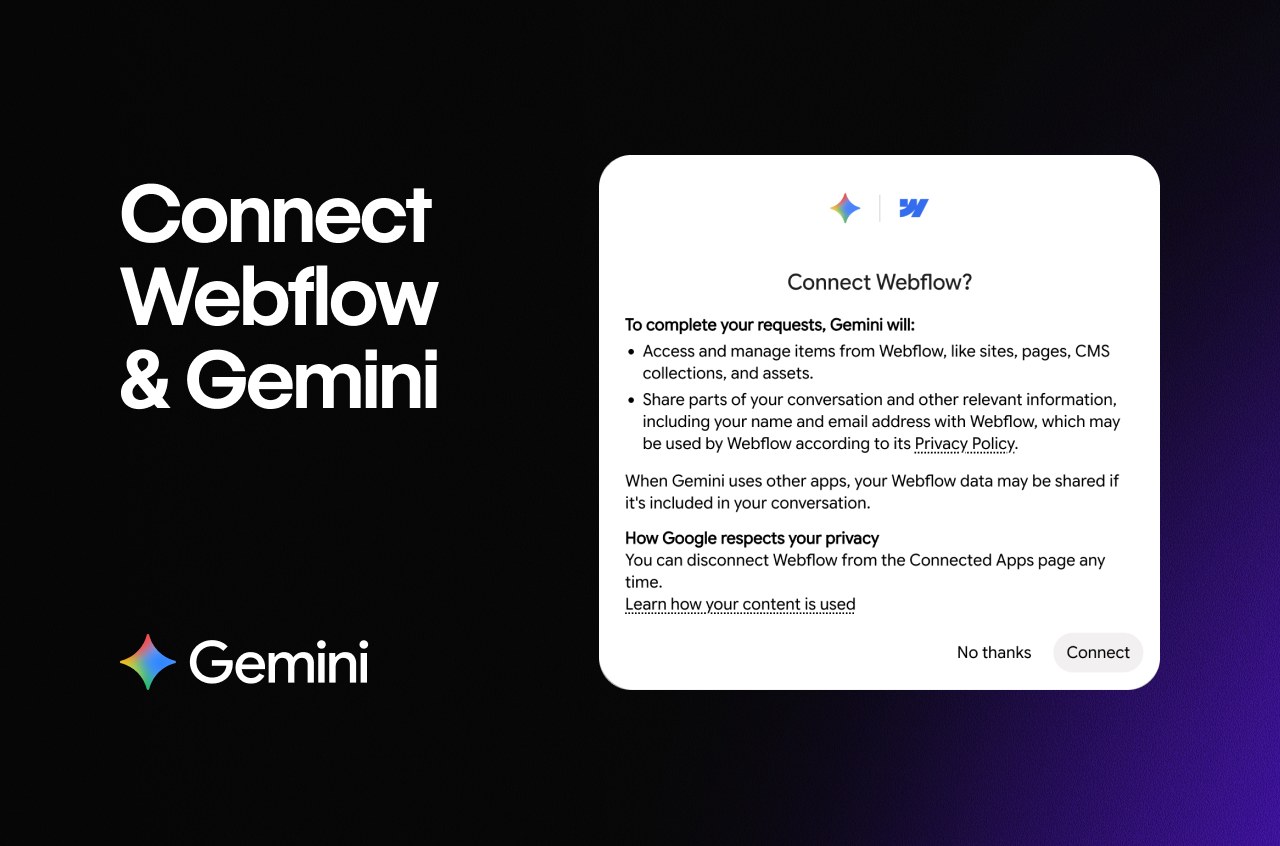
Webflow just moved into Google's AI. On October 15, Webflow announced an expanded partnership with Google that makes Webflow a connected app inside the Gemini app, linked through Webflow's MCP server (Webflow's app listing, press release). Ask Gemini in plain language and it can build responsive pages and components from your existing styles, create and manage CMS collections, read your Webflow Analyze traffic, tell you which Optimize variation is winning, audit SEO, accessibility and broken links, and even deploy and debug Webflow Cloud apps. The connector is free to install, it does not consume Webflow AI credits, and the same core capability set already works through Claude, ChatGPT, Codex and Slack.

Image: Webflow, via Webflow apps listing
Most of the coverage read this as a speed story
The press release got picked up as martech news: marketing teams move faster, people contribute from tools they already use, everybody wins. All true, and all beside the point. The interesting thing is not that a marketing team saves forty minutes on a landing page. The interesting thing is what happened to the design tool itself.
Here is the angle everyone missed
For fifteen years, "using Webflow" meant opening the designer, clicking into the canvas, and moving boxes. Now the canvas is one client among many. The tool you design in has become a server that AI agents call, and page creation is turning into a conversation that happens somewhere else entirely, inside Gemini, Claude, ChatGPT or Codex. The visual editor is not dead. It has become a backend.
Webflow now describes itself as "the agentic marketing platform", and that is not a rebrand, it is a strategy. Every major design tool is heading the same direction, and Webflow is just the furthest along in saying it out loud.
But the real news is buried in one line of the announcement: agents can create pages and interactions "from your existing styles and brand systems". Read that again. The agent builds on-brand only as far as your design system allows. Your styles, components, class naming conventions and interaction recipes are no longer internal documentation. They are the product surface. If the system is excellent, the agent produces excellent pages at automation speed. If the system is sloppy, the agent ships that sloppiness at automation speed too. Scale does not fix taste. It amplifies whatever taste is already in the file.
My position: this is a promotion for designers, not a replacement
I know the reflex is to hear "AI builds pages now" and feel the ground move. Mine went the other way on this one. This is what the leverage shift actually looks like when it happens, and it favors designers who think in systems.
The agent cannot decide what your brand should feel like. It cannot invent why a five item pricing page should feel calmer than a nine item one. It can only obey what is coded: the styles you defined, the components you built, the rules you wrote. The person who authors that system is now deciding what every future page looks like, including the ones they never touch. If your leverage used to be speed in the canvas, it is now precision in the system.
There is also a genuinely new deliverable hiding in this update. The connector exposes AEO Analytics inside Gemini: how AI systems discover, crawl, describe and cite your brand. Translation: there is now a measurable answer to the question "what do the machines think my brand is?" That is a design problem. The brands that show up described as sharp, coherent and current in AI answers will be the ones whose systems were built to be read.
What you should actually do
- Codify before you automate. If your styles and components are half-finished, agents will inherit that. Audit them this week, before you connect anything to them.
- Name things for an audience that does not click. An agent calls components by name. "hero2-final-b" means nothing to it. "pricing-hero" means everything. Naming is now interface design.
- Set permissions on purpose. The connector respects your existing Webflow roles and keeps AI attribution in activity logs. Use both. Decide who can publish, not just who can build.
- Run the audit loop first. Before you let an agent create a single page, ask Gemini to audit your site for SEO, accessibility, broken links and content quality. Fix what it finds. That baseline is your system report card.
- Test the build loop honestly. Ask Gemini for a page from your existing styles, then open the result in the designer and critique it like a real client review would. Whatever falls short is a gap in your system, not in the model.
The takeaway
The design tool stopped being the place where design happens and became the thing design gets served from. That sounds dramatic, but it lands as good news for anyone whose value is judgment: the system, the taste, the rules. Those just got more reusable and more valuable.
And if your reaction to agentic web work is "I want to go beyond marketing sites and build full products with agents", my pick of the AI builders for that is still Base44 (start here), it turns this same agent logic into full shipped apps.
If Gemini wrote pages in your Webflow tomorrow, would your design system survive the inspection? That answer is your actual skill level now.
Related on NewForm
Keep reading

Find Your Stack
Discover the perfect design tools for your workflow.
Take the 60-second quizNewForm Studio
Turn your designs into professional mockups instantly.
Open StudioMore from NewForm

DeepSeek's Super-Agent Doesn't Wait for Your Prompt, and That Changes What You Build
DeepSeek open-sourced a coding agent that watches your chats and starts fixing problems before you ask. The real story is not China versus the US, it is that agents now spend human attention, and designing how they spend it is the next interface problem.
6 min read · Nov 2, 2026

The New robots.txt AI Training Opt-Out: What Designers and Builders Should Do With It
Google, Microsoft, OpenAI and Anthropic will honor one shared robots.txt line for AI training preferences. Here is how designers and builders should use it without disappearing from AI answers.
5 min read · Nov 1, 2026