
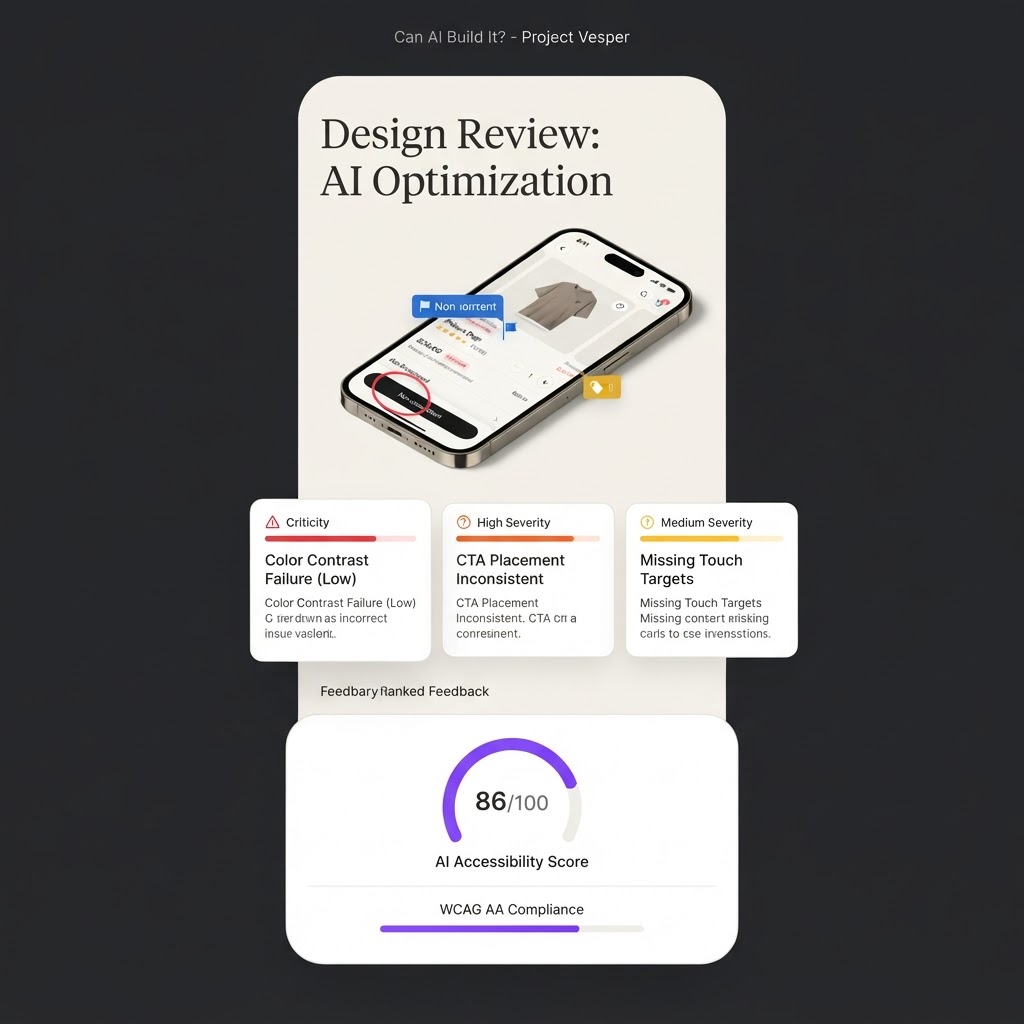
Yes, AI Can Build This: AI Design Feedback Tool
Upload a design, pick a review lens, and get structured, severity-ranked AI critique with accessibility checks and before/after scoring.
The Prompt
Build a design feedback tool that critiques uploaded screenshots or Figma links. Features: 1) Upload a design image or paste a Figma frame URL and select the review lens: usability, accessibility, visual hierarchy, branding, or conversion. 2) An AI reviewer that returns structured feedback grouped by severity (critical, should fix, polish), each point tied to the area of the screen it concerns. 3) An accessibility pass that checks contrast ratios, touch target sizes, and readable font sizes. 4) A side-by-side before/after compare when the user uploads a revised version, with the AI noting what improved and what regressed. 5) Annotated feedback export as a shareable link or PDF. 6) A rubric score per review so users can track design quality over time. 7) Custom review presets users can define once (for example a house style checklist) and apply to every upload.
What You Can Build
- ✓Upload a design image or paste a Figma frame URL and select the review lens: usability, accessibility, visual hierarchy, branding, or conversion
- ✓An AI reviewer that returns structured feedback grouped by severity (critical, should fix, polish), each point tied to the area of the screen it concerns
- ✓Deterministic accessibility checks computed in code: contrast ratios, tap target sizes, minimum text size, and missing alt text, explained by the model rather than guessed
- ✓A review panel showing a score per lens, computed from the findings instead of generated, so repeat runs on the same screen stay comparable
- ✓Saved review history per design name so a user can see which findings were fixed between revisions
What's Hard
What You Lose
- −deepened:2026-11-20
Human Review Checklist
Required Screens
User Flow
Upload a design image or paste a Figma frame URL -> select the review lens -> the reviewer runs model critique plus computed accessibility checks -> findings come back grouped by severity with a location, an issue, and a specific fix -> the user reads the score per lens, marks findings as resolved, and re-uploads the next revision to see what changed
FAQ
Can AI build Yes, AI Can Build This: AI Design Feedback Tool?
This is a vision-capable LLM wrapped in a structured review workflow, which is exactly the kind of app AI builders ship fast. The hard part is prompt engineering the critique to be specific and consistent rather than generic, plus contrast math for accessibility, which is straightforward code. Figma API integration for live frames is the only piece that needs care.
How hard is it to build Yes, AI Can Build This: AI Design Feedback Tool with AI?
It's rated Beginner. Low
What tools do I need to build Yes, AI Can Build This: AI Design Feedback Tool?
We recommend building it with Base44.
How long does it take to build Yes, AI Can Build This: AI Design Feedback Tool with AI?
See the build guide above for time estimates.
Related Builds



Not sure which tools to use?
Find your stack →New projects added weekly
Get the latest "can AI build it?" projects in your inbox.