
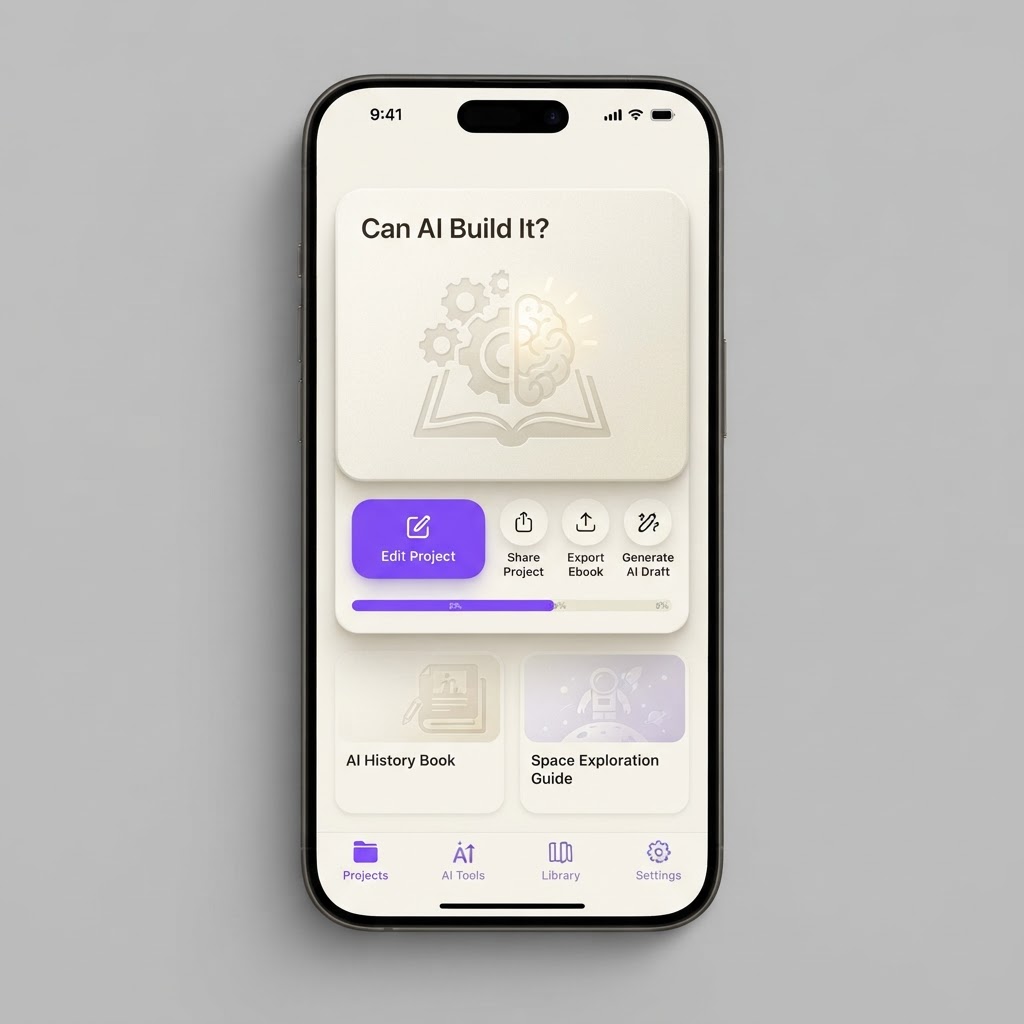
Yes, AI Can Build This: AI Ebook Generator
Turn an outline into a formatted ebook with AI. Generate chapters from bullet points, auto-create covers, export to PDF and EPUB. Perfect for creators selling digital products.
What it does
AI can build an ebook generator effectively. The core workflow (outline to chapters to formatted export) maps perfectly to LLM capabilities. PDF and EPUB generation libraries are well-documented. Cover image generation uses existing AI image APIs. The main limitation is content quality: AI-generated chapters will need human editing for depth, originality, and voice consistency. But the scaffolding, formatting, and export pipeline are fully buildable with AI tools.
AI can build an ebook generator effectively. The core workflow (outline to chapters to formatted export) maps perfectly to LLM capabilities. PDF and EPUB generation libraries are well-documented. Cover image generation uses existing AI image APIs. The main limitation is content quality: AI-generated chapters will need human editing for depth, originality, and voice consistency. But the scaffolding, formatting, and export pipeline are fully buildable with AI tools.
MVP features
Required screens
Suggested user flow
User creates new project -> enters book title and outline -> selects tone -> AI generates chapters -> user reviews and edits each chapter -> user picks or generates cover -> user previews full book -> user exports to PDF and EPUB
Build prompt
Build an ebook generator web app. Core features: 1) Outline input where users add chapter titles and bullet points for each chapter. 2) AI chapter generation that turns bullet points into 1000-2000 word chapters in a user-selected tone (professional, casual, academic, conversational). 3) Cover image generation using AI image generation (let user pick from 3 generated options or upload their own). 4) Live preview with a clean book layout (title page, table of contents, chapters with headers, page breaks). 5) Chapter editor with rich text editing for manual revisions. 6) Export to PDF and EPUB formats. 7) Save projects and resume editing. Use a two-panel layout: left sidebar for chapter list and outline, right panel for content editing and preview. Include a progress indicator showing generation status per chapter.
Related builds

Yes, AI Can Build This: AI Plant Care and Identification App
A plant identification and care app that identifies plants from photos, diagnoses diseases, provides personalized care schedules, and sends watering and fertilizing reminders.
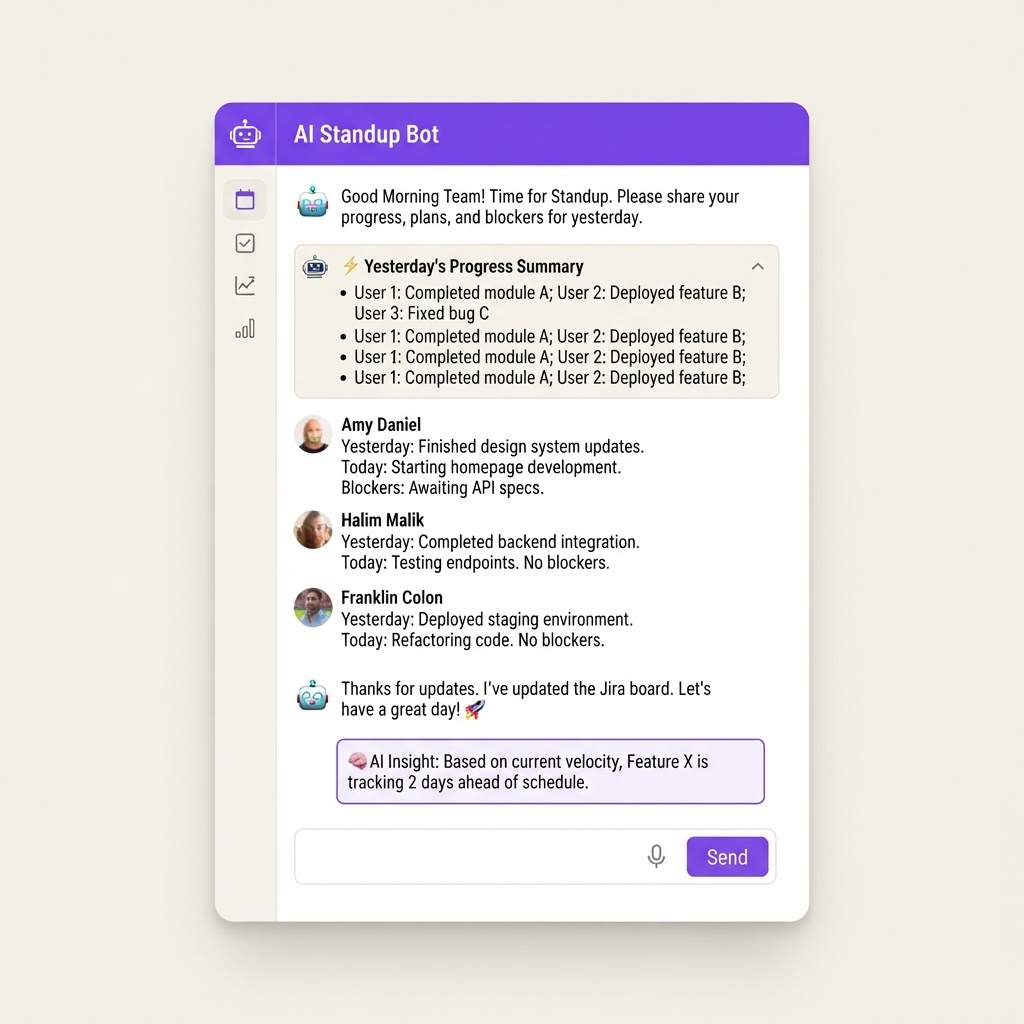
Yes, AI Can Build This: AI Daily Standup Bot
An automated standup bot for Slack and Microsoft Teams that collects daily updates from team members, summarizes progress, flags blockers, and generates sprint insights without requiring a live meeting.
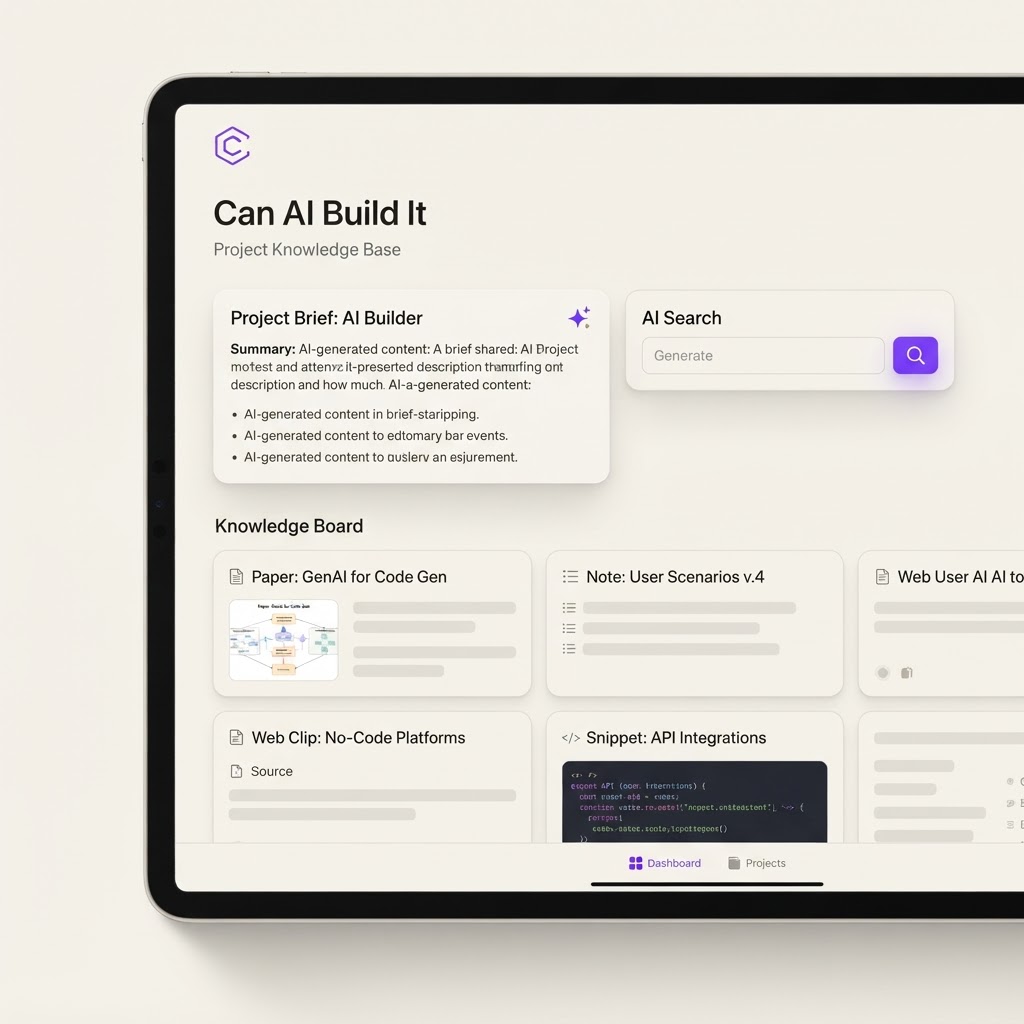
Yes, With Limits: AI Second Brain and Research Clipper
A personal knowledge management tool that lets you clip articles, annotate PDFs, and chat with your saved research using AI. Think Obsidian meets Claude, built for mobile-first researchers.