
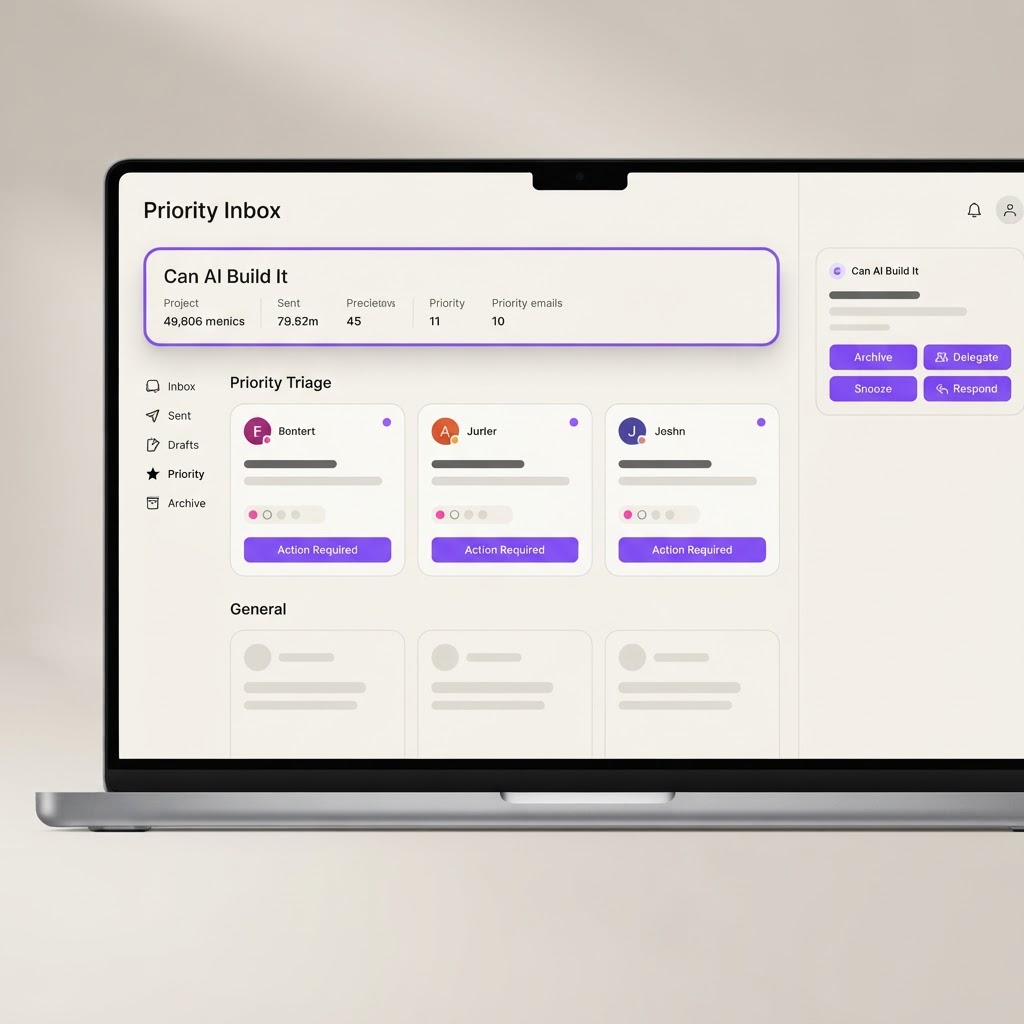
Yes, AI Can Build This: AI Email Triage and Priority Inbox
An AI-powered email triage tool that sorts your inbox by urgency, summarizes threads, drafts quick replies, and surfaces what actually needs your attention today.
What it does
AI app builders can handle this well. Gmail API and Microsoft Graph integration are well-documented. AI email classification, summarization, and reply drafting are proven LLM use cases. The priority scoring and daily briefing add genuine value. The main challenge is maintaining real-time sync with the email provider and handling large volumes, but for an MVP this is very manageable. Expect a working build in 1-2 weeks.
AI app builders can handle this well. Gmail API and Microsoft Graph integration are well-documented. AI email classification, summarization, and reply drafting are proven LLM use cases. The priority scoring and daily briefing add genuine value. The main challenge is maintaining real-time sync with the email provider and handling large volumes, but for an MVP this is very manageable. Expect a working build in 1-2 weeks.
Build prompt
Build an AI email triage and priority inbox web app. Features: 1) Email connection: connect via Gmail API or Microsoft Graph to pull in your inbox, 2) AI priority scoring: AI analyzes each email and assigns a priority score (Urgent, Important, Routine, FYI, Spam) based on sender, content, deadlines, and your past behavior, 3) Daily briefing: each morning, AI generates a summary of the 5-10 emails that actually need your attention today, 4) Thread summarization: long email threads are condensed into a 3-bullet summary with key decisions and open questions, 5) Quick reply drafts: AI generates context-aware reply drafts for routine emails that you can approve with one click, 6) Action item extraction: AI pulls out tasks, deadlines, and meeting requests from emails and surfaces them in a sidebar, 7) Sender insights: AI profiles your frequent senders and shows response time patterns, 8) Snooze and schedule: snooze emails to resurface at the right time, 9) Bulk actions: AI suggests emails safe to archive or batch-reply. Use a clean, focused inbox UI with priority badges, color-coded urgency, and a right sidebar for the daily briefing.
Related builds
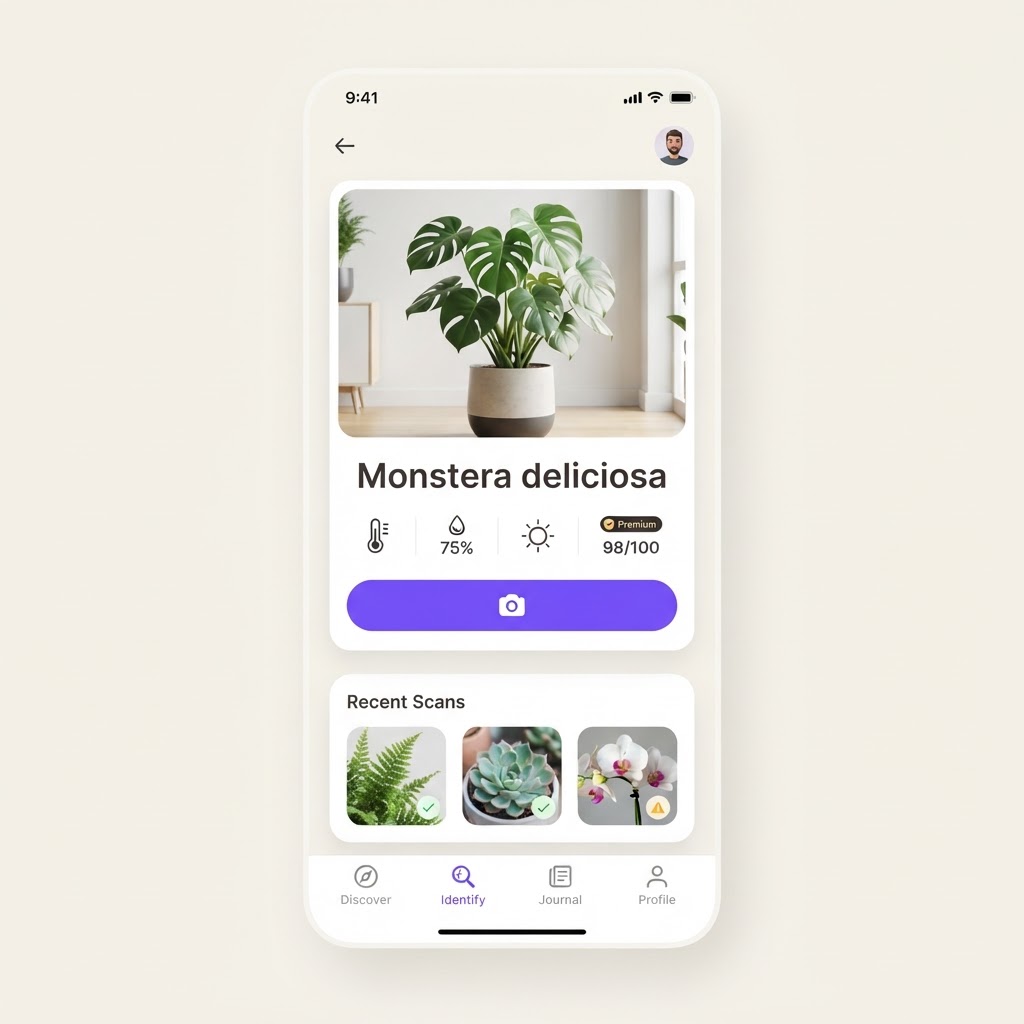
Yes, AI Can Build This: AI Plant Care and Identification App
A plant identification and care app that identifies plants from photos, diagnoses diseases, provides personalized care schedules, and sends watering and fertilizing reminders.
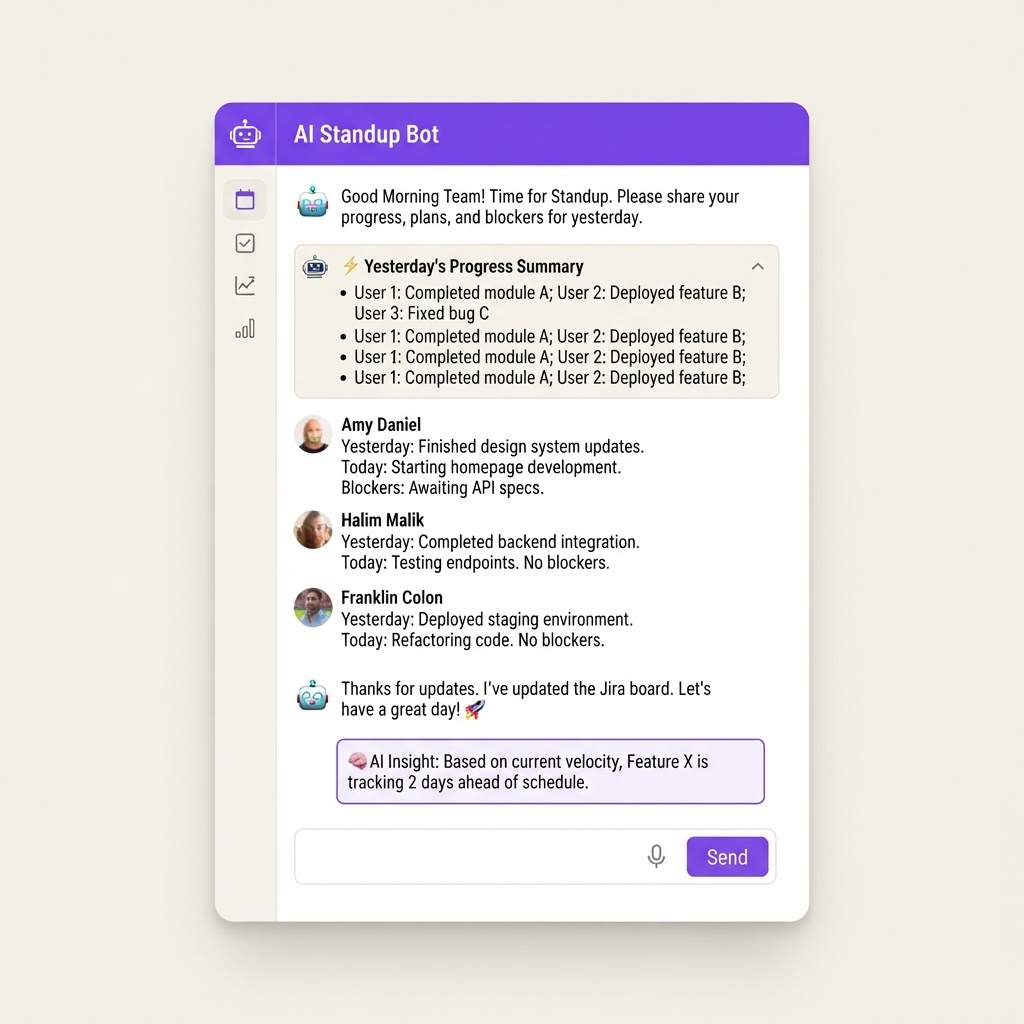
Yes, AI Can Build This: AI Daily Standup Bot
An automated standup bot for Slack and Microsoft Teams that collects daily updates from team members, summarizes progress, flags blockers, and generates sprint insights without requiring a live meeting.
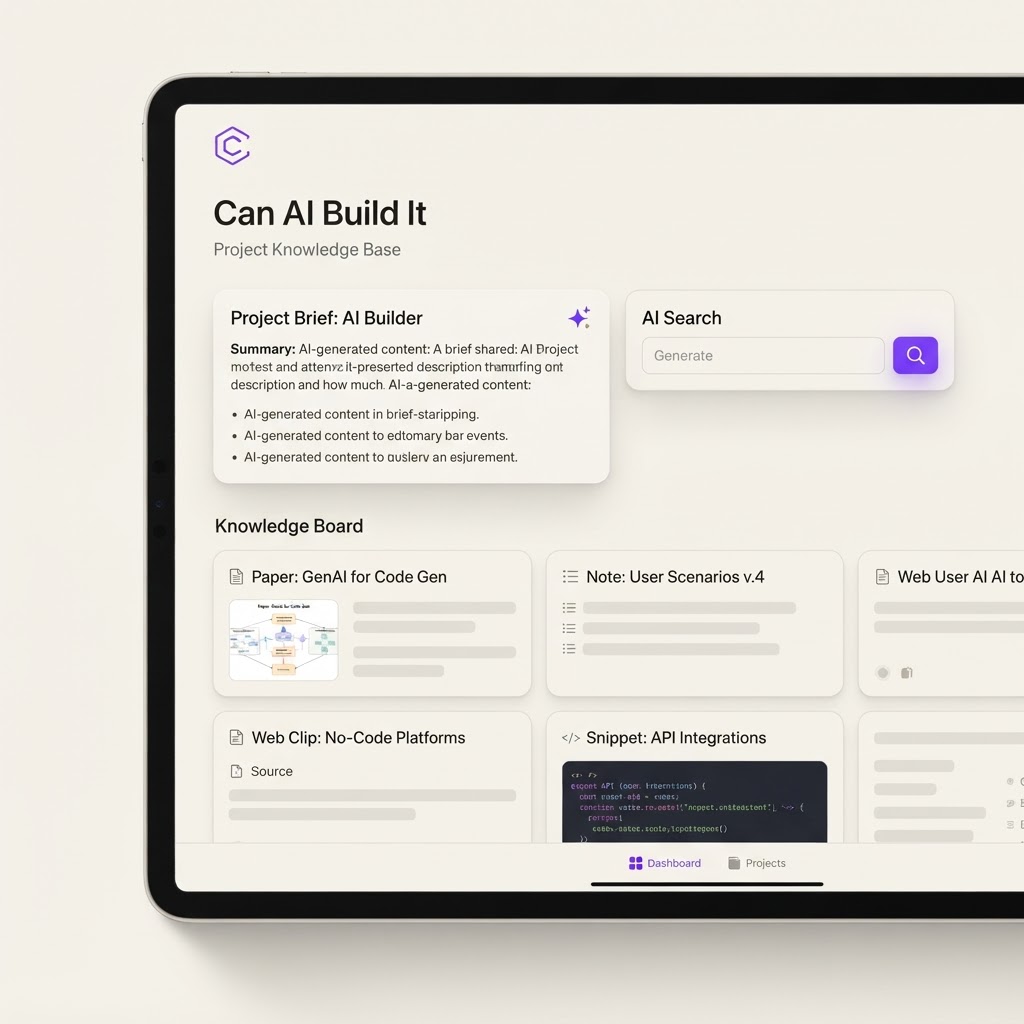
Yes, With Limits: AI Second Brain and Research Clipper
A personal knowledge management tool that lets you clip articles, annotate PDFs, and chat with your saved research using AI. Think Obsidian meets Claude, built for mobile-first researchers.