
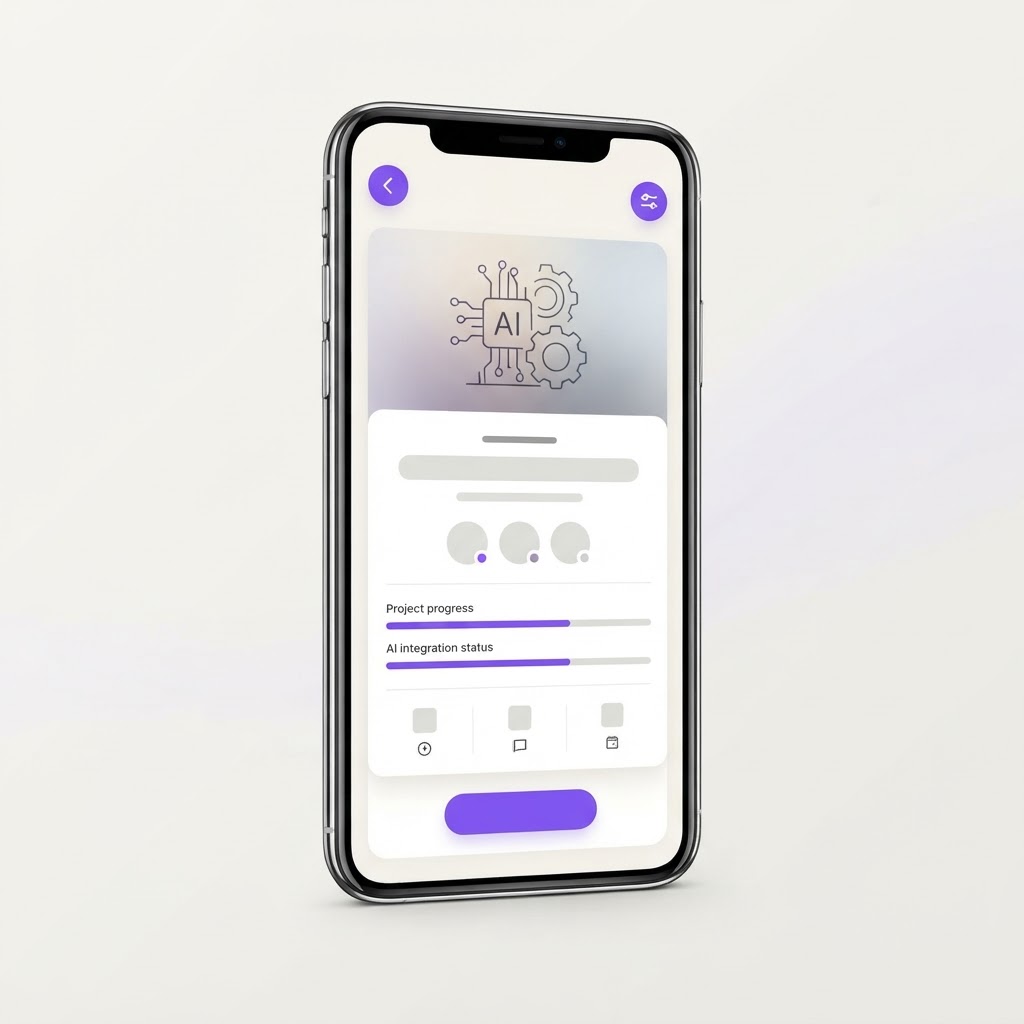
Yes, AI Can Build This: AI Mobile App Prototype Builder
Describe your mobile app idea in plain English, and AI generates interactive, navigable phone mockups with realistic screens, user flows, and tap-through prototyping.
What it does
AI can generate mobile app prototypes from text descriptions. GPT can understand app structures, user flows, and UI component patterns well enough to produce realistic screen layouts. The key challenge is rendering these as interactive, navigable prototypes with tap-through navigation, which requires a frontend rendering engine. Using a component library (React Native components, or HTML/CSS phone mockups) combined with AI-generated layouts is the most practical approach. Export to Figma via the Figma API is achievable. AI refinement of existing prototypes via natural language is a strong differentiator. This is achievable for an intermediate-level build.
AI can generate mobile app prototypes from text descriptions. GPT can understand app structures, user flows, and UI component patterns well enough to produce realistic screen layouts. The key challenge is rendering these as interactive, navigable prototypes with tap-through navigation, which requires a frontend rendering engine. Using a component library (React Native components, or HTML/CSS phone mockups) combined with AI-generated layouts is the most practical approach. Export to Figma via the Figma API is achievable. AI refinement of existing prototypes via natural language is a strong differentiator. This is achievable for an intermediate-level build.
Build prompt
Build an AI mobile app prototype builder for designers, founders, and product teams. Features: 1) Text-to-prototype: user describes their app idea (e.g. 'a meditation app with daily check-ins, a library of guided sessions, and a progress dashboard') and AI generates a full set of mobile screens, 2) Screen generation: AI creates realistic phone mockups with proper iOS or Android UI components (navigation bars, tab bars, cards, lists, forms, buttons), 3) User flow linking: AI automatically links screens with tap targets so you can navigate through the prototype like a real app, 4) Interactive preview: tap through the prototype in a phone frame simulator, 5) Screen editor: modify any generated screen with a visual editor, swap components, change colors, edit text, 6) Style themes: choose from preset design systems (minimal, bold, playful) or upload a brand color palette, 7) Multi-platform: generate for iPhone (390x844), Android (412x915), or tablet layouts, 8) Export: download as Figma file, PNG screenshots, or share an interactive web preview link, 9) AI refinement: ask AI to 'add a settings screen' or 'change the onboarding to 3 steps' and it updates the prototype. Clean workspace with a phone preview in the center, screen list on the left, and properties panel on the right.
Related builds
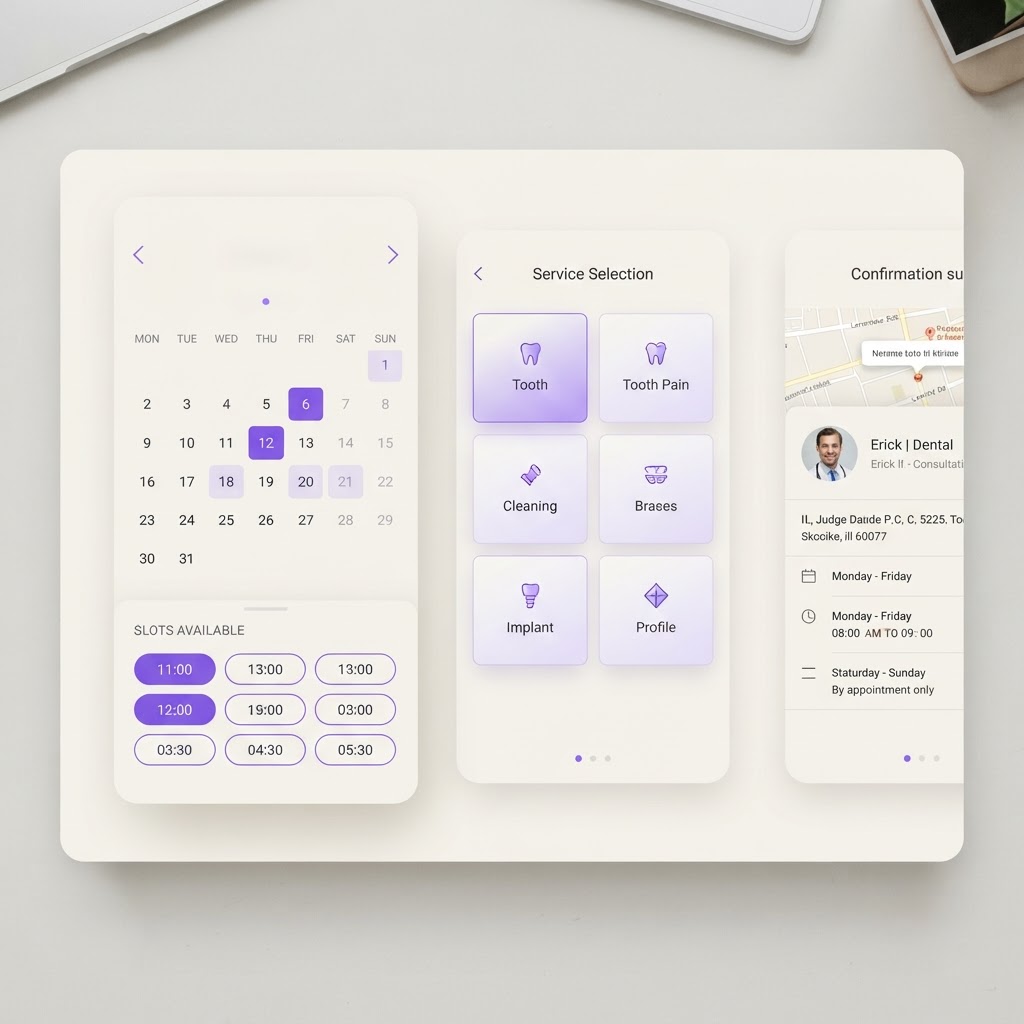
Yes, AI Can Build This: AI Appointment Scheduling App
A booking app that lets clients self-schedule appointments, manages availability across timezones, sends reminders, and uses AI to suggest optimal time slots.
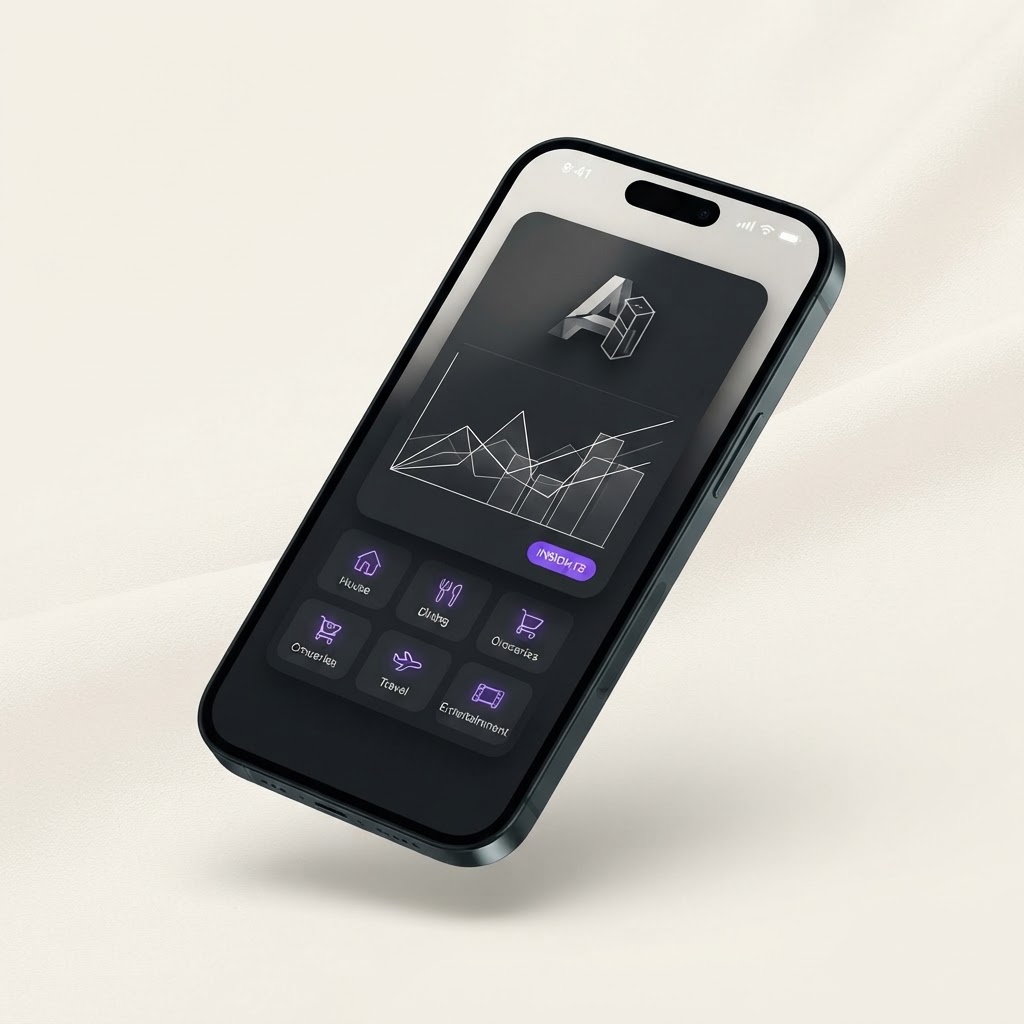
Yes, AI Can Build This: AI Budget Planner App
A forward-looking budget planner that uses AI to suggest spending categories, forecast cash flow, and flag overspending before it happens. Not just tracking, planning.

Yes, AI Can Build This: AI Habit Tracker in 4-6 hours
A habit-building app that turns daily check-ins into personalized routines, gentle accountability, progress insights, and next-step recommendations.