
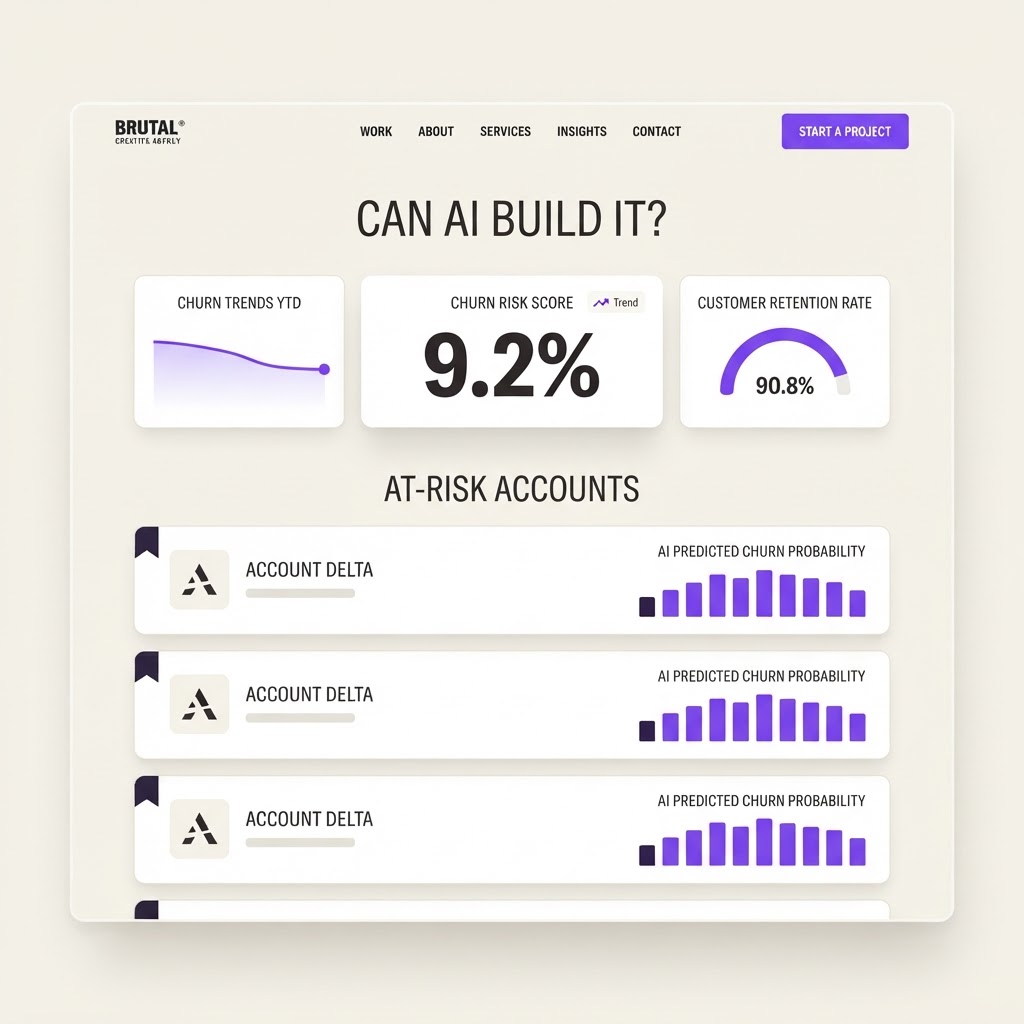
Yes, AI Can Build This: AI SaaS Churn Predictor
A predictive analytics tool that analyzes SaaS user behavior, support tickets, and billing data to flag accounts at risk of churning before they cancel, with AI-generated retention strategies.
What it does
AI can build a SaaS churn predictor effectively. The core is data ingestion, aggregation queries, and scoring logic, all of which AI builders handle well. AI-generated retention recommendations are a strong LLM use case. The main consideration is data quality: the predictions are only as good as the behavioral data you feed in. For a first version using CSV upload and manual activity logs, this is very achievable. Live database integration adds complexity but is a standard API connection. The prediction model itself can use simple heuristics and trend analysis rather than requiring a full ML pipeline, making it practical for an AI builder.
AI can build a SaaS churn predictor effectively. The core is data ingestion, aggregation queries, and scoring logic, all of which AI builders handle well. AI-generated retention recommendations are a strong LLM use case. The main consideration is data quality: the predictions are only as good as the behavioral data you feed in. For a first version using CSV upload and manual activity logs, this is very achievable. Live database integration adds complexity but is a standard API connection. The prediction model itself can use simple heuristics and trend analysis rather than requiring a full ML pipeline, making it practical for an AI builder.
MVP features
Required screens
Suggested user flow
Admin connects data source (CSV or API) -> system analyzes user activity and billing -> AI assigns churn risk scores -> at-risk accounts flagged on dashboard -> admin reviews risk factors and AI recommendations -> takes retention action -> system tracks outcome -> predictions improve over time -> weekly report emailed to stakeholders
Build prompt
Build a SaaS churn prediction tool with these features:

1. Data integration: Connect to your SaaS app's database to pull user activity logs, login frequency, feature usage, session duration, and billing history. Support CSV upload for initial setup.

2. Churn risk scoring: AI analyzes usage patterns, engagement decline, support ticket frequency, and billing data to assign each account a churn risk score (Low, Medium, High, Critical). Update scores daily.

3. Risk factor breakdown: For each at-risk account, show the top contributing factors (e.g. login frequency down 60%, no core feature usage in 14 days, support ticket unresolved).

4. AI retention recommendations: For each flagged account, generate a specific retention strategy (e.g. 'Send a re-engagement email highlighting unused feature X', 'Offer a discount on next billing cycle', 'Schedule a check-in call').

5. Alert system: Notify account managers via email or Slack when an account moves to High or Critical risk. Include the risk factors and recommended action.

6. Cohort analysis dashboard: Visualize churn risk across user cohorts (signup month, plan tier, industry, team size). Spot patterns in which segments churn most.

7. Retention tracking: Log retention actions taken and track whether the account was saved or lost. Build a feedback loop to improve predictions over time.

8. Health score timeline: Show each account's health score over time so you can see the decline leading up to a churn event.

9. Custom risk thresholds: Let admins configure what counts as High vs Critical risk based on their business context.

10. Weekly churn report: Automated weekly email summarizing new at-risk accounts, actions taken, and accounts saved.

Use a data-dense but clean dashboard UI. Prioritize the at-risk account list with clear risk indicators and recommended actions.
Related builds
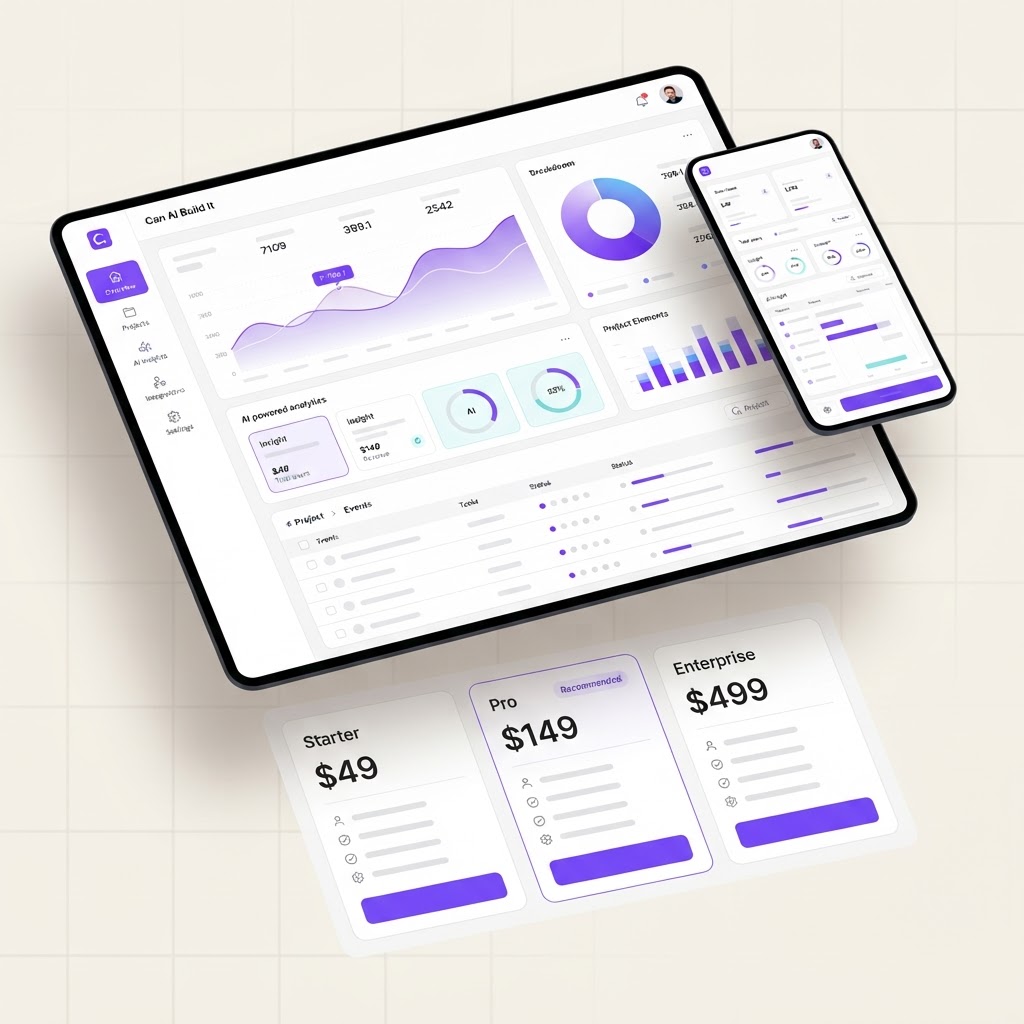
Yes, AI Can Build This: AI SaaS MVP Builder
Build a SaaS MVP scaffold with landing page, auth, pricing tiers, user dashboard, and billing integration using AI app builders.
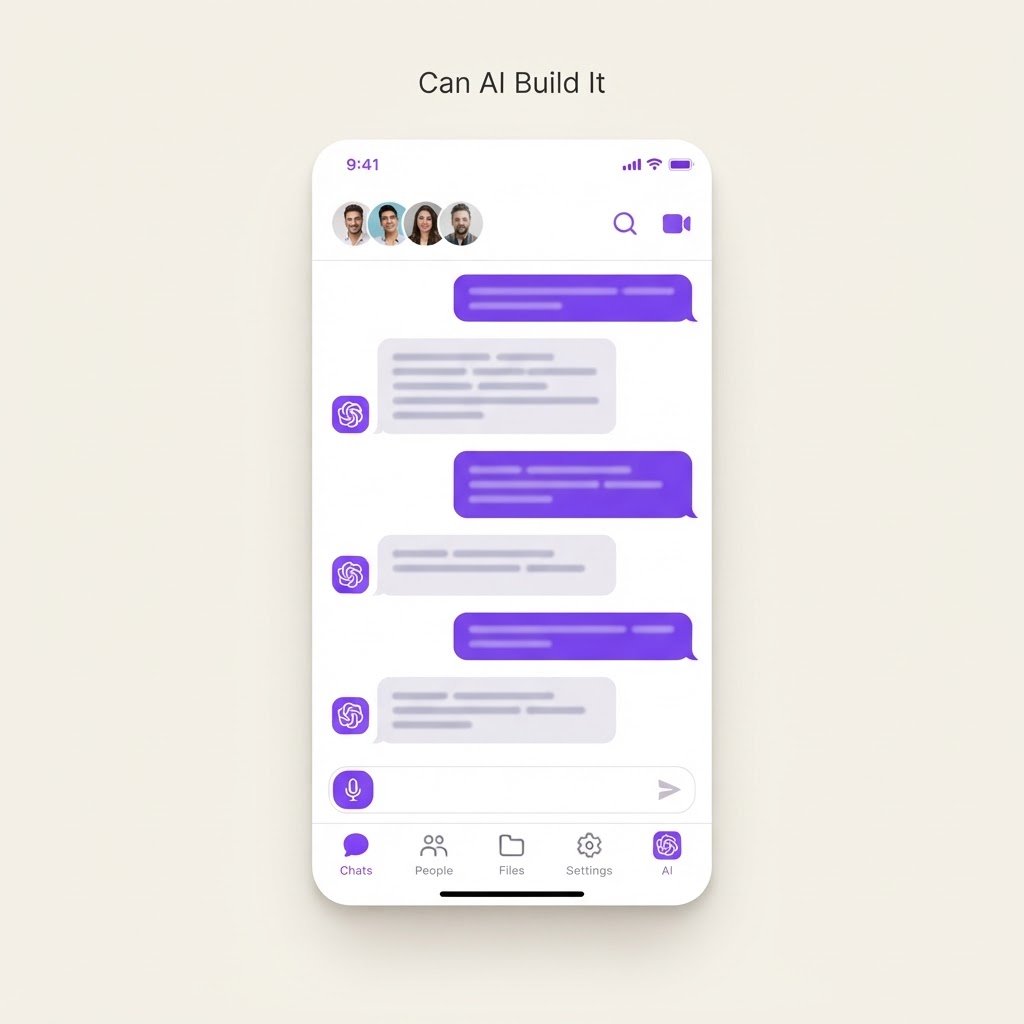
Partially, AI Can Build This: AI Team Collaboration Workspace
An AI-powered team collaboration workspace that combines chat, shared docs, task tracking, and AI meeting summaries into one unified workspace for remote and hybrid teams.
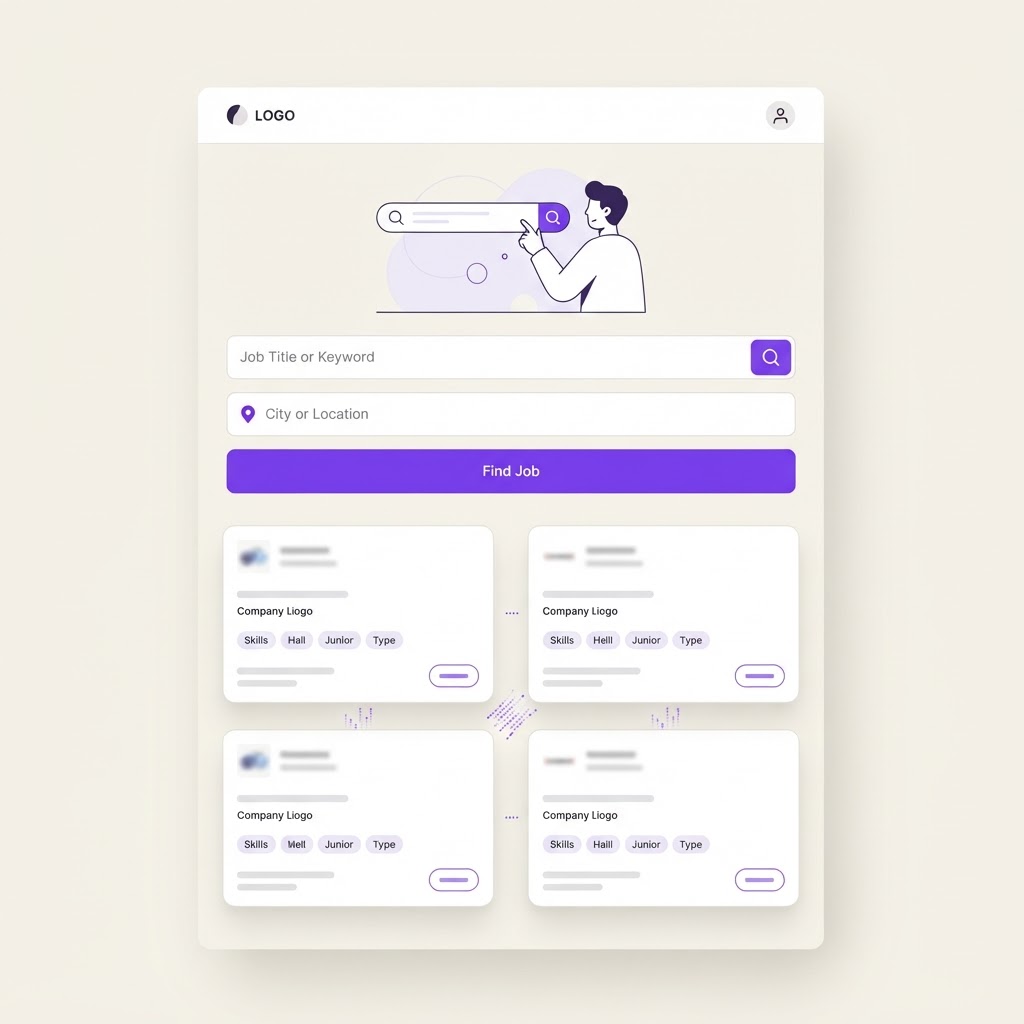
Yes, AI Can Build This: AI Job Board Platform
Build a job board where employers post openings, candidates search and apply with AI-matched recommendations, and AI parses resumes into structured profiles. Think LinkedIn Jobs lite, but built with AI from the ground up.