
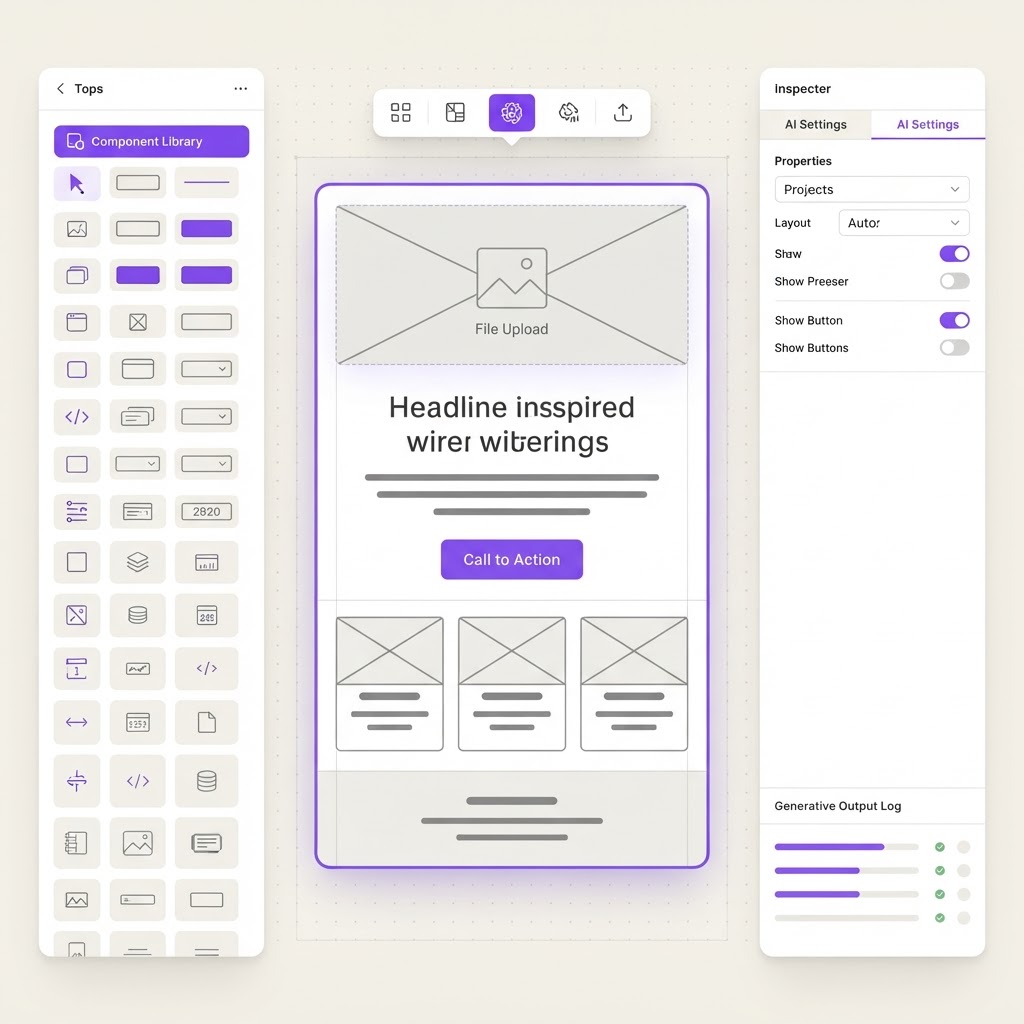
AI Wireframe Generator
Describe the page or app you need in plain English, and AI generates editable wireframes with proper layout, component placement, and user flow annotations. Export to Figma or HTML.
What it does
AI can generate wireframe layouts from text descriptions. GPT can understand page structure and component relationships well enough to produce logical layouts. The main challenge is rendering the output as an editable visual canvas, which requires a frontend drawing library, but the AI generation of the layout structure is straightforward. Export to Figma is achievable via Figma API or JSON export. The limitation is that AI wireframes lack the nuance of an experienced designer spatial reasoning, but as a rapid starting point this works well.
AI can generate wireframe layouts from text descriptions. GPT can understand page structure and component relationships well enough to produce logical layouts. The main challenge is rendering the output as an editable visual canvas, which requires a frontend drawing library, but the AI generation of the layout structure is straightforward. Export to Figma is achievable via Figma API or JSON export. The limitation is that AI wireframes lack the nuance of an experienced designer spatial reasoning, but as a rapid starting point this works well.
Build prompt
Build an AI wireframe generator for designers and product managers. Features: 1) Text-to-wireframe: user describes a page or screen (e.g. a SaaS dashboard with sidebar nav, KPI cards, and a data table) and AI generates a grayscale wireframe layout, 2) Component library: AI uses standard UI components (headers, nav bars, cards, tables, forms, buttons, image placeholders) placed in a logical layout grid, 3) Multi-screen support: describe a full user flow and AI generates wireframes for each screen with flow arrows between them, 4) Editable canvas: drag, resize, and relabel components after generation, 5) Style controls: toggle between low-fidelity graybox, mid-fidelity with annotations, and high-fidelity with color hints, 6) Export: download as SVG, PNG, or Figma-compatible JSON, 7) Annotation layer: AI adds user flow notes and interaction labels automatically. Clean canvas-based editor with a left sidebar for screen list and a right sidebar for properties.