
Apple's Foldable iPhone Duo: What It Actually Means for App Designers
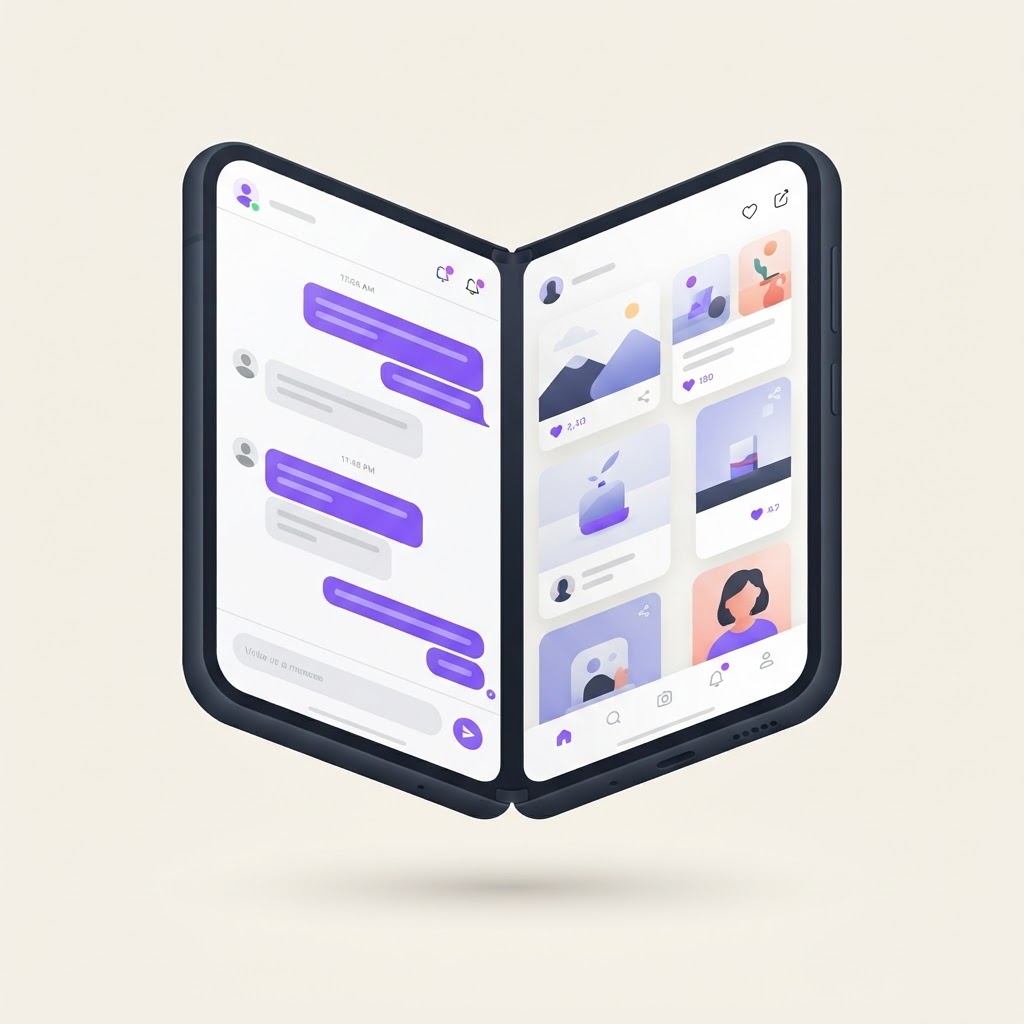
Apple finally did it. At the September 2026 "Surprise and Shine" event, the iPhone Duo became the first foldable iPhone: a book-style device with a 7.8-inch inner display, a compact outer screen, and split-screen multitasking with side-by-side apps.

Image: Apple Newsroom , official press image, used for editorial commentary
The reviews have been predictable. It's thinner than expected. The crease is less visible than the competition's. The camera system is the best Apple has shipped.
All of that misses the point.
The Hardware Is the Least Interesting Part
Here's my position: the iPhone Duo's hardware isn't the story. The story is that a folding screen quietly rewrites fifteen years of mobile UI assumptions that every designer has been building on since the original iPhone.
Single column layouts. Thumb-zone targeting. Portrait-first compositions. The entire mental model of "a phone app" has been one screen, one task, one flow.
Now your phone opens like a book, and suddenly an app can be two things at once. Chat on the left, feed on the right. Canvas on the left, toolbar on the right. Content on one half, controls on the other. Apple's developer guidance for the Duo is already pushing developers toward dual-pane layouts, and that's a whole new pattern library that doesn't exist yet.
Nobody has designed for this at scale on iOS. There are no established conventions, no Dribbble clichés to copy, no "best practices" written by someone smarter than you. There is just a blank canvas.
That's rare. In 2026, most of UI design is refinement, getting 4px closer to an existing pattern. The Duo is a genuine reset.
What I'd Actually Do About It
If you design or build apps, don't wait for the design systems to arrive. Get ahead of them.
1. Audit your app for its natural split. Every app has one: reading + navigation, canvas + layers, feed + detail, compose + reference. Ask: if my app suddenly had two panes, what's on the left and what's on the right? If you can't answer that in five seconds, your information architecture has a problem the Duo just exposed.
2. Build one dual-pane prototype. Not a redesign. A single flow, adapted. Take your most-used screen and make it two. You'll learn more about your app's hierarchy from that one exercise than from a quarter of dashboards.
3. Don't design for the fold. Design around it. The fold line is a seam, not a wall. The best dual-screen layouts treat the two halves as one continuous space where content flows across, not two separate apps stapled together. Maps and canvas tools will win here; form-based apps will struggle.
The Practical Part
Prototyping a dual-screen layout used to mean a native dev environment and weeks of work. It doesn't anymore. Tools like Base44 let you describe a dual-pane layout and get a working interactive prototype in an afternoon, which makes right now the cheapest moment there will ever be to experiment with foldable UI patterns before conventions harden.
And if you want to visualize how your design looks on an actual device before committing to the build, you can mock it up in seconds in the NewForm Studio instead of guessing.
The Takeaway
Every major form-factor shift created the design careers of the next decade. The App Store made mobile-first designers. The Watch made glanceable-UX specialists. The Duo is Apple telling the design world: dual-screen is now mainstream, not a Samsung niche experiment.
The designers who build real fluency in dual-pane patterns over the next year will be the ones the industry copies for the next five.
So what's the first app you'd redesign for a folding screen?
What's your take on the iPhone Duo? Reply with the app you think benefits most from a folding screen. I'm collecting them for a follow-up piece.
Find Your Stack
Discover the perfect design tools for your workflow.
Take the 60-second quizNewForm Studio
Turn your designs into professional mockups instantly.
Open StudioMore from NewForm

OpenAI's Dots Can Turn Designs Into Working Apps: What Designers Should Do About It
OpenAI's Dots promise always-on AI agents that turn designs into working apps. The DevDay live demo failed, but the design-to-dev shift is real. Here's what designers should actually do about it.
5 min read · Oct 3, 2026

Shopify Canvas: When Building a Store Becomes a Conversation, What Happens to Designers?
Shopify Canvas lets merchants build a full store by chatting with AI. But the real story is the design contract behind it, and what it means for designers and builders who want to stay ahead.
6 min read · Oct 2, 2026