
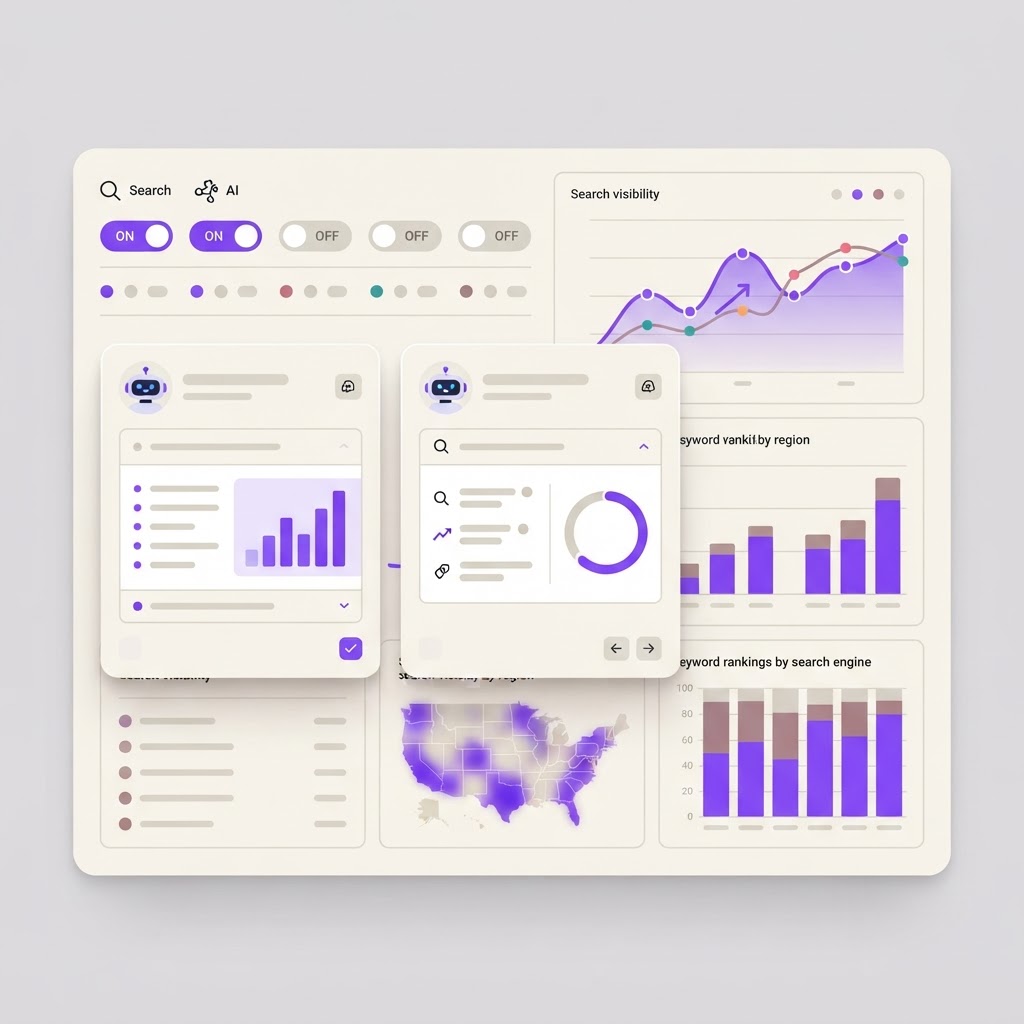
Base44 AI Visibility: See Exactly How AI Assistants Describe Your App
Base44 AI Visibility: See Exactly How AI Assistants Describe Your App
People are asking ChatGPT, Claude, and Gemini for product recommendations instead of Googling. If your app is not showing up in those conversations, you are invisible to a growing channel. Base44 just added a tool that shows you exactly what AI assistants see when someone asks about your app.
It is called AI Visibility, and it sits in the SEO and GEO settings page. It launched in late September 2026 and is available on the Pro plan and above.
This is not another analytics dashboard. It is a direct window into how the AI models that millions of people use every day perceive your product.
What It Does
The AI Visibility tab shows you three things:
Whether AI assistants can read your pages. If a model cannot access your content, it cannot recommend your app. The tab tells you which pages are readable and which are blocked.
Which pages the models draw on when answering. When someone asks "what is the best tool for X" and your app comes up, the AI is pulling information from specific pages. AI Visibility shows you which ones, so you know what content is actually doing the work.
How a model describes your app. This is the most eye-opening part. You get to see, in plain text, what an AI assistant says about your product. If the description is wrong, vague, or missing your key value proposition, you have a problem you can now fix.
What It Replaces
Before this, you had no idea what AI assistants were saying about your app. You could check your Google rankings. You could track your backlinks. You could optimize your meta tags. But when someone asked ChatGPT "what is the best app for tracking personal finance," you were flying blind.
AI Visibility replaces guesswork with data. It is the SEO equivalent of seeing your Google search result for the first time. Once you see how you are described, you can optimize for it.
How To Use It
Step 1: Open SEO and GEO in your app settings. Navigate to the AI Visibility tab.
Step 2: Check if your pages are readable. If any are blocked, fix your site's accessibility settings. AI models need to crawl your pages to recommend you.
Step 3: Read the model's description of your app. This is your AI search result. Is it accurate? Does it mention your key features? Does it position you the way you would position yourself?
Step 4: Update your content based on what you find. If the AI description is missing your core value, that means your landing page copy is not clear enough. Fix the copy, and the next time models crawl your site, they will have better material to work with.
Why This Matters For Income-Producing Apps
If you are building an app to make money, every discovery channel matters. Google search is one. Social media is another. AI assistant recommendations are the newest, and they are growing fast.
When someone asks Claude for a recommendation in your category, you want your app to show up with an accurate, compelling description. If the model describes you as "a basic task management tool" when you are actually a full project management suite with automation and collaboration features, you are losing customers to apps that are described more accurately.
AI Visibility gives you the information you need to fix this. It is competitive intelligence for a channel that did not exist two years ago.
The apps that optimize for AI search now will have a massive advantage over the ones that wait. This is the early days of AI SEO, and being first matters.
Build your app on Base44 and get AI Visibility built into your platform. See how AI describes you, fix what is broken, and own your AI search presence before your competitors do.
Find Your Stack
Discover the perfect design tools for your workflow.
Take the 60-second quizNewForm Studio
Turn your designs into professional mockups instantly.
Open StudioMore from NewForm
Base44 Built Its Own AI Model. Here Is Why That Matters For Every App You Build.
Base44 launched Base 1, its own proprietary AI model, becoming the first app builder to own its model stack. Here is what changes for every app you build and why it matters for income.
6 min read · Oct 1, 2026
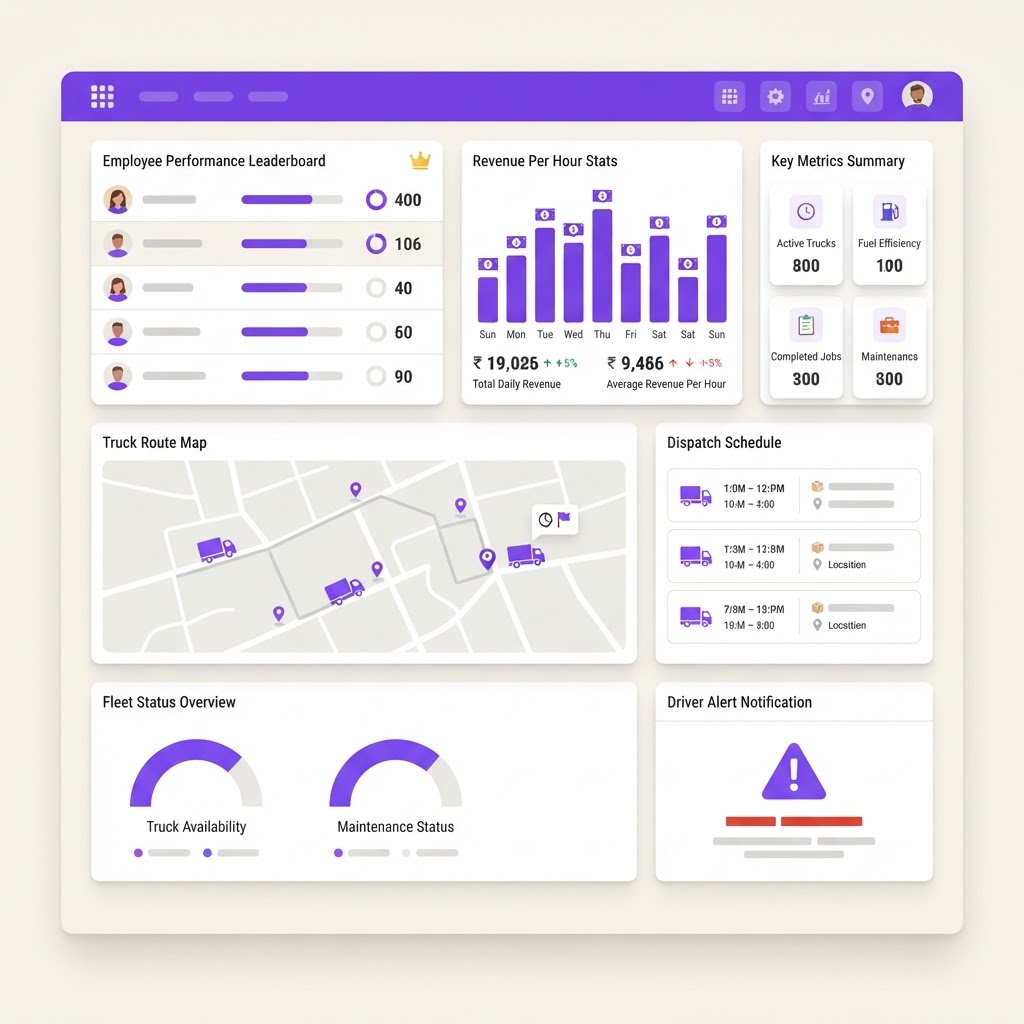
How Two Brothers Turned a Junk Removal Side Hustle Into a $3M Business (With a Base44 App Built by a Teenager)
Two brothers built a $3M junk removal business. A teenager on their team built the internal app they run it on using Base44. Here is exactly how they did it and what you can copy.
7 min read · Oct 1, 2026