
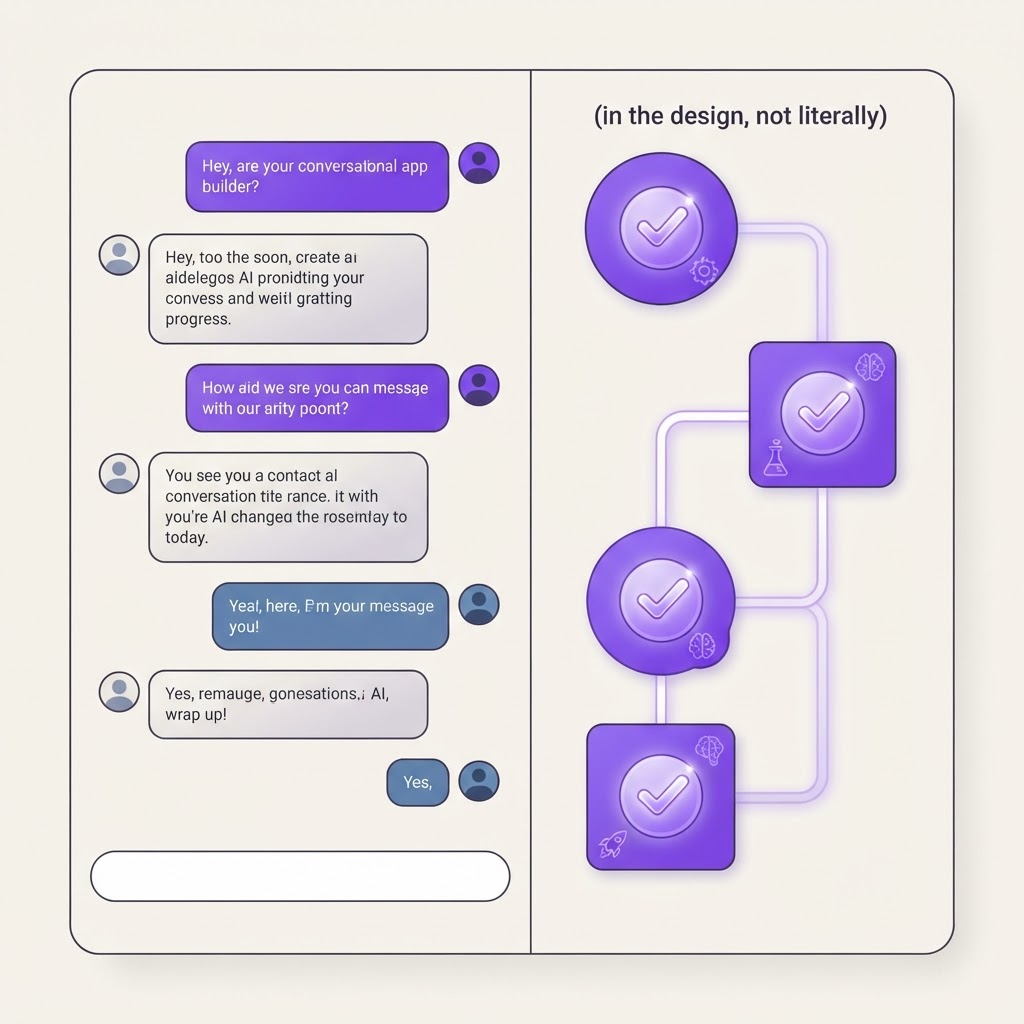
Base44 Plan Mode: Build Apps by Conversation Instead of Question Cards
If you have ever used an AI app builder, you know the experience. It asks you a series of questions. What is your app about? Who are the users? What features do you want? Each question comes as a card with fixed options. You pick one. It asks the next. It feels like a form, not a conversation.
Base44 just killed that experience and replaced it with something better.
What Changed
On September 10, 2026, Base44 rolled out a complete redesign of Plan Mode. Instead of walking you through a fixed set of question cards, Plan Mode is now a conversation. The AI reacts to what you say, asks about what is genuinely missing, and suggests things you have not thought of.
Here is what that means in practice:
Answer in your own words. Most questions come as plain text prompts instead of rigid option cards. You can answer partly, skip a question entirely, or take the conversation in a different direction. The AI adapts.
Keep typing whenever you want. You do not have to wait for the AI to ask before you respond. If a question is on screen and you want to add context or change direction, just send a message. The AI takes it into account alongside everything else.
Watch the plan fill in beside you. Plan progress sits next to the conversation and tracks four sections: intent and goal, audience and roles, core flows, and design. Each section checks off automatically once the AI has enough information to write it. You can see exactly what is done and what is still open.
Some questions still come as option cards when the answer is a concrete choice (like picking a template or a color scheme). But the vast majority of the planning conversation is now freeform text.
Why This Matters
The old question-card flow had a fundamental problem: it assumed the AI knew what questions to ask. If your app idea did not fit neatly into the expected categories, you were stuck either forcing your idea into the AI's framework or abandoning the tool entirely.
The new conversational approach flips that dynamic. The AI follows your lead. You describe what you want, the AI figures out what it still needs to know, and the plan builds itself around your actual idea instead of a template.
How To Use It
Here is a concrete walkthrough for building an app with the new Plan Mode:
1. Start with a rough description. Do not worry about being precise. Something like "I want to build an app where people can track their reading habits and share reviews with friends" is enough. The AI will start the conversation from there.
2. Let the AI ask follow-ups. It will probe for the things it genuinely needs: who are the users, what should the core flow look like, what data do you need to store. Answer the ones you have thought about. Skip the ones you have not. The AI will come back to the gaps later.
3. Add context whenever it occurs to you. If you are halfway through the conversation and suddenly remember you want a dark mode, just type it. The AI incorporates it into the plan without making you backtrack.
4. Watch the progress panel. As the four sections (intent, audience, flows, design) fill in, you can see exactly where you stand. If a section is stuck, you know the AI needs more from you on that specific topic.
5. Let it build. Once all four sections are complete, the AI has enough to generate your app. No more guessing what information was missing. The plan IS the spec.
Why It Matters for Builders
If you are building income-producing apps, every hour matters. The old Plan Mode was functional but rigid. If your idea was unconventional, you spent time fighting the tool instead of building.
The new conversational Plan Mode removes that friction. You can go from idea to working app faster because you are not constrained by a fixed questionnaire. The AI meets you where you are and adapts to your specific use case.
This is especially powerful for people who are not technical. You do not need to know what a "data model" is or how to structure "user roles." You just describe what you want in plain English and the AI figures out the technical structure behind the scenes.
The Bigger Pattern
This update is part of a clear trend at Base44: making the AI smarter about context instead of making the user smarter about the tool. The platform keeps getting better at understanding intent, which means you spend less time translating your ideas into the AI's format and more time on the actual product.
For anyone building apps to make money, that means lower friction from idea to launch. And lower friction means you can test more ideas, fail faster on the bad ones, and double down on the ones that work.
Try the new Plan Mode on Base44 today. Describe your app idea in your own words and see how the conversation flows.
Find Your Stack
Discover the perfect design tools for your workflow.
Take the 60-second quizNewForm Studio
Turn your designs into professional mockups instantly.
Open StudioMore from NewForm
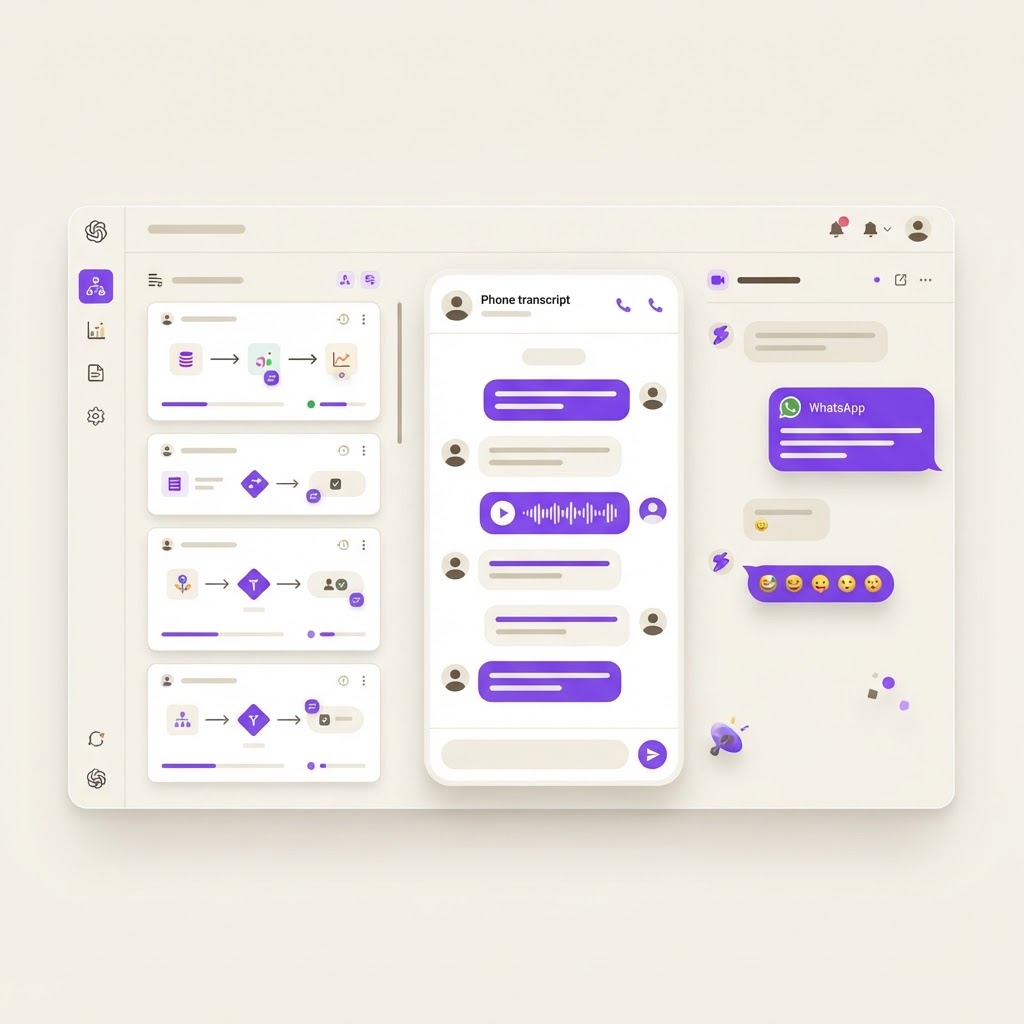
Base44 Superagents: Your AI Agent That Actually Ships Work (Not Just Chats)
Base44's Superagent is not another chatbot. It can use skills, fetch phone call transcripts, react on WhatsApp, and actually complete tasks across your tools and channels. Here is what it does and why it matters.
7 min read · Sep 14, 2026

How GiftMyBook Hit $1M ARR in 3 Months on Base44 (A Real Success Story)
Yoav Hornung built a personalized AI gift book business on Base44 and scaled it to $1M annualized revenue in 90 days. Here is how he did it and what you can copy from his playbook.
7 min read · Sep 14, 2026