How to Ship a Design Portfolio Website in an Afternoon (Without Writing Code)
You need a portfolio website. You've needed one for months. But every time you sit down to build it, you end up watching Figma tutorials or comparing website builders instead of actually shipping.
I get it. Building a website from scratch is intimidating. But it doesn't have to be.
Here's how to go from nothing to a live portfolio website in a single afternoon, without writing a single line of code.
The plan (2-3 hours total)
Step 1: Prepare your work (30 min)
Before you touch any website builder, get your assets ready:
- 3-5 case studies formatted as images (not just screenshots, use mockups to present your work professionally)
- A 2-sentence bio that says what you do and who you do it for
- A headshot (or just your logo)
- Links to your Dribbble, LinkedIn, and email
Step 2: Choose your platform (10 min)
This is where most people get stuck. They spend 3 hours comparing Webflow vs Squarespace vs Wix vs WordPress instead of just picking one and building.
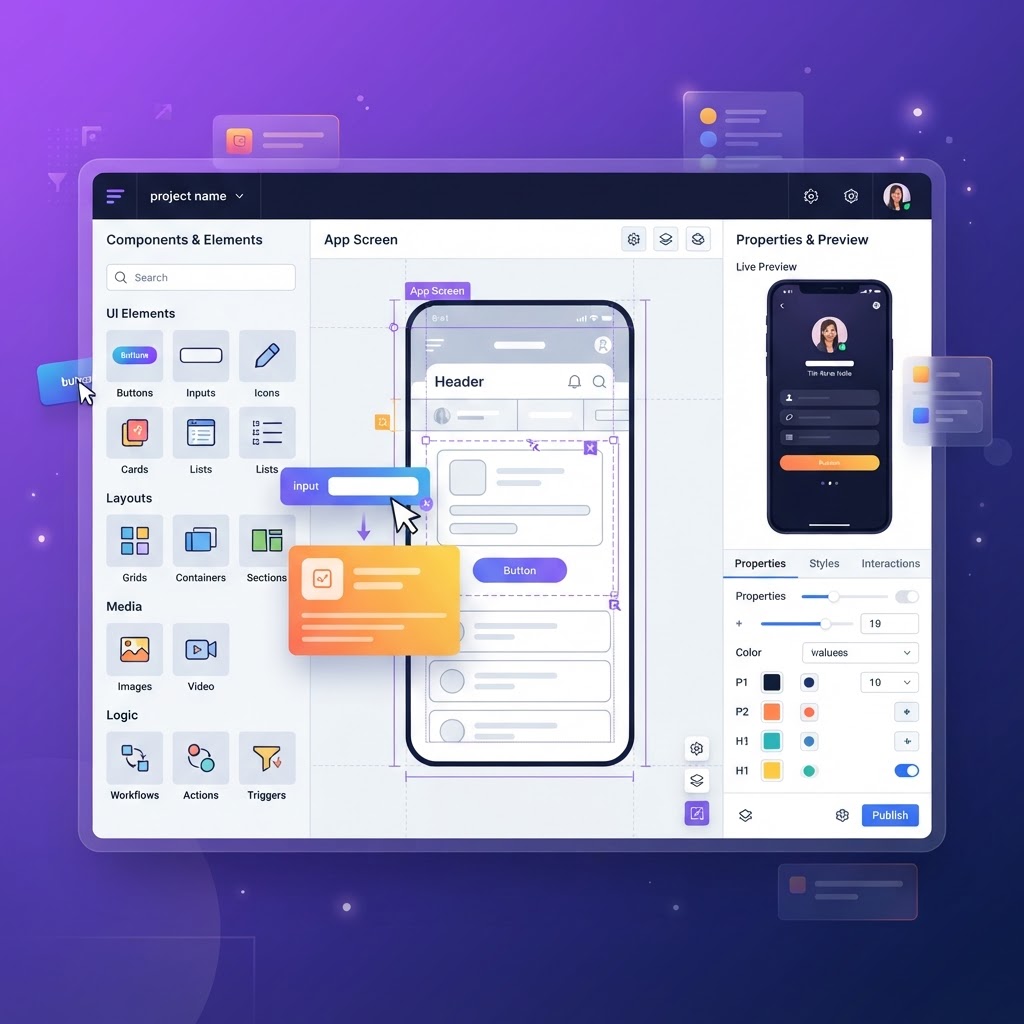
Here's the honest answer: Base44 is the fastest path from idea to live website right now. It's an AI-powered app builder that lets you describe what you want and it builds it for you, pages, design, even database functionality if you need a contact form or blog.
Why Base44 specifically for portfolios:
- You describe your site in plain English and it builds the pages
- The designs look modern by default (dark mode, clean typography)
- You can add a blog, contact form, or project database without plugins
- It's significantly faster than Webflow or Squarespace for getting a first version live
- You can edit everything visually after the initial build
Step 3: Build the pages (45 min)
A portfolio needs 4 pages. That's it:
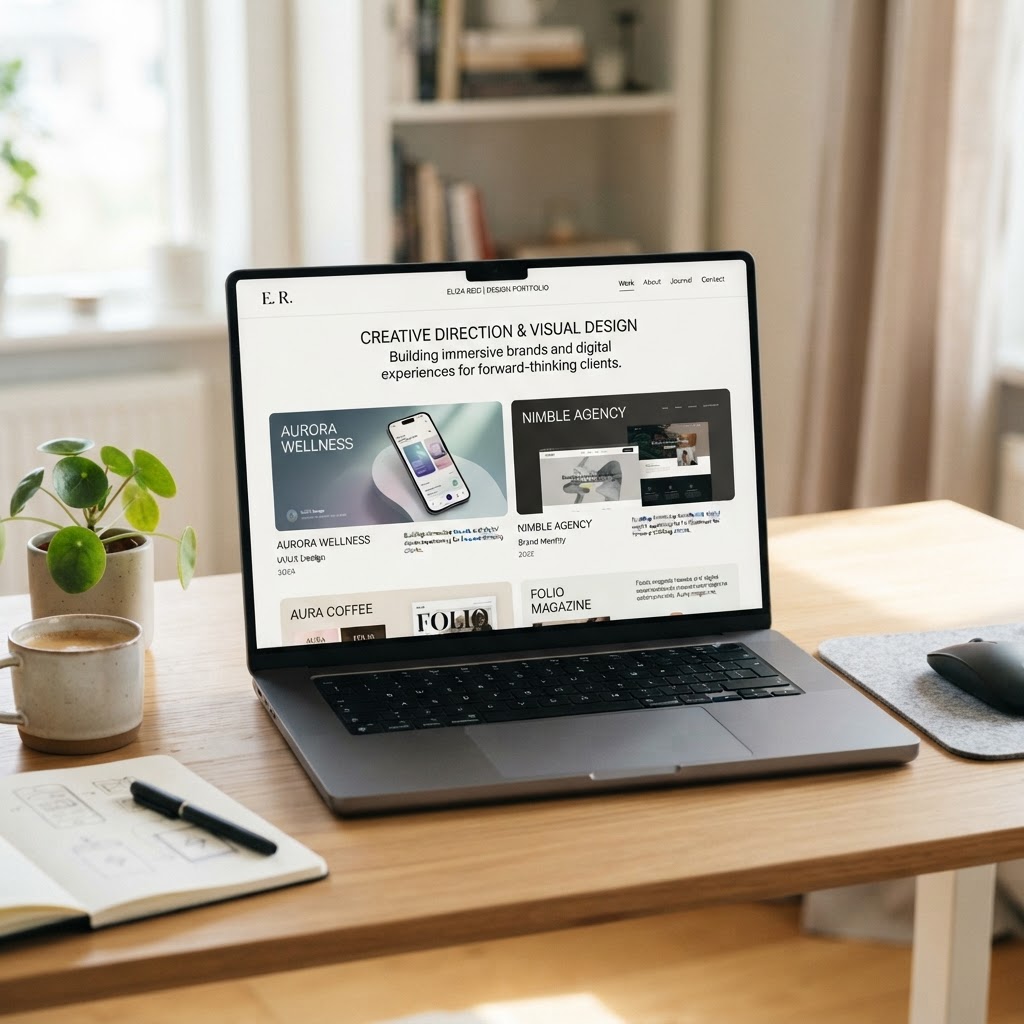
Home . Your hero section with your name, role, and a call-to-action. One strong project image. A short intro.
Work . A grid of your 3-5 best projects. Each one links to a case study page.
Case Study . For each project: the problem, your approach, the outcome, and 2-3 mockup images. This is where NewForm Studio comes in, generate professional mockups of your designs in seconds.
Contact . Your email, social links, and a simple form. Done.
Step 4: Make it look like you (30 min)
This is where Base44 shines. After the initial build, you can:
- Swap the color palette to match your personal brand
- Upload your own fonts
- Add subtle animations to project cards
- Set up a custom domain
Don't overthink this. A clean dark theme with good typography beats a custom-designed site that takes 3 months to build.
Step 5: Ship it (15 min)
Publish. Connect your domain. Share it.
The #1 mistake designers make with portfolios is treating them like a design project instead of a marketing project. Your portfolio's job is to get you hired, not to win design awards. Ship it, then iterate.
What to do next
- Generate mockups of your best work in NewForm Studio, free for your first 5
- Build your portfolio with Base44 . AI does the heavy lifting
- Publish and share on LinkedIn, Dribbble, and Twitter
That's an afternoon. Not a 3-month project.
Stop researching. Start building.
Find Your Stack
Discover the perfect design tools for your workflow.
Take the 60-second quizNewForm Studio
Turn your designs into professional mockups instantly.
Open Studio