The Designer's Guide to Base44: Building Your Portfolio Without Code
The Designer's Guide to Base44: Building Your Portfolio Without Code
As a designer, your portfolio is your most valuable asset. But building a portfolio website used to mean either learning to code or paying a developer. Base44 changes that. It's a no-code platform that lets you build real, functional web apps with a database, authentication, and custom pages, all through conversation with an AI builder.
What Base44 Actually Does
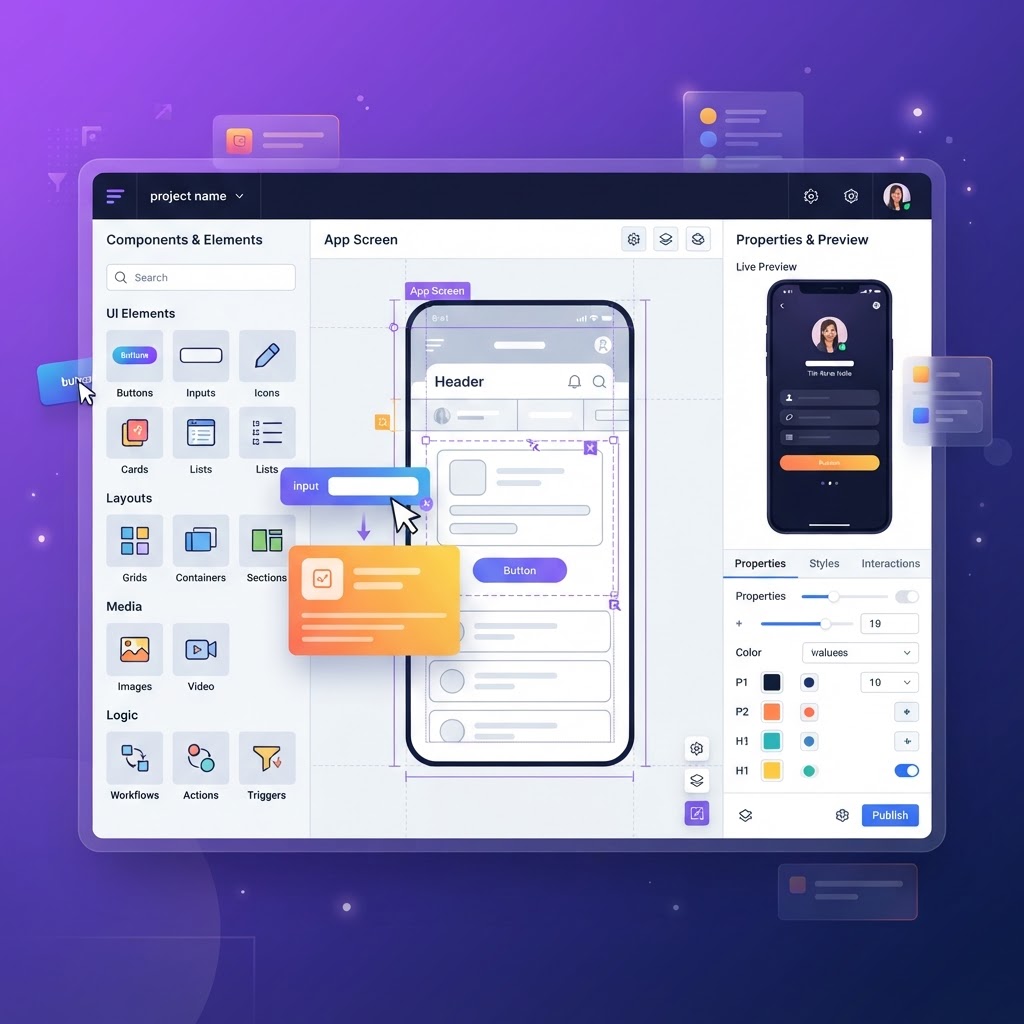
Base44 is an AI-powered app builder. You describe what you want in plain English, and it builds the app for you, pages, database, user authentication, backend functions, and all. No code. No templates. Just your ideas, turned into a working product.
For designers, this means:
- Build a custom portfolio site with project pages, case studies, and contact forms
- Create a design tool or resource hub (like a component library showcase)
- Build a client portal for project management
- Prototype functional apps without writing a single line of code
Why Not Just Use Squarespace or Webflow?
Static site builders are great for simple portfolios. But they hit a wall when you need functionality:
- Want a contact form that saves to a database? You need a third-party integration.
- Want a client login area? You need yet another tool.
- Want to build a mini app (like a mockup generator or quiz)? You need a developer.
Base44 handles all of this natively. The database, authentication, and backend functions are built in. You're not bolting on integrations, you're building a real application.
Building a Portfolio with Base44: Step by Step
-
Describe your portfolio. Tell the AI builder what you want: "A portfolio site with a homepage, project gallery, individual case study pages, an about page, and a contact form that saves submissions to a database."
-
Customize the design. Base44 generates pages with clean, modern styling. You can ask for changes: "Make the hero section darker, use a serif font for headings, and add a grid layout for project cards."
-
Add functionality. Want a blog? A resource library? A quiz that recommends tools? Ask for it: "Add a blog page where I can publish articles with cover images and tags."
-
Connect your domain. Base44 lets you deploy to a custom domain with one click.
What Designers Are Building with Base44
- Portfolio sites with case studies, project galleries, and contact forms
- Design tool directories with search and filtering
- Quiz apps that recommend design tools based on user needs
- Client portals with project tracking and file uploads
- Resource hubs with categorized design templates and downloads
The Advantage for Designers
The biggest advantage isn't the no-code part, it's the speed. A designer can go from idea to live portfolio in an afternoon. That means more time iterating on the design itself, less time fighting with code or CMS limitations.
And because Base44 apps are real applications (not static sites), your portfolio can grow with you. Start with a simple gallery, add a blog later, build a contact portal after that, all without rebuilding from scratch.
Getting Started
Base44 offers a free tier to explore the platform. If you're a designer who's been putting off building your portfolio because of the technical barrier, this is your sign to start.
And once your portfolio is live, try the NewForm Studio to create professional mockups of your work.
Find Your Stack
Discover the perfect design tools for your workflow.
Take the 60-second quizNewForm Studio
Turn your designs into professional mockups instantly.
Open Studio