
Canva Craft Is the First AI Image Model Trained on Design, Not Photography
Canva just shipped Craft, its first in-house image generation model, and most of the coverage has settled on the same angle: Canva is chasing OpenAI and Google in the AI image race. That framing misses the actual story. Craft is not trying to win a beauty contest. It is the first frontier image model built specifically for design: trained on millions of human-created Canva templates instead of primarily photographs, and structured so it plans a layout before it generates a single pixel. If you make posters, decks, menus, and social graphics for a living, that is a different category of tool, not another model in the pile.
The announcement is live on Canva's newsroom, and The Verge and Digital Trends both have solid coverage.

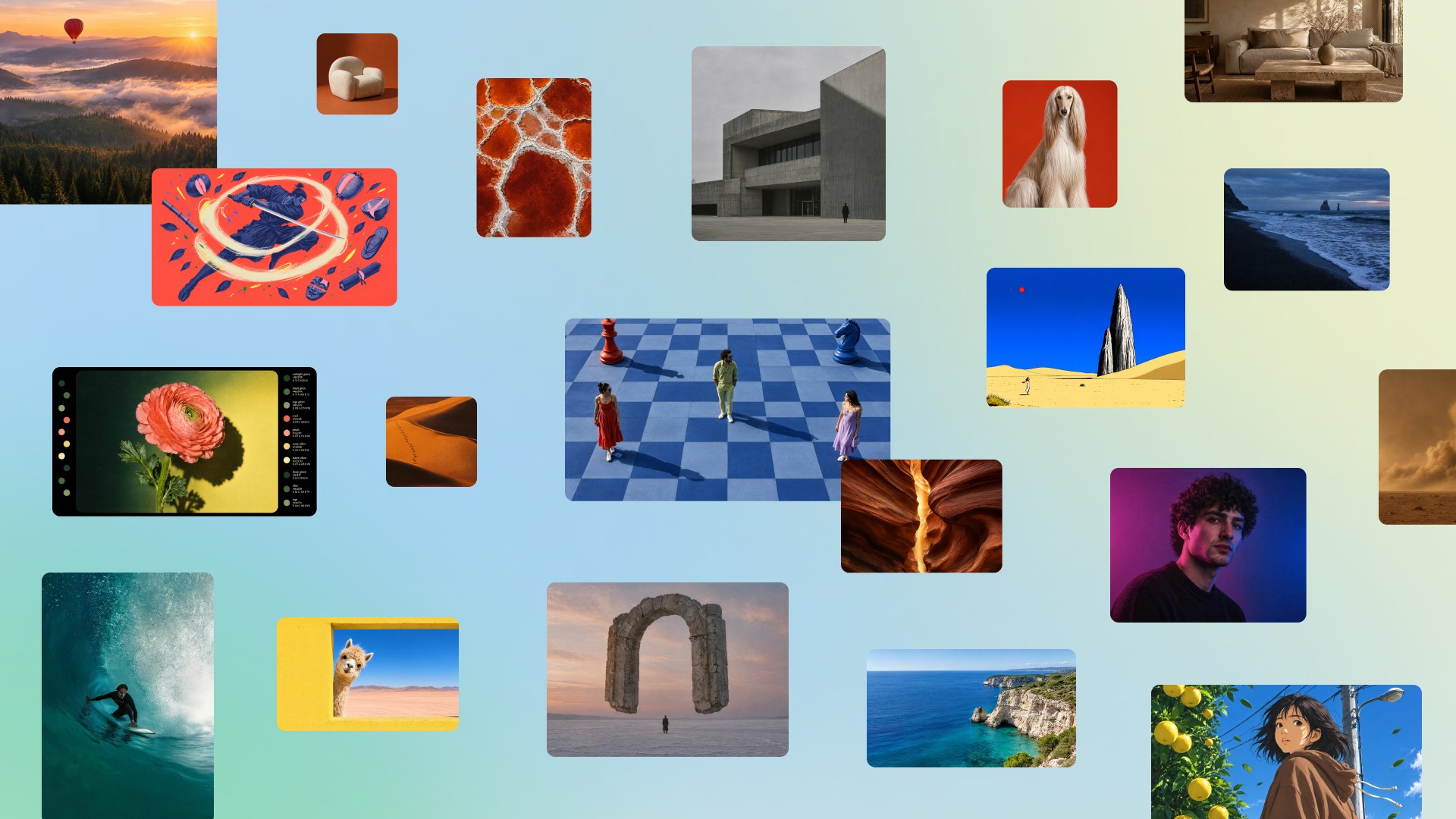
Image: Canva, via The Verge.
Why most coverage is grading the wrong thing
AI image coverage usually grades output like an art critic: is it gorgeous, is it photoreal, did it get the hands right. Working designers grade output like a production manager: can I ship this today, does the text render correctly, can I fix one element without breaking the composition, does it exist in the aspect ratio my client asked for. Model after model has failed on those practical measures. Beautiful pictures are abundant. Shippable graphics are rare.
Craft attacks exactly that gap. The model runs a two-stage process. First it interprets your prompt and plans the composition: object placement, scale, visual hierarchy, and text. Then it generates the image at up to 2K resolution in more than 30 aspect ratios. Canva says the planning stage is what produces readable text and accurate details, and it lets you edit individual elements without the rest of the image shifting under you. The output can be converted into layered, editable designs through Magic Layers, which means it can enter a real workflow instead of dying as a flat export.
The second detail everyone is glossing over is the training data. Craft was trained on millions of human-created Canva templates: menus, posters, infographics, presentations, typography-heavy layouts. Photographs teach a model how the world looks. Template design teaches a model how people compose: where a headline sits, how much breathing room a price list needs, when a color is doing structural work instead of decoration.
Canva also says Craft makes it the second most advanced AI lab for image generation on DesignArena's leaderboard. Verify before you repeat that one, since a lab grading its own homework is not a neutral source, but even the ambition tells you where this market is going.
My take
This is the most design-relevant image model launch of the year, and it lands in two very different ways.
The unambiguously good part: text rendering, honest element-level editing, and layered output are precisely the failures that keep AI images out of real client work. If Craft delivers, the distance between generate and deliverable collapses, and every content team running template-driven design gets faster overnight. Cheaper variants called Craftfast and Craft-ultrafast are already in the works, a developers' API is open, and integrations with assistants like ChatGPT and Gemini are planned through MCP. Canva is not positioning this as a feature in its app. It is positioning itself as the image layer every agent touches when design work happens. That is the right bet.
The uncomfortable part: Craft is, by design, a model of consensus taste. Millions of templates is a spectacular training corpus, but the median of an enormous design dataset is, definitionally, the stuff most people already make. Craft will raise the floor. More people will produce cleaner, more competent, more typographically sane graphics, and the baseline clients expect will rise with it. If your portfolio is interchangeable with a good template, this launch is not a tool that saves you time. It is a slow clock.
So the real question for designers is not whether AI images will get better. They will. The question is what sits above the median. Systems thinking, art direction, brand judgment, the ability to tell a client why the obvious version is the wrong one: that is the work a model cannot average its way to.
What to do about it
- Budget an hour this week in Dream Lab and generate the exact things you actually make: a menu, an event poster, a cover slide. Grade the output like a producer, not a critic.
- Stress the text. Give it a real headline, a date, a price list. Readable text was the core promise, so hold it to that promise.
- Push one output through Magic Layers and count how many real edits survive before you rebuild by hand. That number tells you whether it is production or a demo.
- If you build products, watch the API and the MCP integrations. A design model your app can call is a different proposition from a model you can only use by hand. If you want to ship an app around it fast, Base44 is our top pick for AI app builders.
- Track third-party evals of Craft instead of lab self-assessments. DesignArena placements from independent runs are the ones worth quoting to clients.
The takeaway
Photography-trained models made everyone a photographer. A design-trained model makes everyone a competent layout maker. The premium moves to taste, to judgment, and to the decisions a template cannot make for you. That shift is not a threat to design as a craft. It is the clearest demand signal in years: the closer production gets to free, the more valuable the thinking becomes.
And if you're pairing this kind of design engine with an actual product, so the graphics live somewhere real, that's exactly the kind of app you can ship quickly with Base44, our number one pick for AI app builders.
Related on NewForm
Keep reading

Find Your Stack
Discover the perfect design tools for your workflow.
Take the 60-second quizNewForm Studio
Turn your designs into professional mockups instantly.
Open StudioMore from NewForm

DeepSeek's Super-Agent Doesn't Wait for Your Prompt, and That Changes What You Build
DeepSeek open-sourced a coding agent that watches your chats and starts fixing problems before you ask. The real story is not China versus the US, it is that agents now spend human attention, and designing how they spend it is the next interface problem.
6 min read · Nov 2, 2026

The New robots.txt AI Training Opt-Out: What Designers and Builders Should Do With It
Google, Microsoft, OpenAI and Anthropic will honor one shared robots.txt line for AI training preferences. Here is how designers and builders should use it without disappearing from AI answers.
5 min read · Nov 1, 2026