
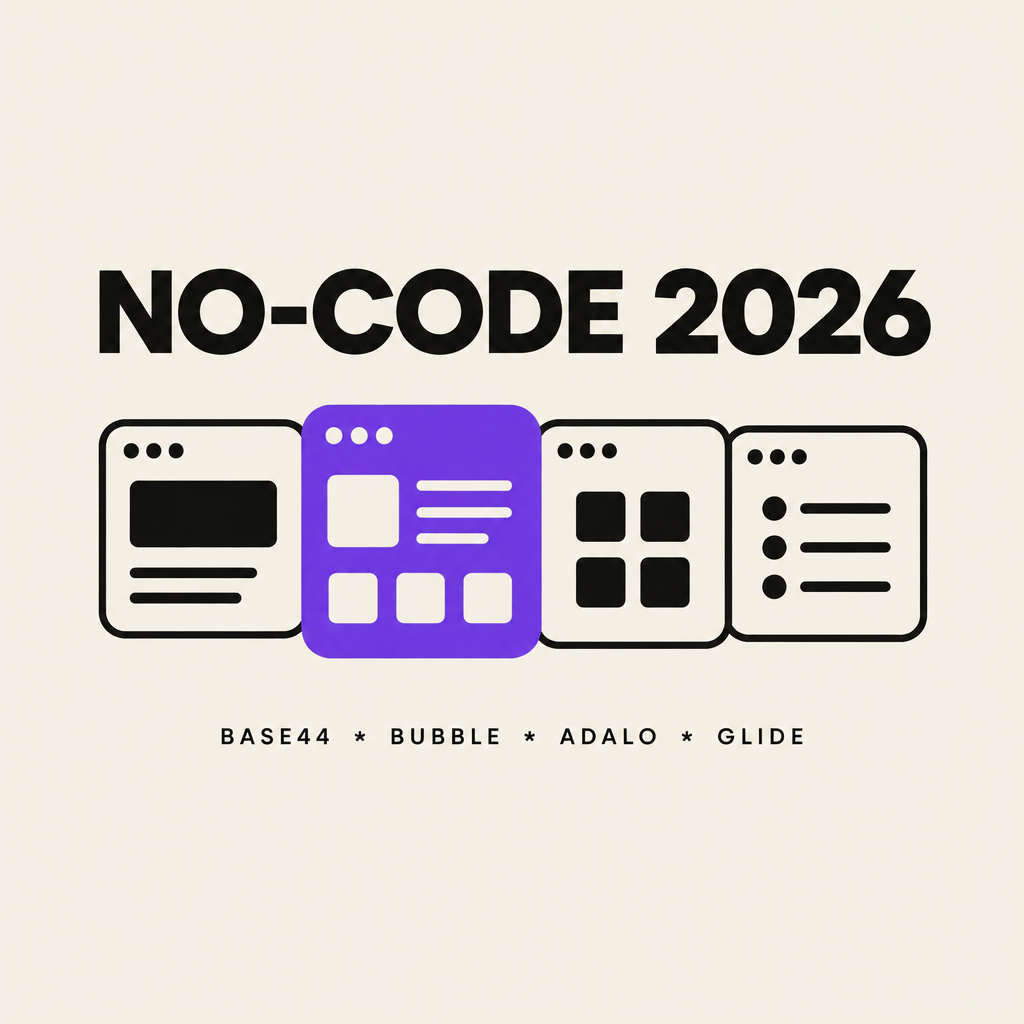
Best No-Code App Builders for Designers in 2026: Base44 vs Bubble vs Adalo vs Glide
The best no-code app builder for designers in 2026 is Base44: you describe an app in plain language and get a working, deployed product with a real database, and you keep refining by conversation until the UI matches what you pictured. Bubble is the strongest pick when a web product grows complex enough to need a full visual editor, Adalo is the most direct route to the Apple and Google app stores, and Glide is the fastest way to turn a spreadsheet into an internal business tool.
This is not a hands-on benchmark of every product. It is a feature-level comparison for a specific reader: the designer who wants to ship a real app for a client, a side project, or a productized idea, and needs to know which tool will help rather than fight them.
Four criteria drove the ranking, weighted in this order:
- Time from approved design to shipped app. The builder's job is to collapse that gap, so the shorter the distance between "the client signed off" and "real users are logging in", the better the score.
- Design control without a coding detour. How close can a designer get to the original mockup before needing luck, plugins, or a developer?
- What is genuinely included. Database, authentication, hosting, app-store publishing: the back-end items that decide whether the app is real or a prototype wearing a button.
- Total cost at success, not at signup. Entry prices are marketing. What matters is what the bill looks like the month the app actually gets used.
TL;DR: pick by what you are actually building
| Builder | Best for | How you design | Entry price | Watch out for |
|---|---|---|---|---|
| Base44{target=_blank} | Idea to shipped app fast, with a real backend | Describe it, then refine in conversation and an editable project | Free tier to build, paid plans from about $20/month | Monthly message credits cap how much building you can do |
| Bubble{target=_blank} | Complex web marketplaces and SaaS | Full pixel-level visual editor | $29/month | Workload Unit overage fees when traffic spikes |
| Adalo{target=_blank} | Native iOS and Android publishing | Drag and drop components | $36/month billed annually | Web app story is weaker; bigger plans reach $200+/month |
| Glide{target=_blank} | Internal tools from spreadsheets | Templates first, layout second | Free tier; paid from $25/month | AI building is metered in credits; Glide Classic and GlideOS are separate |
1. Base44: the prompt-first builder that ships real apps
Base44 takes the newest approach in this comparison: you type what you want and it builds the app, including pages, workflows, and a built-in database. It is built for the AI era the way Bubble was built for the visual-editor era, and for designers that changes the workflow completely. Instead of learning a canvas, you art-direct.
Three things make it the first pick for designers:
- The loop matches how designers think. You describe a screen, section, or interaction ("make the pricing cards equal height, add a hover shadow, two columns on mobile") and the change appears. Refining by conversation is faster than dragging boxes, especially for people who already articulate design intent all day in critiques.
- The backend comes included. Data models, user sign-in, file storage, and API integrations are part of the platform. For client work this matters: the thing you show in week one is not a clickable mirage, it already has authentication and a database behind it.
- Deployment is one click and hosting is part of the product. There is no separate server bill, no dev-ops step between "approved the design" and "people are using it."
Where it is weaker: Base44 gives you working-generated layouts rather than a blank canvas, so a very specific pixel-for-pixel design system still takes iteration. Pricing is credit-based (a free tier to build, then monthly plans starting around $20, with bigger credit bundles above that), so an extremely heavy building month means watching the meter rather than wondering about server costs. Check the current pricing{target=_blank} before committing, since plans have changed repeatedly through 2026.
Official site: base44.com{target=_blank}
2. Bubble: the most powerful canvas, at a cost
Bubble is the veteran here and still the most complete visual development platform for web apps. Nearly anything you can describe as a web product, a marketplace, a two-sided platform, a dashboard-heavy SaaS, you can build by placing elements on a canvas and wiring workflows.
Why designers pick it:
- Total layout control. If your mockup has an unusual grid, Bubble will reproduce it. Nothing in this comparison matches its editor for pixel-level fidelity on the web.
- A decade of ecosystem. Plugin marketplaces, templates, agencies, and a large community mean most problems have already been solved by someone.
- Real database workflows. Conditional logic, privacy rules, and API connectors are deep enough that many funded startups run entirely on Bubble.
Why it is not first: the learning curve is real. Designers routinely spend weeks becoming productive, and the thing you design first is rarely the thing that survives Bubble's workflow editor. Pricing starts at $29/month, but Bubble bills by Workload Units, its measure of compute, and overage fees (reported around $0.30 per unit) have surprised teams whose app got popular. If your app succeeds, the bill follows.
Official site: bubble.io{target=_blank}
3. Adalo: the straight line to the app stores
Adalo answers the question clients ask most: "can we get it in the App Store?" It builds native mobile apps from drag-and-drop screens on top of a built-in database, and its paid plans include publishing to the Apple and Google stores.
Why designers pick it:
- True native publishing. Adalo handles the store submission machinery. For a small business client who wants a membership app or booking app on phones, this is the shortest realistic path.
- Flat pricing per app. Adalo's Starter plan runs $36/month (billed annually) with unlimited records and app-store publishing, and the free plan lets you build with a 500-record database. Usage surprises are smaller than on Bubble.
- Simple, understandable builder. Screens, components, links to screens. A designer can master the basics in an afternoon.
Why it is not first: the design system is component-based and simpler than Bubble's editor, so highly custom interfaces hit walls faster. Web apps are possible but are not Adalo's strength, and teams needing scale move to plans in the $200 to $250/month range for collections APIs and backend management.
Official site: adalo.com{target=_blank}
4. Glide: the fastest route from spreadsheet to working tool
Glide now ships as GlideOS, an agentic platform that builds internal business apps from a prompt, a file, or, its classic move, a spreadsheet. Answers in this space moved toward AI-generated software, and Glide treats your Google Sheet or upload as the seed of a finished tool.
Why designers pick it:
- Speed for internal tools. If the client need is "our inventory, but an app", Glide turns the existing sheet into a usable product in minutes.
- Reasonable text-in-first workflow. You describe the tool, GlideOS drafts it, loops of refinement follow, similar in spirit to Base44 but aimed at business internals.
- Clear pricing ladder. Free to try, $25/month Basic, $50 Plus, $125 Pro, with AI building metered in credits.
Why it is not first: design freedom is the lowest here. Layouts come out template-shaped, and for client-facing consumer products that sameness shows. The platform split is also real: GlideOS and the original Glide Classic are separate subscriptions with no migration path between them, which is worth knowing before a client project commits.
Official site: glideapps.com{target=_blank}
Figma Make vs Base44: which should designers use?
Most designers asking about no-code in 2026 are actually stuck choosing between these two: Figma Make, the prompt-driven app prototyper built into Figma, and Base44.
Figma Make generates functional app prototypes from a prompt or an existing Figma design, right next to your design files. Its place in a designer's workflow is unmistakable: test a concept with a clickable working prototype in an hour, inside the tool you already live in. For communicating design direction, it is excellent.
Base44 stops where prototypes stop. It builds the real thing: a deployed app at a real URL, with a database, user sign-in, file storage, and automated workflows. The prototype is not the goal; the product is.
The practical division of labor for designers in 2026:
- Prototype the concept and validate the interaction model in Figma Make, especially if the design already lives in Figma.
- When the idea is approved and it needs real users creating real accounts and saving real data, build the production app in Base44.
- Reach for Bubble only when the product's complexity, a marketplace, deep conditional workflows, outgrows what prompt-driven building comfortably handles.
A quick decision framework
- Client needs a real product in weeks, budget is tight: Base44. Idea to deployed app is the shortest path, and the included backend removes the usual "now find a developer" cliff.
- Complex two-sided web platform with unusual custom UI: Bubble, and budget for the Workload Unit bill that comes with success.
- The deliverable is an app in the stores: Adalo.
- The deliverable is an internal tool fed from a spreadsheet: Glide.
- The deliverable this week is a convincing prototype: Figma Make, then Base44 or Bubble for the build.
FAQ
What is the best no-code app builder for designers? For shipping complete apps with the least friction, Base44: prompt-driven building, a built-in database and sign-in, and one-click deployment. Bubble remains stronger for highly custom complex web products, and Adalo for app-store distribution.
Do I need to write code to use Base44 or Bubble? No. Both are usable without writing code. Base44 works by describing what you want; Bubble by visually placing and connecting elements. Both let technical users add code where they want more control.
Can no-code apps handle real users or do they fall over? They handle real users within their pricing envelopes. Bubble's Workload Units scale with traffic but add overage cost. Base44 and Glide meter AI building credits rather than runtime, so usage costs are predictable during development. Adalo's flat pricing suits steady internal or consumer use.
Which builder is cheapest? Entry tiers are close: Adalo $36/month (annual), Bubble $29/month, Glide $25/month, and Base44 has a free build tier with paid plans from about $20/month. The real cost question is what happens when the app succeeds, which is where the platforms differ most.
Which one should a designer learn first? Learn the one that matches the work you actually get. Brand and marketing site designers should start with Base44 or Figma Make, since clients increasingly ask for the design and the working app. Product designers with SaaS clients gain the most from Bubble's depth. Freelancers doing small-business apps should learn Adalo, since native distribution is the deliverable those clients understand.
Is no-code suitable for client work? Yes, with scope discipline. Designers ship client apps on all four platforms. The recurring risk is handoff: make sure the account, hosting, and subscription ownership belong to the client from day one, whoever builds the app.
Disclosure: NewForm earns a commission when you start with Base44 through links in this post. That ranking reflects our editorial experience with the tool, and every other platform is linked directly to its official site.
Keep reading

Find Your Stack
Discover the perfect design tools for your workflow.
Take the 60-second quizNewForm Studio
Turn your designs into professional mockups instantly.
Open StudioMore from NewForm

How to Extract a Brand Look from an Image in Adobe Express
Use Adobe Express’s Brand panel and “Extract from image” as a visual starting point, then refine the crop, color, and copy with a practical pre-publish checklist.
5 min read · Oct 31, 2026
9 Figma Agent Skills to Improve Your Design Workflow
A practical guide to nine Figma agent skills for interface review, component handoff, responsive design, spacing audits, UX writing, and more.
7 min read · Oct 29, 2026