
OpenAI's GPT-6 Astra Works Inside Figma: What It Means for Designers
Last week, OpenAI launched GPT-6 Astra, their most capable model yet for professional work. The headlines focused on benchmarks, coding performance, and enterprise features.
But buried in the announcement was a line from Figma's Chief Design Officer, Loredana Crisan, that deserves way more attention: "Astra gets your vision and knows how to use Figma to achieve it, working through complex designs while you stay in control of the creative direction."
That's not a press release quote about image generation. That's Figma's own design lead saying an AI model can operate inside their tool. That's different. That's the story.
The Debate We've Been Having Is the Wrong One
For two years, the AI and design argument has been stuck on one question: can AI make good-looking images?
Designers pointed at warped text, broken layouts, and generic outputs. AI advocates pointed at photorealistic renders and said "look how far it's come." Back and forth, back and forth, while the actual ground shifted underneath both sides.
Here's the thing: image quality was never the bottleneck. The bottleneck was always whether AI could work inside a design tool. Not generate a pretty picture from a prompt, but open Figma, understand a component library, follow a brand system, respect snap-to-grid, use the right variables, and produce something that fits into an existing design workflow.
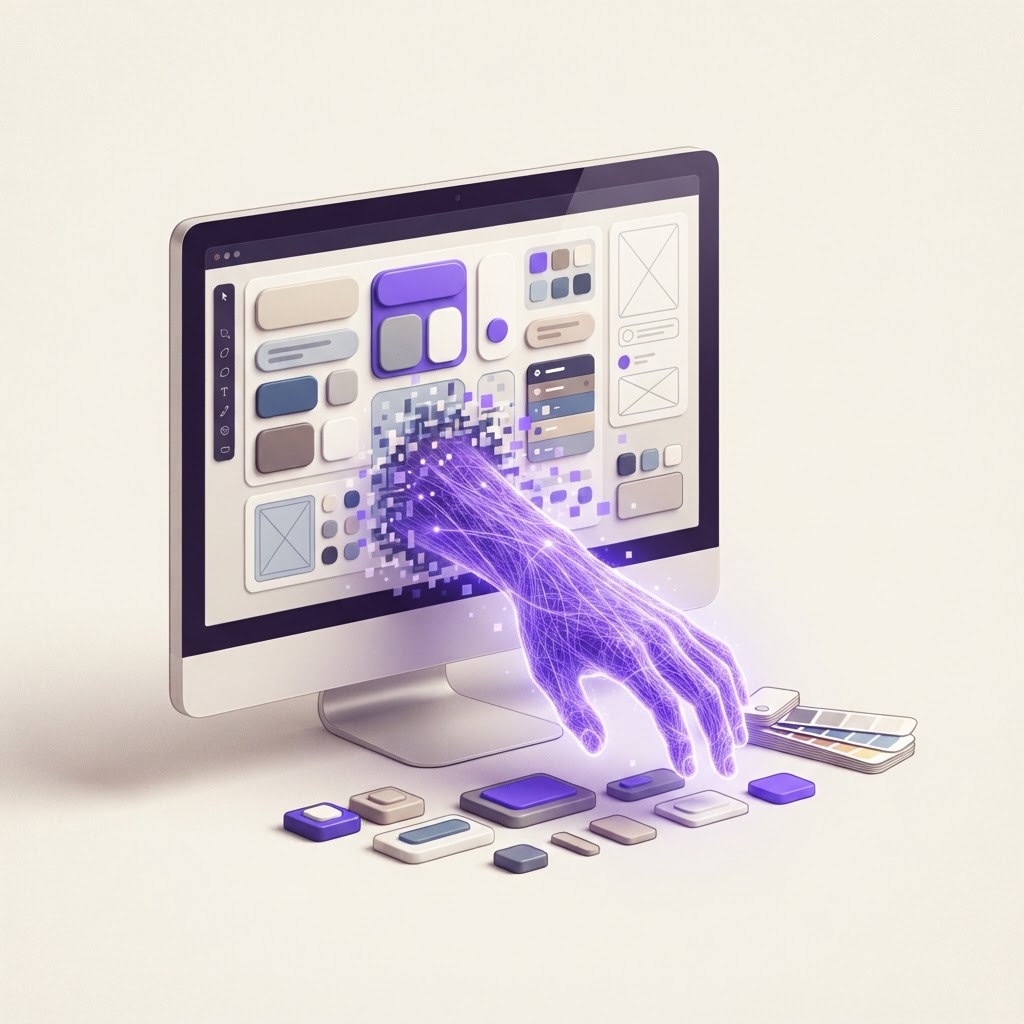
GPT-6 Astra's computer use capability lets it work through the same applications people use every day, even when those apps don't have an API. It can click through Figma's interface, read a canvas, place components, and edit existing frames. No plugin required. No special integration. It just uses the software like a person would.
OpenAI also notes that Astra is "better at following a company's voice, templates, and design standards, so the first result is closer to something a team can put to use." That's the sentence designers should actually pay attention to, because it describes the gap between "AI generated an image" and "AI produced a deliverable."
My Position: This Is a Role Elevation, Not a Replacement
A lot of designers are going to read this and feel the walls closing in. I get it. Every new AI release triggers that reflex. But I think this one points in a different direction than most designers fear.
Here's why: what Astra does inside Figma is execute. It takes a creative direction and produces the artifacts. That's the pixel-level work, the component-fiddling, the "make 12 variants of this button" tasks that eat a designer's day.
What it doesn't do is decide. It doesn't choose what to work on. It doesn't define the vision. It doesn't walk into a stakeholder meeting and defend why the primary CTA is purple instead of blue. It doesn't look at a business problem and decide that what the team actually needs is a simpler onboarding flow, not more dashboard features.
Those are the parts that make a designer valuable, and they're exactly the parts Astra doesn't touch. Figma's own CDO said it herself: "you stay in control of the creative direction."
The designers who thrive in this new landscape are the ones who get really good at that control part. Not the ones who compete with AI on execution speed.
What I'd Actually Do About It
If you're a designer or builder, here's how I'd approach this:
1. Stop arguing about whether AI can design. It can produce design artifacts. That argument is over. The interesting question now is whether you can direct AI better than the next person. That's the skill that matters.
2. Build fluency in AI-directed design workflows. Start using AI tools inside your actual design process, not as a side experiment. Give Astra or similar models a real design brief and see what it produces. Then critique it, redirect it, and refine the output. That loop (direct, review, redirect) is the core skill of the next decade.
3. Invest in the skills AI can't replicate. Strategy, stakeholder communication, taste, knowing what to work on. These were always the high-value skills. They just used to be bundled with execution, and now execution is getting automated. The designers who lean into the strategic layer will be more valuable than ever, not less.
4. Use the speed. If AI can produce 12 button variants in seconds instead of the hour it used to take, spend that saved hour on the brief. A better brief makes every variant better, and the compounding effect is massive.
The Practical Part
If you want to experiment with AI-assisted design and build workflows without waiting for a Figma plugin, tools like Base44 let you describe what you want and get a working, interactive prototype in minutes. It's the fastest way to experience the "describe it, get it" workflow that's becoming the new normal.
And if you want to visualize how a design direction looks before committing, you can mock it up in seconds in the NewForm Studio instead of building from scratch.
The Takeaway
The AI design conversation has been arguing about image quality for two years. GPT-6 Astra working inside Figma ends that argument by making it irrelevant. The new question is: can you direct an AI to produce design work that solves a real business problem?
That's a much harder question. It's also a much more interesting one. And the designers who answer it well will be the ones the industry follows for the next five years.
So: what's the first design task you'd hand to an AI that can use Figma?
What's your take on GPT-6 Astra's Figma integration? Reply with the design task you'd delegate first, I'm collecting them for a follow-up piece.
Find Your Stack
Discover the perfect design tools for your workflow.
Take the 60-second quizNewForm Studio
Turn your designs into professional mockups instantly.
Open StudioMore from NewForm

Figma's Weave Node Just Turned Every Design File Into a Content Factory
Figma quietly shipped a feature on September 17 that connects your design files to AI content generation workflows. The real story is not the AI: it is your design system becoming a content generation API.
4 min read · Sep 19, 2026

Anthropic Just Bet Everything on One Interface. What It Means for Designers.
Anthropic just merged its chat, agentic, design, docs, and slides tools into a single AI assistant. The bet: one interface can replace your entire creative workflow. Here is what designers and builders should know.
5 min read · Sep 18, 2026