
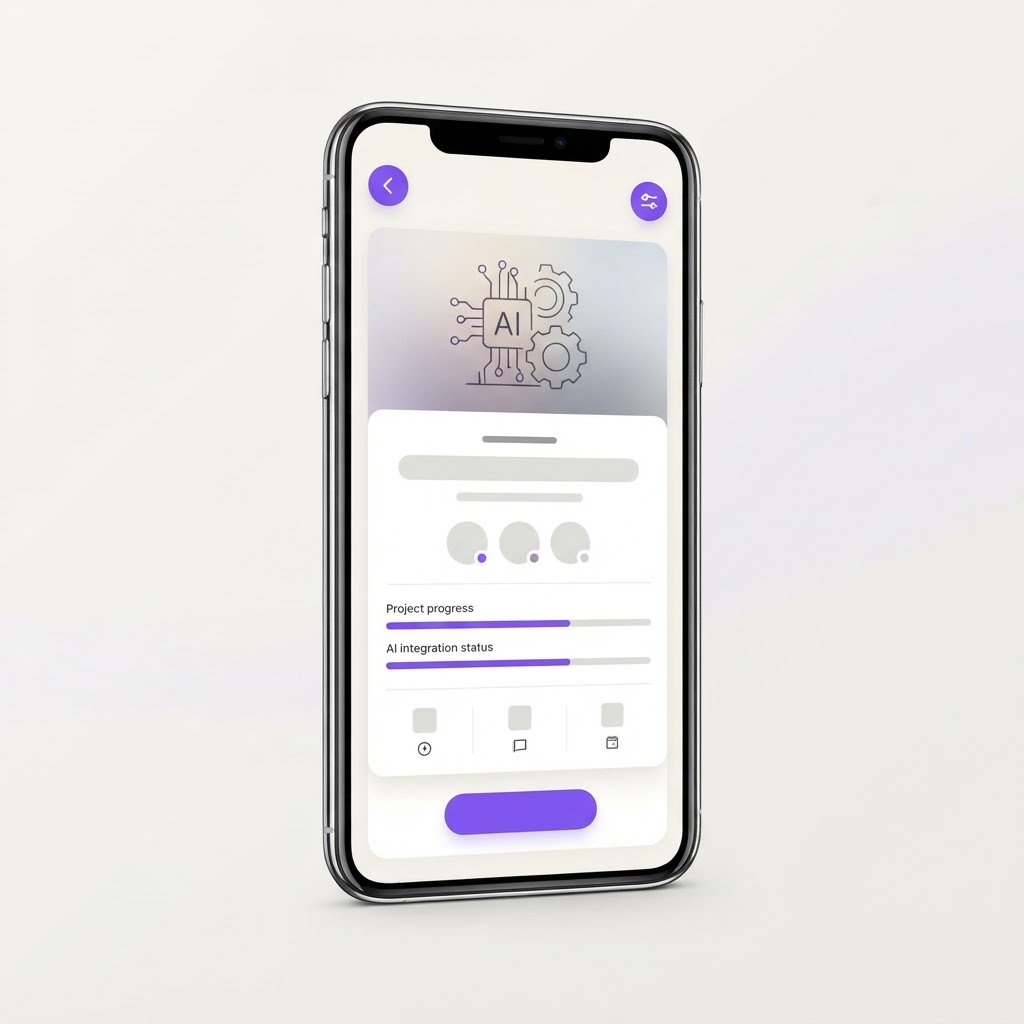
AI Mobile App Prototype Builder
Describe your mobile app idea in plain English, and AI generates interactive, navigable phone mockups with realistic screens, user flows, and tap-through prototyping.
Moat
The Prompt
Build an AI mobile app prototype builder for founders, designers and product teams. Start from a written description and return an editable screen list (name, purpose, primary action per screen) before generating any UI. Generate screens as structured JSON against one locked design system: type scale, spacing scale, corner radius, colour tokens and a fixed component set (stack, row, card, list, form field, button, tab bar, nav bar). Validate every generated screen against that vocabulary and retry on drift. Link screens with tap targets and real back behaviour, and preview inside iPhone (390x844) and Android (412x915) frames with safe areas. Support inline copy editing, component swaps and full undo. Refine by conversation by sending the current screen plus the instruction and applying a minimal diff rather than regenerating. Export PNGs and a shareable interactive preview link, with Figma export as a later phase. Keep the workspace to a phone preview in the centre, screen list on the left and properties on the right.
What You Can Build
- ✓Description to screen list: named screens with a purpose each, editable before any generation
- ✓One locked design system (type scale, spacing, radius, colour tokens, component set) applied to every screen
- ✓Screen generation as structured JSON validated against the component vocabulary, with reject and retry on drift
- ✓Tap-through navigation with real back behaviour and a screen list sidebar
- ✓Phone frame preview at iPhone 390x844 and Android 412x915 with safe areas respected
- ✓Inline text editing, component swaps and undo across every change
- ✓Chat refinement that returns a minimal diff to the current screen instead of regenerating it
- ✓PNG export and an interactive share link anyone can open in a browser
What's Hard
- ✗Visual drift across screens is the failure mode: without a locked token set and component vocabulary validated on every generation, the fourth screen uses a different button. Spatial precision is loose, so constrain layouts to a grid and a few primitives. Figma export through the API is the usual place these projects stall.
What You Lose
- −deepened: 2026-11-19
Human Review Checklist
Required Screens
User Flow
Write the idea -> model returns an editable screen list -> confirm -> generate screens against the locked token set -> preview taps through linked flows in a phone frame -> refine by chat with diffs and undo -> export PNG and share the interactive link
FAQ
Can AI build AI Mobile App Prototype Builder?
AI can generate mobile app prototypes from text descriptions. GPT can understand app structures, user flows, and UI component patterns well enough to produce realistic screen layouts. The key challenge is rendering these as interactive, navigable prototypes with tap-through navigation, which requires a frontend rendering engine. Using a component library (React Native components, or HTML/CSS phone mockups) combined with AI-generated layouts is the most practical approach. Export to Figma via the Figma API is achievable. AI refinement of existing prototypes via natural language is a strong differentiator. This is achievable for an intermediate-level build.
How hard is it to build AI Mobile App Prototype Builder with AI?
It's rated Intermediate. Medium
What tools do I need to build AI Mobile App Prototype Builder?
We recommend building it with Base44.
How long does it take to build AI Mobile App Prototype Builder with AI?
See the build guide above for time estimates.
Related Builds
Not sure which tools to use?
Find your stack →New projects added weekly
Get the latest "can AI build it?" projects in your inbox.
Last reviewed: Nov 19, 2026