
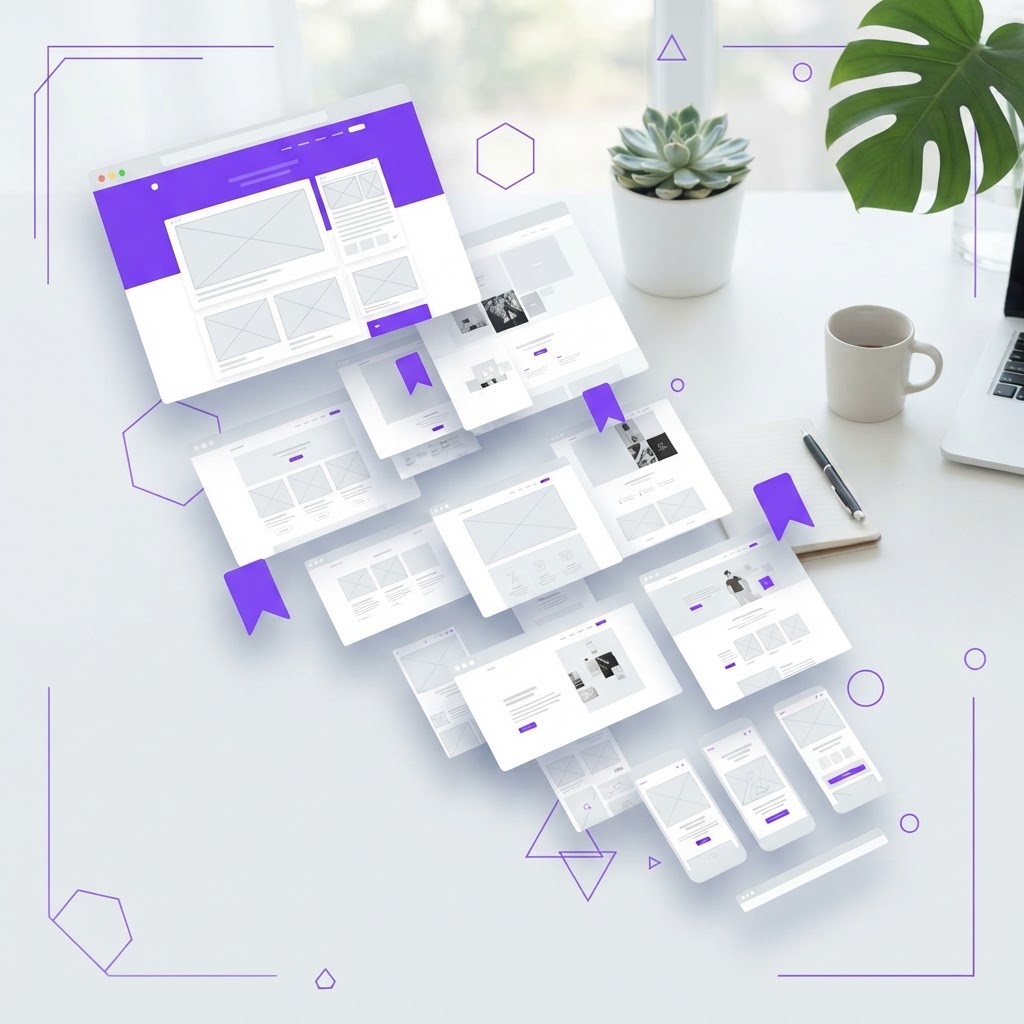
5 Creative Websites Every Designer Should Bookmark Right Now
Originally shared as a carousel on @dailywebdesign, original carousel by @themoidesign. Expanded with descriptions, use cases, and context for each site.


Most designer bookmark lists are 80% the same sites everyone already knows. Dribbble. Behance. Pinterest. Awwwards. They're fine, but they're not enough.
The designers who grow the fastest are feeding themselves a wider range of inputs: better motion, more diverse visual styles, real engineering context, and non-design domains that expand their creative vocabulary. Here are 5 sites that actually move the needle.
1. Curated.design
Curated.design is a hand-picked collection of the world's best landing pages, filtered by category and style. Unlike Awwwards (which rewards technical complexity) or Dribbble (which skews toward illustration), Curated focuses on websites that are genuinely great at converting, clear, fast, and beautifully designed.
Use it for: Landing page inspiration, studying hero section layouts, understanding how top SaaS companies structure their value propositions.
2. Godly.website
Godly.website emphasizes experimental and animation-forward design. You'll find sites using WebGL, scroll-driven animations, and interaction patterns that push what's possible in a browser.
Use it for: Motion inspiration, finding unexpected layout patterns, understanding how animation creates hierarchy and emotion.
3. Mobbin
Mobbin is a searchable library of real mobile and web app screens from the world's best products . Airbnb, Stripe, Linear, Notion, and hundreds more. Instead of looking at concept work, you're studying real interfaces that real users actually use.
Use it for: UX pattern research, studying onboarding flows, understanding how top apps handle empty states, error messages, and edge cases.
4. Refero.design
Refero.design focuses on specific design patterns and how they're implemented across different products. Need to see how 20 different apps handle their navigation drawer? Refero has it categorized and searchable.
Use it for: Pattern-specific research, design audits, and building pattern libraries.
5. Lookup.design
Lookup.design is a categorized library of UI components and patterns from real production interfaces. Search by component type (buttons, cards, modals, empty states) and get a grid of real examples.
Use it for: Reference when designing a specific component, quick inspiration for a UI pattern you haven't designed before.
How to use these sites effectively
Bookmarking is easy. Benefiting is harder. Try this:
Weekly design audit (20 minutes): Pick one site from this list. Set a 20-minute timer. Browse actively, not passively. For each design you find interesting, ask: Why does this work? What specific decision creates the effect I'm responding to? Could I apply this to my current project?
Passive browsing builds taste slowly. Active analysis builds it fast.
Practice what you find
The jump from inspiration to skill happens through doing. NewForm's monthly design challenges give you a structured brief to apply what you're learning. Once you've created something you're proud of, present it with professional mockups from NewForm Studio.
View the full carousel on Instagram →
Credit: Original carousel by @themoidesign, follow them for more design resources and UI inspiration.
Find Your Stack
Discover the perfect design tools for your workflow.
Take the 60-second quizNewForm Studio
Turn your designs into professional mockups instantly.
Open StudioMore from NewForm

Best UI Kits for AI Products: What Craftwork Gets Right in 2026
AI products need specialized UI components, chat interfaces, streaming text, image generation panels, and more. Here are the best UI kits for building AI apps, with a deep dive into what Craftwork offers.
6 min read · Sep 3, 2026

Every Figma Update in 2026: What Designers Actually Need to Know
Figma has been shipping features at a breakneck pace in 2026. Here's every update that actually matters for your workflow, from AI-powered design tools to developer handoff improvements.
6 min read · Sep 1, 2026