
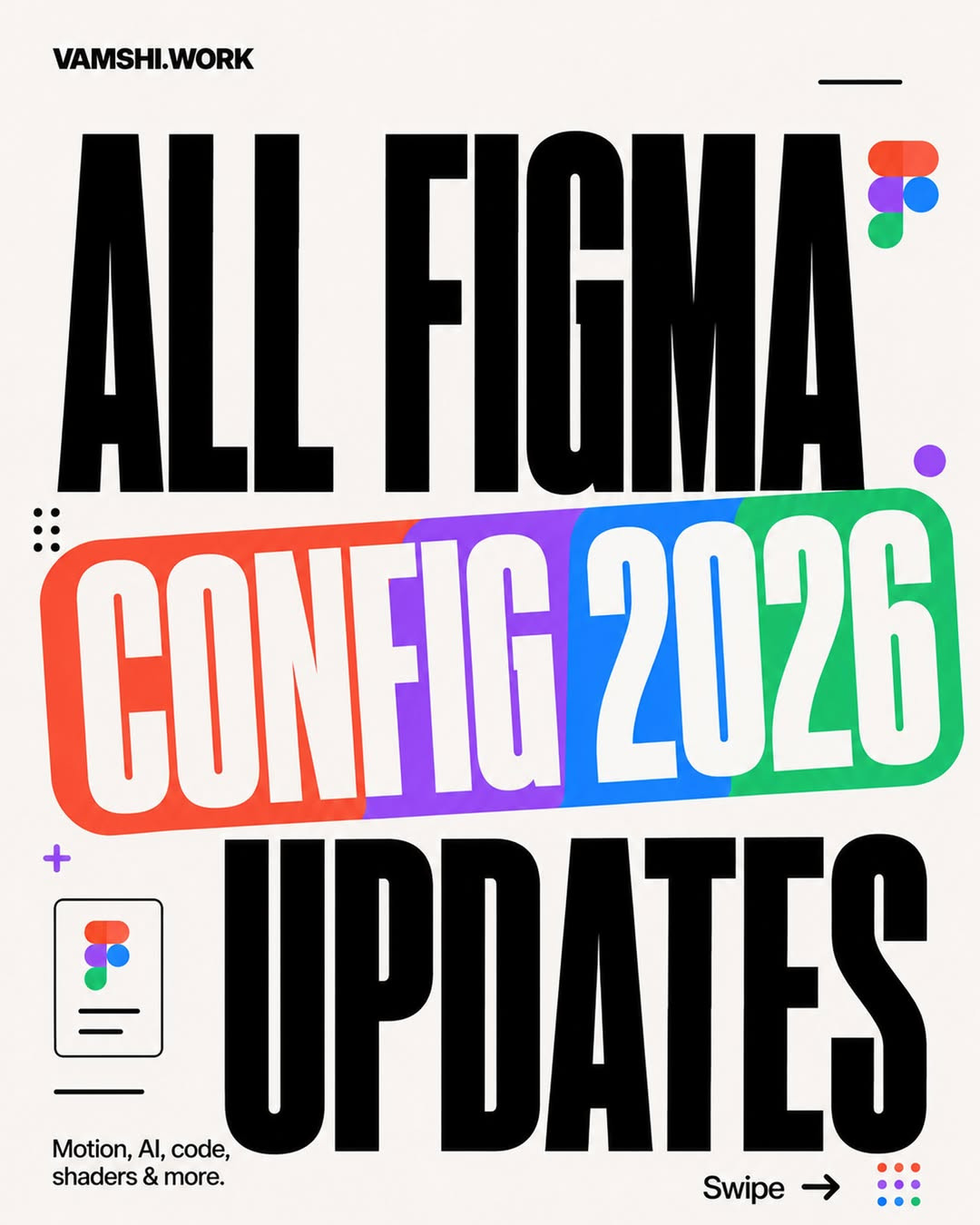
Figma Updates That Actually Change How You Design
Originally shared by @vamshi.work. This practical visual guide breaks down the Figma updates that matter most for product designers and creative teams.

Figma Updates That Actually Change How You Design
Figma continues to move from being a place where interfaces are drawn to becoming the operating system for digital product work. The challenge is not keeping up with every announcement; it is identifying the updates that genuinely improve the way you think, collaborate, prototype, and hand off work. This guide translates the latest Figma changes into practical decisions you can use in a real workflow.
1. Start with workflow impact, not feature novelty
A new feature is useful only when it removes friction. Before adopting an update, ask which part of your process it improves: exploration, communication, production, or validation. The strongest Figma improvements tend to connect these stages rather than adding another isolated tool to your sidebar.

2. Make exploration faster without making it disposable
Early design work benefits from speed, but speed should create more considered options, not more noise. Use the latest capabilities to test layout directions, content structures, and interaction ideas quickly, then apply human judgment to select the direction worth developing. Keep naming, spacing, and component choices intentional even during exploration so promising work can move forward cleanly.
3. Treat prototypes as communication tools
A prototype is more than a click-through demo. It gives product partners a shared reference for discussing behavior, hierarchy, and edge cases. When an update makes prototyping more expressive or efficient, use it to answer specific questions: What happens after this action? What should the empty state communicate? Where does the user lose confidence?

4. Design systems get more valuable as teams move faster
Faster creation increases the cost of inconsistency. Reusable components, variables, tokens, and clear component properties help teams move quickly without creating a different solution for every screen. Use new Figma capabilities to make the system easier to consume, not merely more sophisticated to maintain. A system succeeds when another designer can confidently use it without a meeting.
5. Collaboration should happen closer to the work
The best collaboration updates reduce the distance between a design decision and the conversation around it. Keep rationale, open questions, and tradeoffs near the relevant frame or component. This gives reviewers context and prevents important decisions from disappearing into disconnected chat threads.

6. Handoff is part of the design, not the finish line
A polished interface can still create engineering delays if behavior, responsive rules, assets, and states are unclear. Use Figma’s inspection and documentation features to explain the decisions that code alone cannot reveal. Include interaction states, content constraints, and the intended priority of elements, not just pixel measurements.
7. Use AI-assisted features with a clear point of view
AI can help generate directions, organize information, and accelerate repetitive work. It should not become a substitute for product context or taste. Give the tool a precise goal, inspect the output critically, and refine the result against user needs, brand constraints, accessibility, and technical reality. The designer’s advantage is not producing the first answer; it is recognizing and improving the right one.

8. Build a small adoption loop
You do not need to change your entire process whenever Figma ships an update. Choose one relevant capability, test it on a live project, and measure whether it saves time or improves the quality of a decision. Share the result with your team, document the new best practice, and only then expand adoption. Small loops create durable workflow improvements.

A practical checklist for your next project
- Identify the one stage of your workflow with the most avoidable friction.
- Choose the Figma update that directly addresses that stage.
- Test it on a real screen, component, or prototype, not a throwaway file.
- Record what improved and what still required manual judgment.
- Turn successful experiments into a simple team guideline.
The meaningful Figma updates are the ones that help designers spend less time managing files and more time making decisions. Focus on the capabilities that connect exploration, systems, prototyping, collaboration, and handoff. That is how a release note becomes a better product workflow.
Credit: Visual reference by @vamshi.work. View the original carousel on Instagram.
Related on NewForm
Keep reading

Find Your Stack
Discover the perfect design tools for your workflow.
Take the 60-second quizNewForm Studio
Turn your designs into professional mockups instantly.
Open StudioMore from NewForm
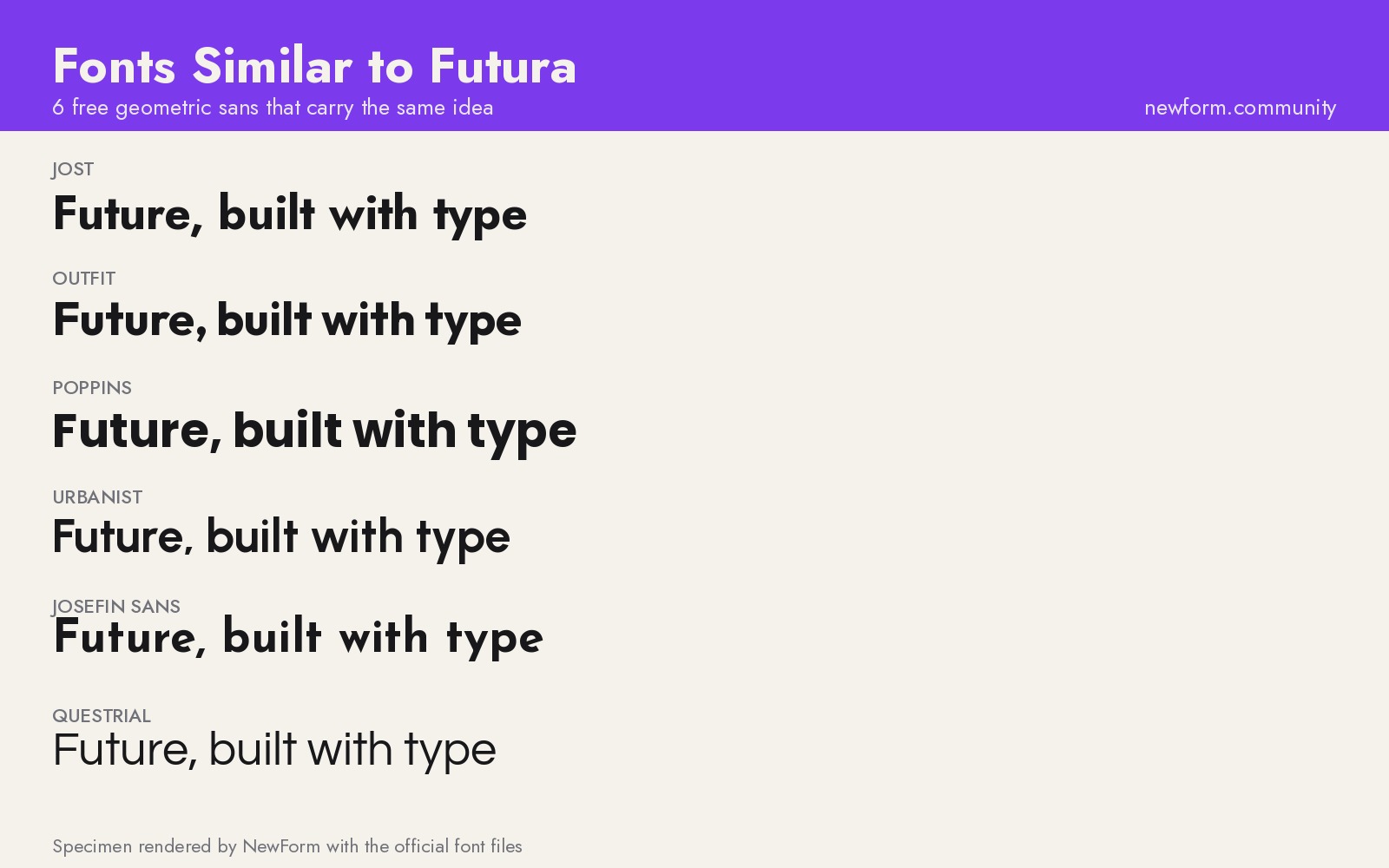
6 Free Fonts Similar to Futura (Real Specimens, 2026)
Futura is licensed and awkward at small sizes. These 6 free geometric sans, rendered from their official files, do the same job: Jost, Poppins, Outfit, Urbanist, Josefin Sans, Questrial.
13 min read · Nov 3, 2026

Bold Typographic Packaging: 4 Lessons From Standout Label Designs
Four real label designs, from LINEN sparkling water to DEWLO facial oil, teach hierarchy, color blocking, functional copy and quiet-color loud-type discipline.
4 min read · Nov 2, 2026