5 AI Design Tools That Are Actually Worth Your Time in 2026
AI tools for designers are everywhere. Most of them are noise.
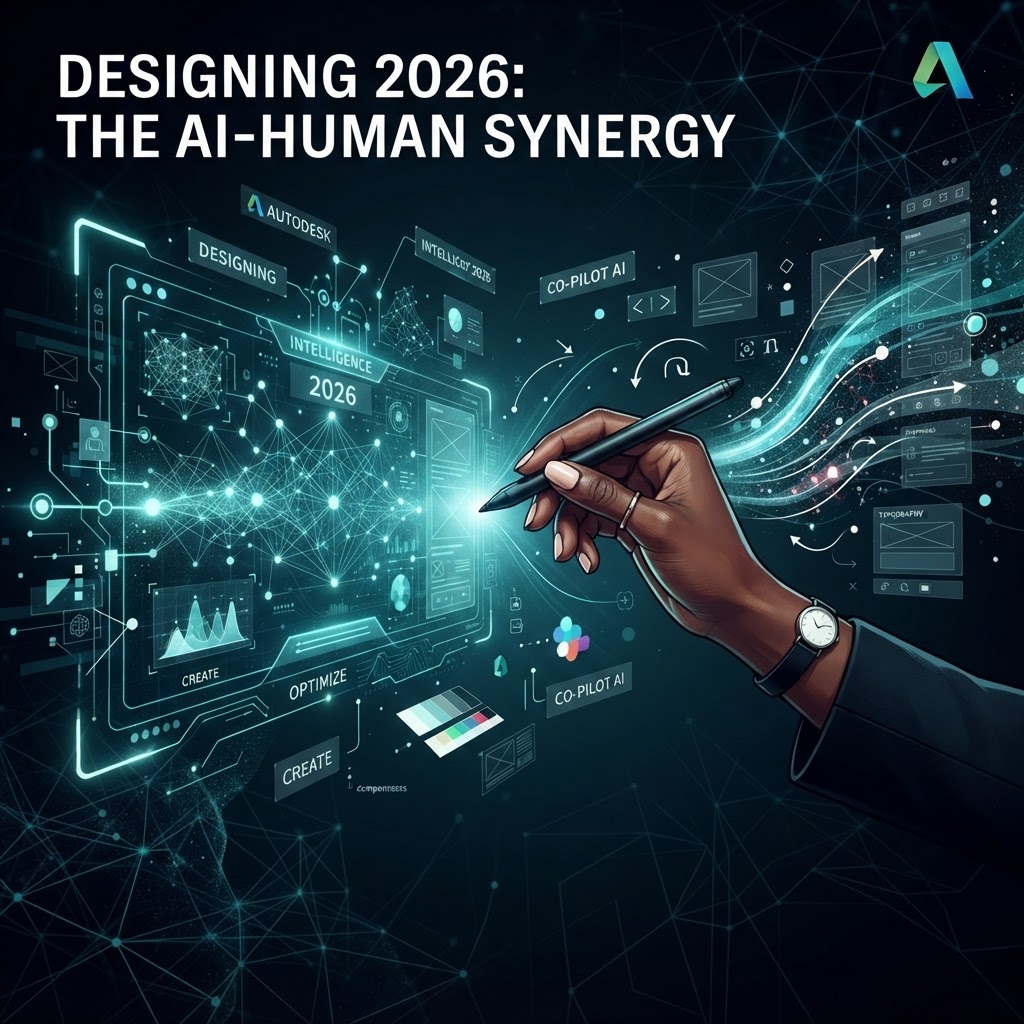
Here are 5 that have genuinely changed how real designers work in 2026, not because they replace creativity, but because they handle the parts of the job that eat your time without adding value.
1. Figma AI (built-in)
Figma's native AI features are now good enough to matter. Auto-layout suggestions, component naming, and the new first draft generation for simple UI patterns saves meaningful time on boilerplate work. If you're already in Figma all day, stop sleeping on this.
2. Galileo AI
Describe a UI and get a surprisingly usable starting point. It won't replace your design thinking but it's excellent for generating a first frame to react to, which is almost always faster than starting from a blank canvas.
3. Midjourney (for moodboards and art direction)
The use case isn't generating final assets, it's killing the blank page in art direction. Type a vibe, get 4 directions, pick one, and now you have a visual anchor for the whole project. Faster than Pinterest for early concepting.
4. Relume (for web design)
Sitemap to wireframe to Figma in minutes. If you do any amount of web design work, Relume's AI site builder is one of the most legitimate time saves available right now.
5. Adobe Firefly (for production)
Firefly is fully commercially safe (trained on licensed content), which matters the moment a client asks "can we use this?". Generative fill for extending images, removing objects, and creating product backgrounds is genuinely production-ready.
Not sure which one fits your workflow?
The right AI tool depends on what you're actually trying to solve, your budget, your experience level, and where you're losing the most time.
Take the NewForm stack quiz and get a personalized recommendation in under 2 minutes.
Related on NewForm

FREE FIELD GUIDE
The 8-Prompt Product
Answer 24 questions, run 8 prompts, and walk away this afternoon with a working, beautiful MVP you would be proud to show.
See what's insideKeep reading
Find Your Stack
Discover the perfect design tools for your workflow.
Take the 60-second quizNewForm Studio
Turn your designs into professional mockups instantly.
Open StudioMore from NewForm
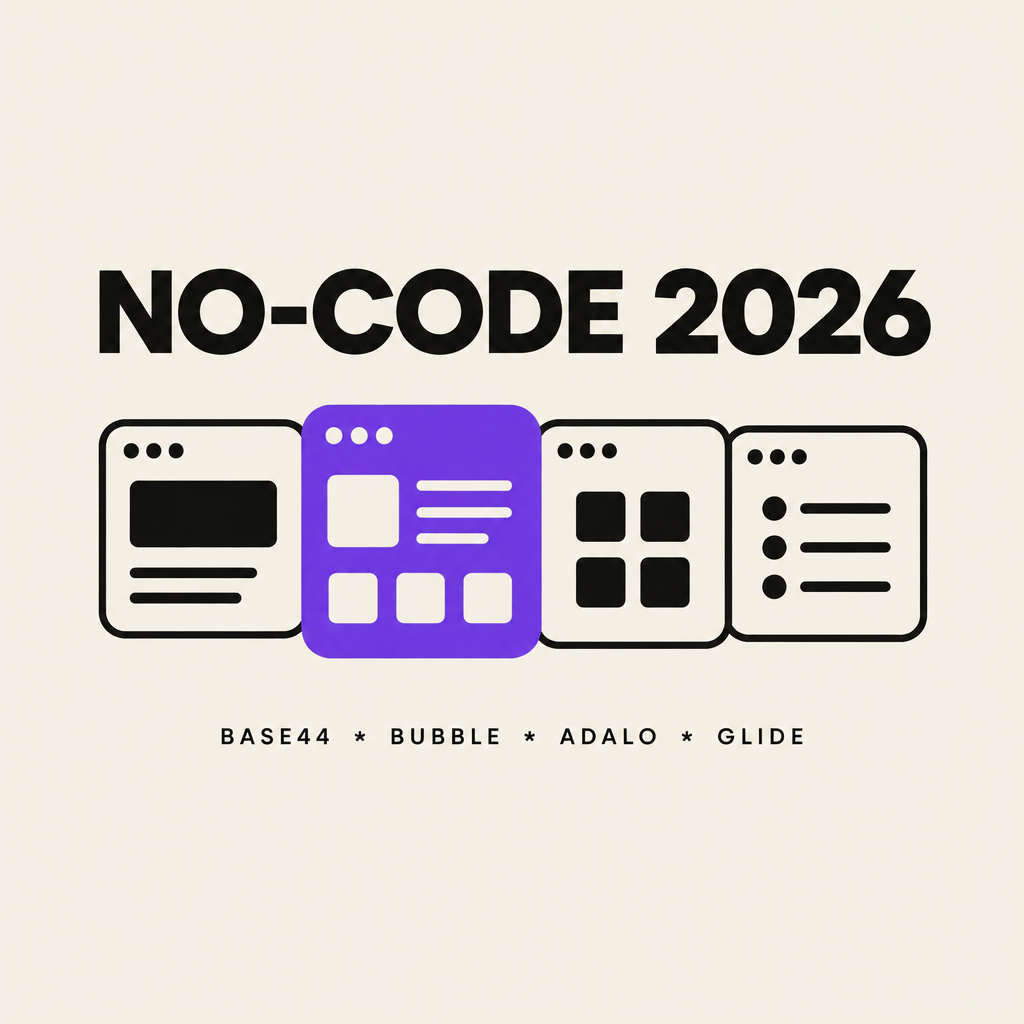
Best No-Code App Builders for Designers in 2026: Base44 vs Bubble vs Adalo vs Glide
Base44 ships prompts to real apps fastest, Bubble wins on complex custom web products, Adalo publishes to the app stores, Glide turns spreadsheets into tools. A designer-first comparison with pricing and trade-offs.
9 min read · Nov 2, 2026

How to Extract a Brand Look from an Image in Adobe Express
Use Adobe Express’s Brand panel and “Extract from image” as a visual starting point, then refine the crop, color, and copy with a practical pre-publish checklist.
5 min read · Oct 31, 2026