
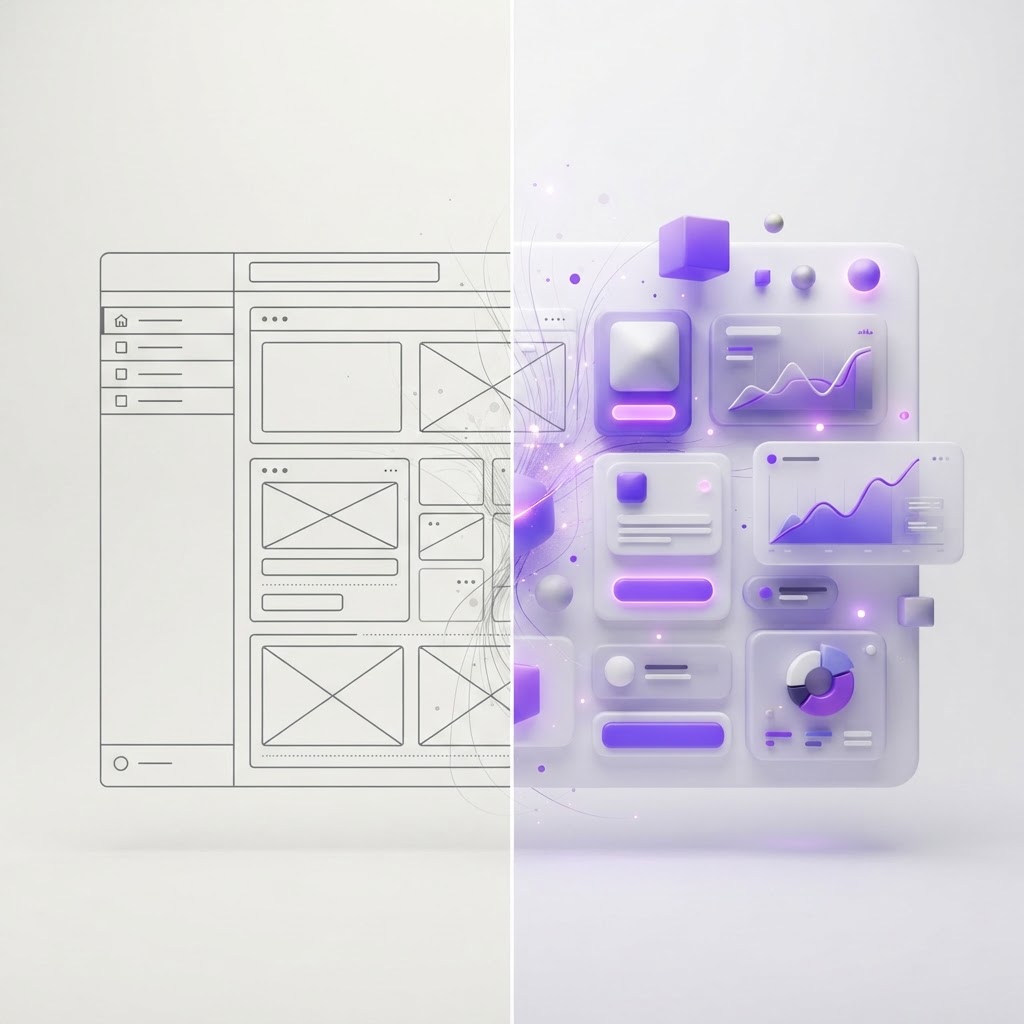
Before & After AI: How Designers Are Transforming Their Workflow
Originally shared as a carousel on @dailywebdesign, original carousel by @ux.aneta. Expanded with specific tools, workflow comparisons, and practical guidance.


AI hasn't replaced designers. But it has created a gap between designers who've integrated AI into their process and designers who haven't, and that gap is widening every month.
Here's what the before/after actually looks like for working designers in 2026.
Before AI: the traditional design workflow
Research phase: Manually reading through user interviews, synthesizing insights by hand, creating affinity diagrams in Miro or FigJam.
Ideation: Sketching dozens of concepts, often recycling familiar patterns because generating new ideas quickly is hard.
UX writing: Writing, rewriting, and getting copy reviewed multiple times before anything ships.
Handoff: Creating detailed redlines and documentation manually, then answering developer questions throughout implementation.
Iteration: Waiting for analytics to accumulate, then analyzing data manually to identify what's not working.
None of this is bad work. But it's slow, and much of it doesn't require a senior designer's judgment.
After AI: what the workflow looks like now
Research phase: Record and auto-transcribe user interviews with Otter.ai or Dovetail. Paste transcripts into Claude and ask for a structured synthesis: key themes, user quotes organized by theme, jobs-to-be-done. What used to take a full day takes 2 hours.
Ideation: Use AI to generate 10 conceptually different directions for a given UX problem in minutes. Most are wrong or unusable, but two or three spark something genuinely useful. AI doesn't replace ideation; it dramatically accelerates the early divergent phase.
UX writing: Generate 5 variants of any piece of copy in 30 seconds. Review and pick the best one. Iteration cycles that used to take days collapse to hours. Claude and ChatGPT-4o are both strong here.
Handoff: Figma's Dev Mode auto-generates CSS, spacing specs, and component code. AI tools like Locofy convert Figma designs directly to production-ready React components. Redlines are increasingly obsolete.
Iteration: Tools like Mixpanel now surface AI-generated insights about what's working and what's not. You're not waiting for a data analyst, the platform surfaces the insight.
What AI is NOT good at (yet)
Strategic judgment. What should we build? Who are we building it for? What matters most? These are still deeply human questions.
Novel visual design. AI-generated UI still looks like a remix of existing UI. The truly distinctive, unexpected visual ideas still come from designers.
Stakeholder management. Explaining tradeoffs, navigating competing priorities, getting organizational alignment, still entirely human work.
Ethical design. Deciding what dark patterns to avoid, what data to not collect, what features to not build . AI doesn't help here.
The designer who wins
The designers who are thriving aren't the ones using the most AI tools. They're the ones who've figured out exactly which parts of their workflow AI accelerates and which parts still require their full attention, then optimized accordingly.
Use AI for volume and speed. Use your judgment for direction and quality.
Want to practice your design skills in a structured way? NewForm's monthly challenges give you a real brief to work from. And when you've created something worth showing, generate professional mockups instantly at NewForm Studio.
View the full carousel on Instagram →
Credit: Original carousel by @ux.aneta, follow them for more UX and AI design content.
Find Your Stack
Discover the perfect design tools for your workflow.
Take the 60-second quizNewForm Studio
Turn your designs into professional mockups instantly.
Open StudioMore from NewForm

Train Your Eye for Better Design: How to Develop Visual Design Skills
Great design starts with a trained eye. Here is how to develop the visual instincts that separate good designers from great ones, with practical exercises you can start today.
6 min read · Sep 30, 2026

Progressive Layer Blur in Figma: A Step-by-Step Glass Effect Tutorial
Master the progressive layer blur effect in Figma to create depth, glassmorphism, and visual hierarchy. A practical step-by-step tutorial from a real carousel breakdown.
6 min read · Sep 29, 2026