
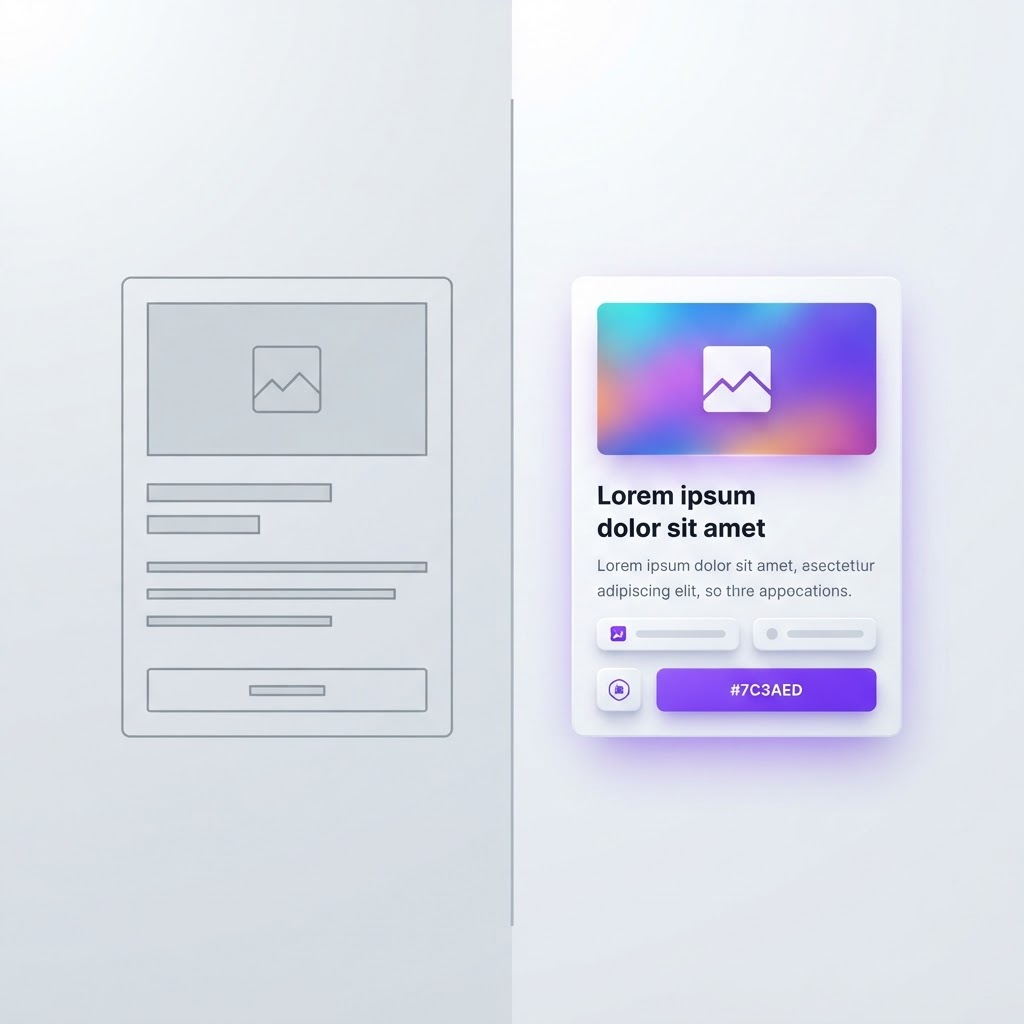
Before or After: Why UI Redesign Comparisons Are the Best Portfolio Pieces
Originally shared as a carousel on @dailywebdesign, original carousel by @ui.abraham.
Before or After: Why UI Redesign Comparisons Are the Best Portfolio Pieces
Before/after comparisons are the most powerful way to showcase your design skills. They instantly communicate your value as a designer. Here's why they work and how to create them.
Why Before/After Comparisons Work
Instant Value Communication
A before/after comparison shows your impact in seconds. No need to explain your process, the visual difference speaks for itself.
Emotional Impact
Seeing an outdated, cluttered interface transform into a clean, modern one creates an emotional response. Clients remember how it made them feel.
Universal Understanding
You don't need to be a designer to appreciate a good before/after. Stakeholders, recruiters, and clients all understand visual improvement.

How to Create Effective Before/After Comparisons
1. Keep the Same Context
Show both versions at the same device size, same viewport, same content. The only difference should be the design.
2. Animate the Transition
Use a slider or fade animation to transition between before and after. This makes the comparison feel dynamic and engaging.
3. Annotate Key Changes
Add subtle annotations pointing to specific improvements: 'Simplified navigation,' 'Improved visual hierarchy,' 'Accessible color contrast.'
4. Tell the Story
Accompany each comparison with a brief story: What was the problem? What did you change? What was the result?

Where to Use Before/After Comparisons
- Portfolio website
- Case study presentations
- Social media posts
- Client proposals
- Design reviews
Ready to create stunning before/after mockups? Try the NewForm mockup studio.
View the full carousel on Instagram →
Originally shared as a carousel on @dailywebdesign, original carousel by @ui.abraham.
Find Your Stack
Discover the perfect design tools for your workflow.
Take the 60-second quizNewForm Studio
Turn your designs into professional mockups instantly.
Open StudioMore from NewForm

Master Your Workflow: Design Smarter, Not Harder in 2026
Discover how the latest design tools and efficient workflows can help you create professional, high-impact visuals without the burnout. Elevate your creative output today.
3 min read · Oct 3, 2026

Before and After UI Redesign: What Actually Changes When You Level Up a Design
A before and after UI redesign reveals the difference between decent and great design. Here is what changes and the principles that drive the improvement.
5 min read · Oct 3, 2026