
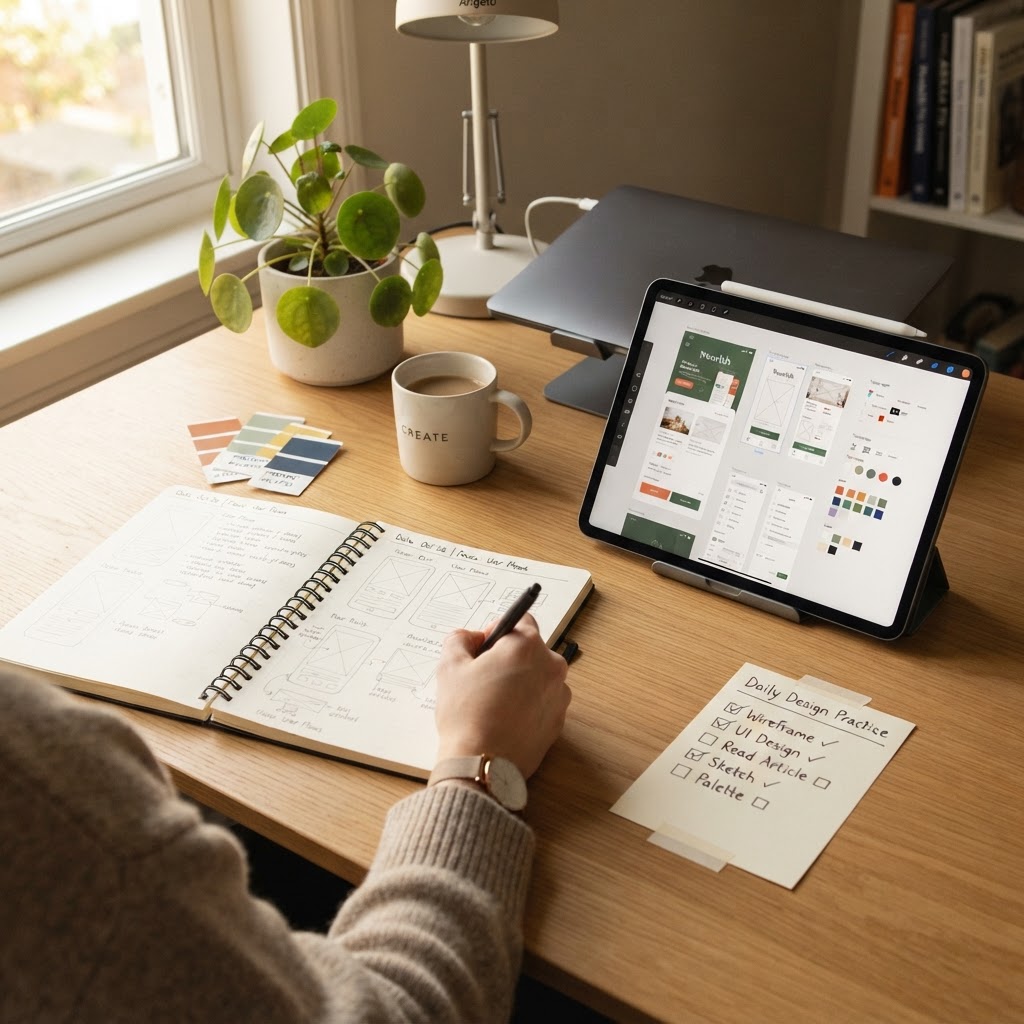
The Daily Design Practice System That Actually Works for Busy People
Every designer wants to practice more. Almost none do.
It's not a motivation problem. It's a system problem.
You don't need more willpower. You need a practice system that fits into the cracks of your day, one that's small enough to actually do, but structured enough to make you better.
Here's the system I've seen work for hundreds of designers.
The 15-minute daily practice system
Monday: Replicate
Find a design you admire. Spend 15 minutes recreating one screen or component as closely as possible. Not to copy it, to understand it. You'll notice things you'd never see as a passive viewer: spacing relationships, color ratios, type scale decisions.
Tuesday: Redesign
Take an app or website you use daily. Spend 15 minutes redesigning one screen. What would you change? What's confusing? This trains your eye for UX problems.
Wednesday: Constraint
Pick a constraint: design with only 2 colors. Only system fonts. Only 3 components. Constraints force creativity. 15 minutes, one screen.
Thursday: Speed
Set a 10-minute timer. Design a complete app home screen from a random prompt. Don't refine, just produce. Speed builds decisiveness.
Friday: Mock it up
Take any design from the week. Drop it into NewForm Studio and generate a professional mockup. Post it to Dribbble or your portfolio. This is the payoff, seeing your work looking real.
Saturday: Off
Seriously. Rest. The best designers don't grind 7 days a week. They recover.
Sunday: Review
Look at everything you made this week. Pick the one piece you're most proud of. That's your portfolio candidate. The rest was practice.
Why this works
It's small enough to actually do. 15 minutes is nothing. It's less time than you spend scrolling Twitter. When the bar is this low, you'll do it even on bad days.
It's varied enough to build real skill. Replication builds technical skill. Redesign builds critical thinking. Constraints build creativity. Speed builds decisiveness. Mockups build presentation. That's the full stack.
It ends with something tangible. By Friday, you have a polished mockup you can share. That's a dopamine hit that keeps the habit alive.
The tools you need
You probably already have everything:
- Figma (free), for all the design work
- NewForm Studio, for the Friday mockup step (5 free, then $1.99/month unlimited)
- A Dribbble account, for sharing and getting feedback
That's it. No paid courses. No expensive software. Just a system and 15 minutes a day.
The one rule that makes it stick
Never miss Friday.
Monday through Thursday can be messy. You can skip a day, do 10 minutes instead of 15, change the prompt. That's fine.
But Friday, the mockup and share day, that's the anchor. Even if you did nothing all week, spend 10 minutes designing something on Friday, mock it up, and post it. That weekly output is what builds the portfolio. That's what builds the habit.
Want to find the right tools for your practice?
If you're not sure which design tools fit your workflow, take our 60-second design stack quiz. It matches you with the tools that fit your experience level, budget, and goals, so you're not wasting time with the wrong software.
Start tomorrow. 15 minutes. That's all it takes.
Find Your Stack
Discover the perfect design tools for your workflow.
Take the 60-second quizNewForm Studio
Turn your designs into professional mockups instantly.
Open StudioMore from NewForm

Top Dashboard UI Designs to Learn From (2026 Showcase)
Five standout dashboard designs across SaaS, AI, cybersecurity, energy, and fintech. Each one shows how to turn complex data into a clean, usable interface.
7 min read · Sep 24, 2026

10 UI Design Ideas to Steal for Your Next Project (2026)
Ten practical UI design patterns worth borrowing for your next project, from clear empty states to premium dark mode and compact data displays.
6 min read · Sep 24, 2026