Pinterest Alternatives for Designers: 6 Sites That Still Show Real Work
The best Pinterest alternatives for designers are Savee and Are.na for building a reference library, Mindsparkle Mag for curated branding work, Mobbin for real UI screens, The Dieline for packaging, Really Good Emails for email design, and Behance for full case studies. Each one solves a specific job Pinterest mixes into one feed.
Post by @adarshxdesign

Pinterest is where most designers start collecting inspiration, and it is also where most of that inspiration quietly dies. You save a pin to a board named "UI Ideas," the board grows to four hundred pins, and the next time you open a project file you scroll for forty minutes without finding one thing you can actually use. The problem is not your taste. The problem is that Pinterest mixes packaging shots, dinner recipes, wedding signage, and half-finished dribbble crops into one feed, and none of it is organized around a design task.
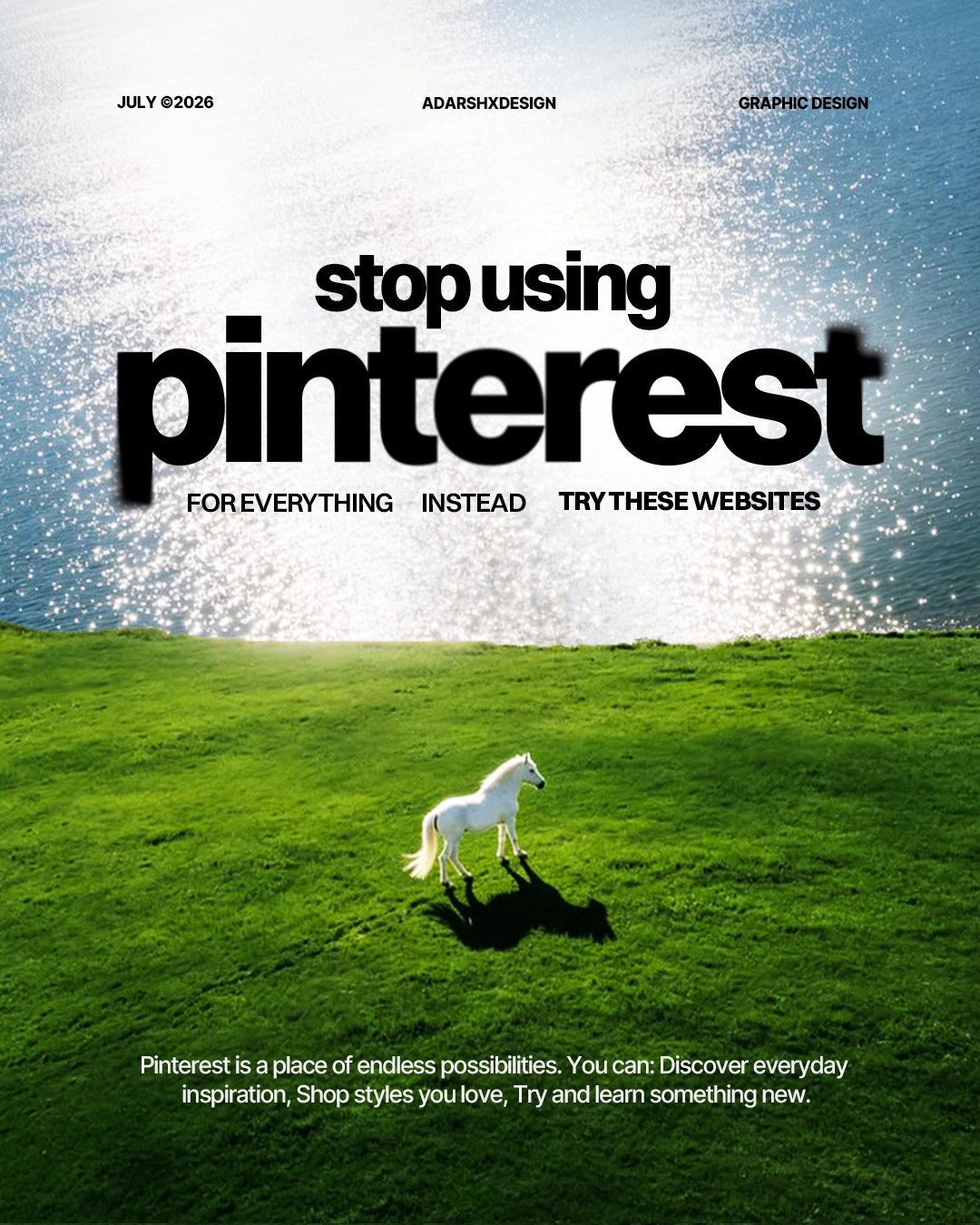
The fix is not willpower, it is matching each project need to a site built for that need. The carousel above from @adarshxdesign makes the case plainly: stop using Pinterest for everything, and instead keep a short list of specialist sites. Here are six of them, what each one is genuinely good at, and when to open it instead.
TL;DR: every site at a glance
| Site | Best for | Pricing | Link |
|---|---|---|---|
| Savee | Designer-curated inspiration feed | Free | savee.it |
| Are.na | Slow research, connected moodboards | Free, paid membership | are.na |
| Mindsparkle Mag | Curated branding, web, motion | Free | mindsparklemag.com |
| Mobbin | Real app and web UI screens | Free with limited access, paid for full library | mobbin.com |
| The Dieline | Packaging design | Free | thedieline.com |
| Really Good Emails | Email design | Free | reallygoodemails.com |
| Cosmos | Collecting and organizing references | Free, paid upgrades | cosmos.so |
| Lummi | AI stock imagery for concepts | Free | lummi.ai |
| Behance | Full case studies and process | Free | behance.net |
1. Mindsparkle Mag: curated graphic design, branding, and motion in one feed

Mindsparkle Mag does the filtering Pinterest asks you to do yourself. Its team selects graphic design, web design, branding, motion graphics, and photography projects, so the average quality floor is dramatically higher than an algorithmic feed. Use it when you are starting a brand identity or editorial-style project and want to see work that was actually finished, art directed, and shipped. A practical habit: browse it for ten minutes at the start of a branding project and save only three pieces. Three strong references beat a board of four hundred maybes.
2. The Dieline: when the project involves packaging

Packaging design is a discipline with its own rules: shelf impact, print constraints, regulatory panels, unboxing photography. Pinterest cannot teach you any of that. The Dieline can, because it catalogs real packaging projects from CPG brands, designers, and agencies, with context on the brief and the production. If your project has a physical deliverable, from a coffee bag to a subscription box, search The Dieline by category before you touch a mood board. You will leave with structural ideas, dieline references, and realistic material finishes instead of flat mockup fantasies.
3. Cosmos: for collecting and organizing your own inspiration library

The deeper issue with Pinterest's save-everything habit is that you end up with an archive and no system. Cosmos flips the workflow: it is a minimalist platform designed to help you collect and organize creative inspiration, with smart tagging and an explore feed built by other designers. Use it to build a personal visual library you actually revisit. The organize-first approach means that when a web design project lands, you open a folder of interface references you curated, not a keyword search against the entire internet.
4. Really Good Emails: for the email work nobody moodboards

Email design is unglamorous, frequent, and completely under-referenced. When a client asks for a campaign template or an onboarding sequence, Really Good Emails gives you a curated library of the best email designs on the planet, filterable by type and industry. Use it before designing any HTML email, because email constraints (dark mode, image blocking, narrow widths) punish designers who reference regular landing pages. Ten minutes browsing here will save you a full round of client revisions.
5. Lummi: royalty-free AI stock photos when you need imagery fast

Every project eventually needs placeholder or hero imagery, and stock photography is where budgets go to die. Lummi offers thousands of high quality and royalty-free AI stock photos, which makes it useful for early concepts, pitch decks, and mockups where a licensed photoshoot is not happening. Use it when speed matters more than a real photograph. One honest note for client and AI-disclosure work: make sure the imagery style fits the brand, and disclose AI-generated assets where the contract requires it. As a concept tool, it removes the "search five stock sites" tax from your workflow.
6. Behance: full projects with case studies, sketches, and process

Most inspiration sites show you the final image. Behance shows you the project. What makes it unique is its in-depth projects featuring case studies, sketches, and mockups, which means you can study how a designer got from brief to outcome. Use Behance when you need to defend a design decision, because case studies give you the reasoning and process artifacts that a pretty screenshot never contains. For portfolio-building designers, studying how strong case studies are structured is worth more than any mood board.
7. Savee: the feed working designers actually save from
Savee is the closest thing to what designers hoped Pinterest would be: a curated inspiration feed where everything is saved by working designers, so nothing in it is a recipe, a wedding sign, or an AI-generated lookalike. There is a browser extension and mobile apps for saving as you go, boards you can share with a team, and search by image when all you have is a screenshot. Best for: graphic design, branding, typography and art direction references. Pricing: free. Direct link: savee.it.
8. Are.na: for slow research and connected thinking
Are.na is the anti-feed. You save images, links and notes into channels, connect channels to other channels, and over time you build a research library that actually means something. It is slower than Pinterest on purpose, and that is why art directors and brand designers stick with it: the connections you make while organizing are where original ideas come from. Best for: long-running brand projects, editorial research and shared team libraries. Pricing: free tier, paid membership for more uploads. Direct link: are.na.
9. Mobbin: real product and UI screenshots, searchable
Mobbin is a searchable library of real mobile and web app screens from shipped products, organized by pattern: onboarding, paywalls, checkout, settings, empty states. Where Pinterest hands you a static crop with no context, Mobbin hands you the whole flow. Best for: UI and product designers who need pattern references fast. Pricing: free with limited access, paid for the full library. Direct link: mobbin.com.
A simple decision framework
Match the need, not the brand: starting a brand or editorial project, open Mindsparkle Mag. Touching anything physical, open The Dieline. Building a reusable personal library, set up Cosmos. Designing email, open Really Good Emails. Needing fast imagery for concepts, try Lummi. Studying process or building your portfolio story, dive into Behance. Want a daily scroll that is all design, set up Savee. Researching a long brand project, build channels on Are.na. Designing an app flow, search Mobbin. Pinterest can stay in the toolkit for loose visual exploration, but for actual project work, the specialist site always beats the infinite scroll. And once you have references, set the type properly: our typography sizes guide covers the exact px values.
FAQ
What are the best Pinterest alternatives for designers?
For a designer-curated feed, Savee. For research and moodboards, Are.na and Cosmos. For UI work, Mobbin. For packaging, The Dieline. For email design, Really Good Emails. For process and case studies, Behance. Pick by the job in front of you rather than looking for one site that does everything.
What is the best Pinterest alternative?
For most designers it is Savee, because the feed is curated by people who do this work and stays free of the AI-generated filler that has taken over Pinterest. If your problem is organizing what you find rather than finding it, Are.na is the better pick.
Are there sites like Pinterest for designers?
Yes. Savee, Are.na, Cosmos and Designspiration all let you save and collect visuals the way Pinterest does, but they are built around design work. The difference is context: on these sites you can usually trace a reference back to the designer who made it.
What design inspiration sites do professionals use?
Working designers tend to keep a short list: Savee or Cosmos for daily scrolling, Mobbin for UI patterns, Behance for case studies, Awwwards and Godly for websites, plus specialist sites like The Dieline for packaging. The common thread is curation and context, not volume.
What is better than Pinterest for designers?
Better depends on the task. Pinterest wins for broad mood exploration. For anything that needs a source, a pattern, or real process, the specialist sites above beat it: Mobbin for flows, Behance for reasoning, The Dieline for packaging, Are.na for building a library you will actually reuse.
Is there another site like Pinterest but without AI images?
Savee and Are.na are the two closest. Both are curated communities where AI-generated filler is rare, and Cosmos lets you filter or hide images flagged as AI-generated. No feed is perfect, but all three beat Pinterest on signal.
This post is based on a carousel originally shared on Instagram by @adarshxdesign. You can view the original slideshow on Instagram.
Want to put this inspiration to work? Explore the NewForm monthly design challenges and build something real this week. Want to go further? Turn the board you just curated into a clickable mockup with Base44, so inspiration becomes something you can actually test.
Disclosure: this is an affiliate link. NewForm may earn a commission at no extra cost to you.
Related on NewForm
Keep reading

Find Your Stack
Discover the perfect design tools for your workflow.
Take the 60-second quizNewForm Studio
Turn your designs into professional mockups instantly.
Open StudioMore from NewForm
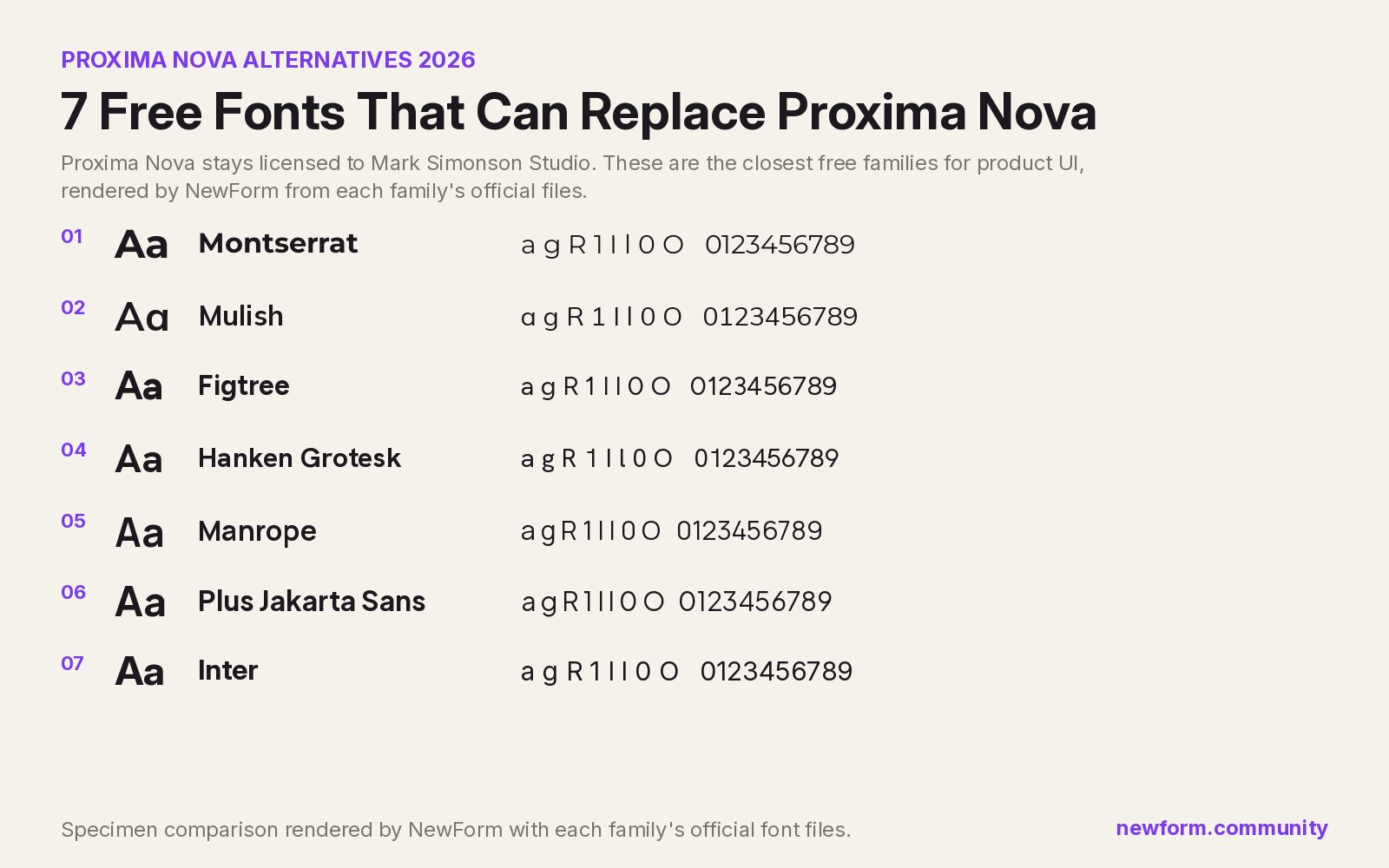
7 Free Fonts Similar to Proxima Nova (Real Specimens, 2026)
Proxima Nova is a licence you have to buy and it sets wider than you expect. These 7 free families, rendered from their official files, do the same job: Montserrat, Inter, Mulish, Hanken Grotesk, Figtree, Plus Jakarta Sans, Manrope.
13 min read · Nov 4, 2026
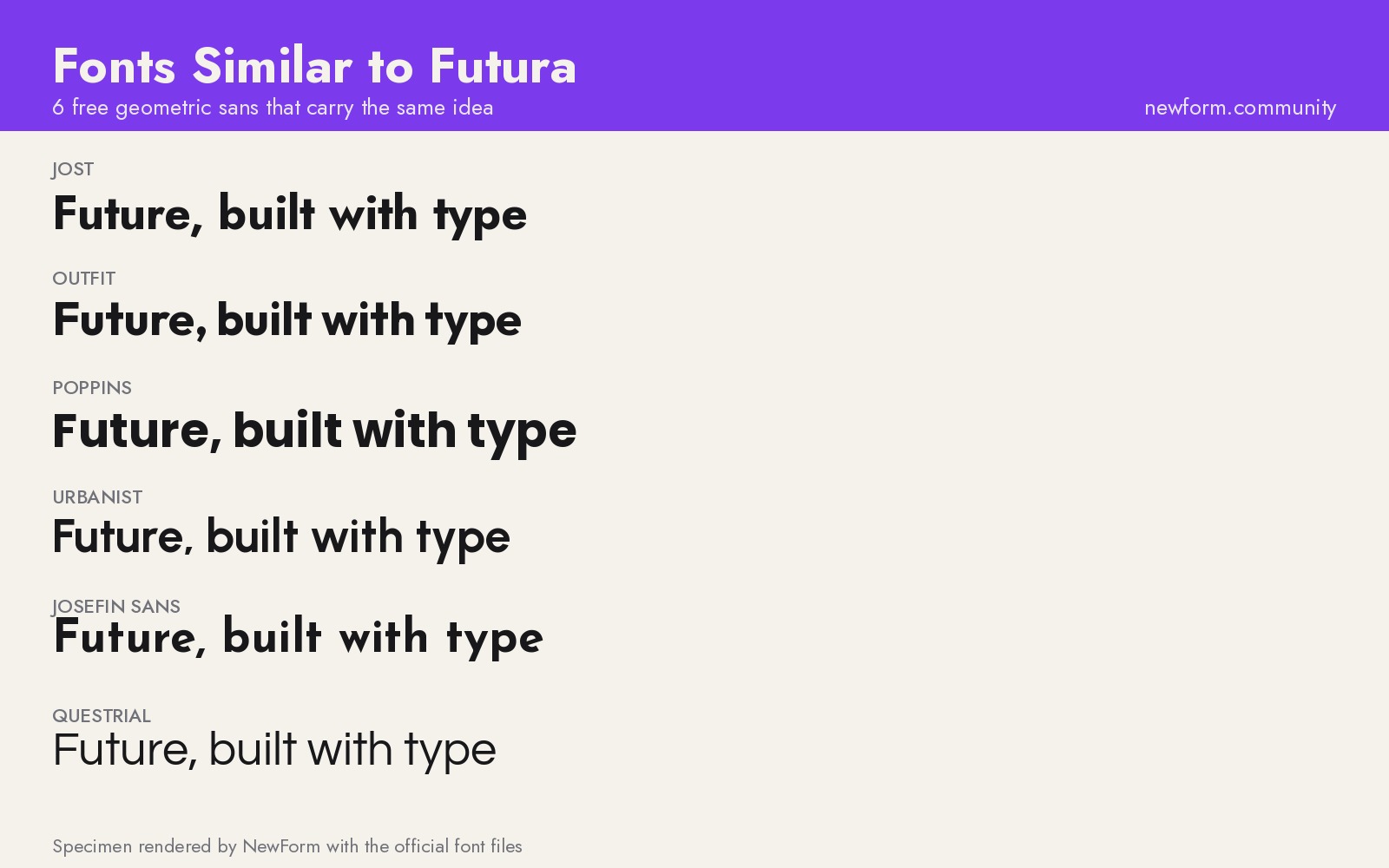
6 Free Fonts Similar to Futura (Real Specimens, 2026)
Futura is licensed and awkward at small sizes. These 6 free geometric sans, rendered from their official files, do the same job: Jost, Poppins, Outfit, Urbanist, Josefin Sans, Questrial.
13 min read · Nov 3, 2026