
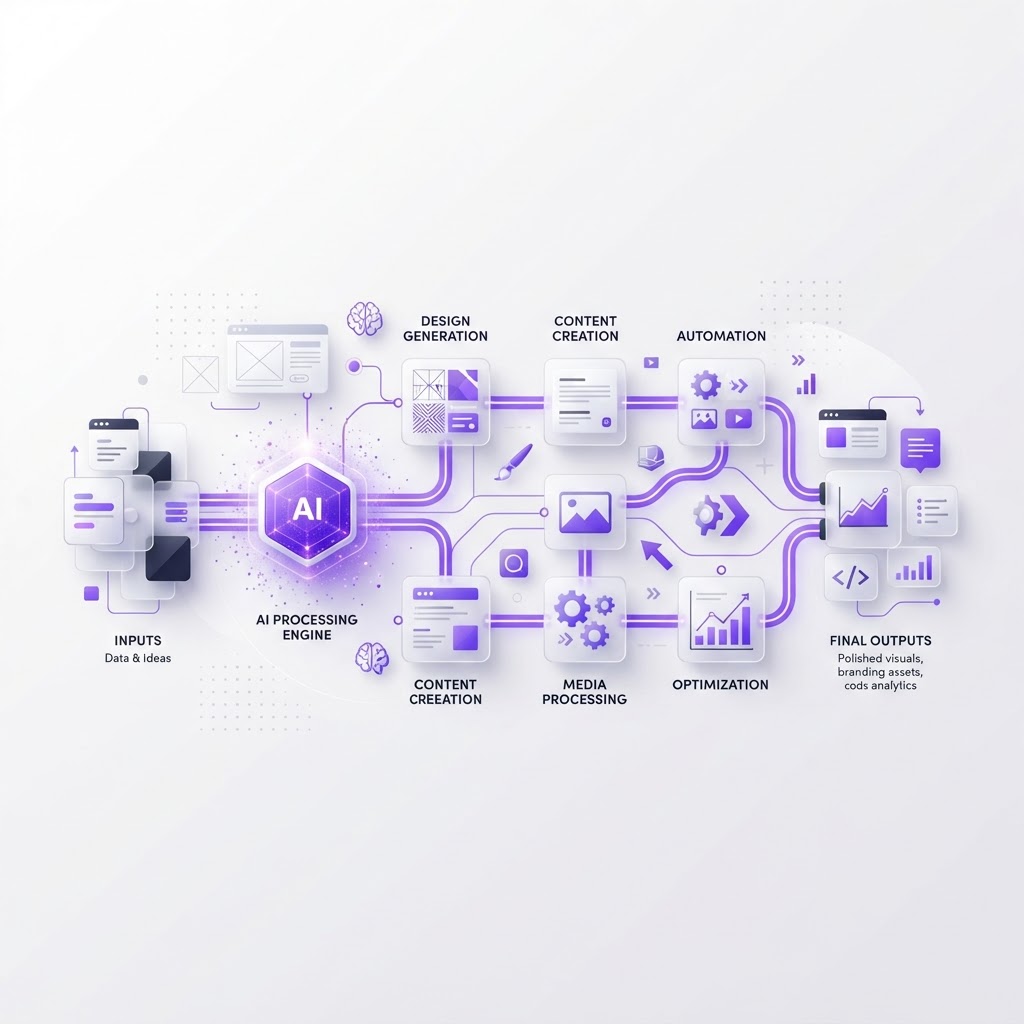
The Complete AI Creative Workflow: Firefly, Adobe Express & ChatGPT
Originally shared as a carousel on @dailywebdesign, original carousel by @kail.designs.
The Complete AI Creative Workflow: Firefly, Adobe Express & ChatGPT
Combining Adobe Firefly, Adobe Express, and ChatGPT creates a powerful creative workflow. Here's how to use them together.

The Three-Tool Stack
1. ChatGPT . Ideation & Planning
Use ChatGPT for brainstorming, writing briefs, and planning your creative approach. Ask it to generate concepts, mood board descriptions, and color palette suggestions.
2. Adobe Firefly . Generation
Use Firefly to create custom imagery, backgrounds, textures, and illustrations. Generate multiple variations quickly and pick the best ones.
3. Adobe Express . Assembly
Use Adobe Express to combine everything into finished social media posts, banners, or presentations. It's the assembly and publishing layer.

Step-by-Step Workflow
- Plan with ChatGPT: Describe what you want to create and get a structured plan
- Generate with Firefly: Create custom imagery based on the plan
- Refine in Firefly: Adjust prompts based on initial results
- Assemble in Adobe Express: Combine images, text, and graphics
- Publish directly from Adobe Express to social media

Tips for Better Results
- Use consistent style keywords across Firefly prompts
- Generate 4-6 variations per image and pick the best
- Save your best prompts in a document for reuse
- Use ChatGPT to write social media captions for finished work

Ready to build with AI? Discover Base44.
View the full carousel on Instagram →
Originally shared as a carousel on @dailywebdesign, original carousel by @kail.designs.
Find Your Stack
Discover the perfect design tools for your workflow.
Take the 60-second quizNewForm Studio
Turn your designs into professional mockups instantly.
Open StudioMore from NewForm

Top Dashboard UI Designs to Learn From (2026 Showcase)
Five standout dashboard designs across SaaS, AI, cybersecurity, energy, and fintech. Each one shows how to turn complex data into a clean, usable interface.
7 min read · Sep 24, 2026

10 UI Design Ideas to Steal for Your Next Project (2026)
Ten practical UI design patterns worth borrowing for your next project, from clear empty states to premium dark mode and compact data displays.
6 min read · Sep 24, 2026