
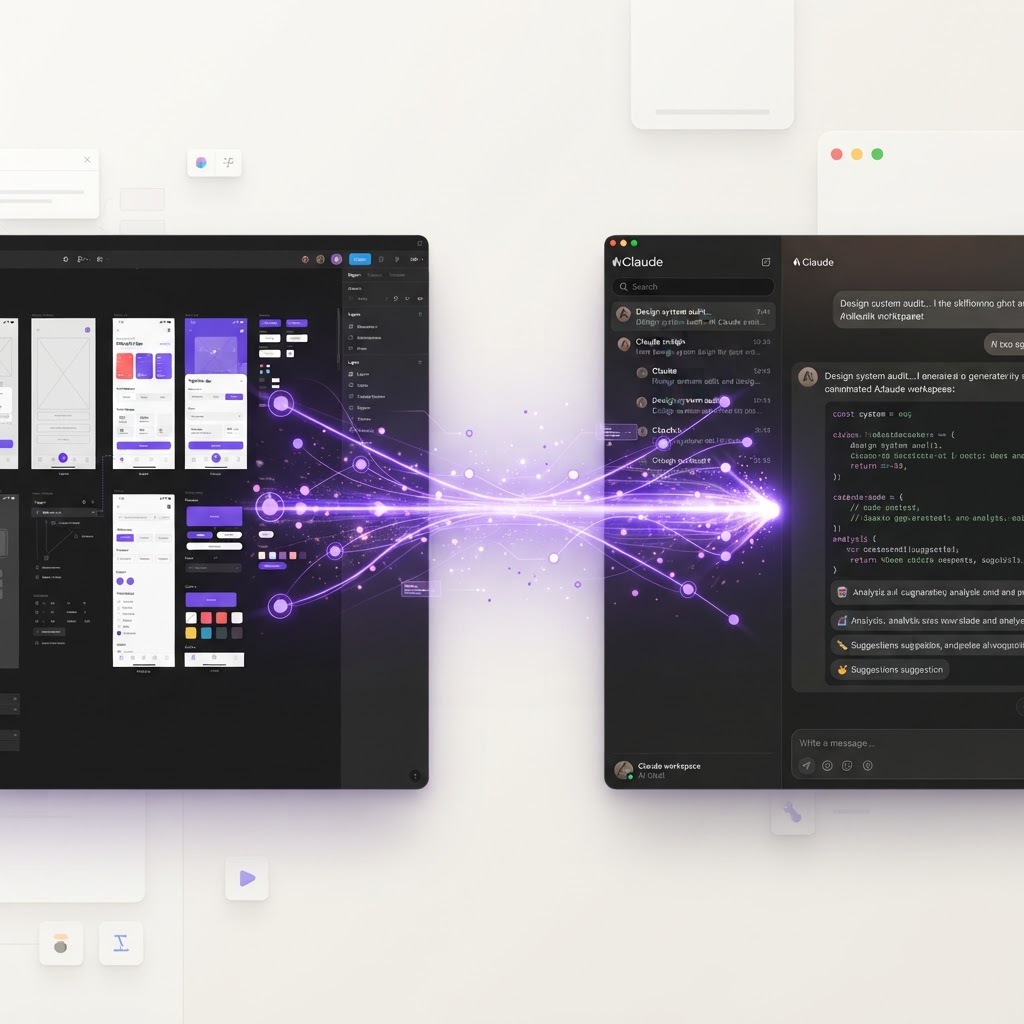
Build With Figma + Claude in 1 Hour: A Free Workflow
The combination of Figma and Claude is one of the most powerful workflows available to designers right now, and it's completely free to get started.
The Workflow
Step 1: Design in Figma (20 minutes)
Start with a basic wireframe. Don't overthink it, low fidelity is fine. Focus on layout, hierarchy, and content structure. Use components and auto-layout so your design is structured from the start.
Step 2: Export to Claude (5 minutes)
Take screenshots of your Figma frames and paste them into Claude. Describe what you're building, who it's for, and what the key features are.
Step 3: Generate Content with Claude (10 minutes)
Ask Claude to:
- Write realistic UI copy for every screen
- Generate a color palette that matches your brand
- Create a typography scale
- Write the HTML/CSS for your design
- Suggest improvements to the layout
Step 4: Refine and Build (20 minutes)
Take Claude's output and apply it back to your Figma file. Replace placeholder text with the generated copy. Apply the suggested color palette. Then, use the generated code to prototype a working version.
If you want to skip the code entirely, paste your design into a platform like Base44 and let AI turn it into a live app.
Step 5: Test and Iterate (5 minutes)
Show the result to someone. Get feedback. Make one round of improvements. Ship it.
Why This Works
- Figma handles the visual design, the part where human creativity matters
- Claude handles the tedious parts : content, code, suggestions, research
- Together they eliminate the bottlenecks that slow designers down
Pro Tips
- Save your best Claude prompts as a template for future projects
- Use Figma's dev mode to verify Claude's code matches your design
- Keep a library of proven color palettes in Figma to skip the color step entirely
Originally posted by @itsdesignare on Instagram
Want to turn your Figma designs into real apps? Try Base44, the AI platform that ships designs as live products.
Find Your Stack
Discover the perfect design tools for your workflow.
Take the 60-second quizNewForm Studio
Turn your designs into professional mockups instantly.
Open StudioMore from NewForm

Level Up: Mastering Modern UI Design and Motion Workflows
Discover how to bridge the gap between static design and premium digital experiences using the latest AI-powered motion tools and foundational design principles.
3 min read · Sep 26, 2026
Level Up Your Design Workflow: Essential Tips and Modern Tools
Discover how to optimize your creative process with modern typography strategies, AI design tools, and expert techniques to elevate your digital product work.
6 min read · Aug 30, 2026