
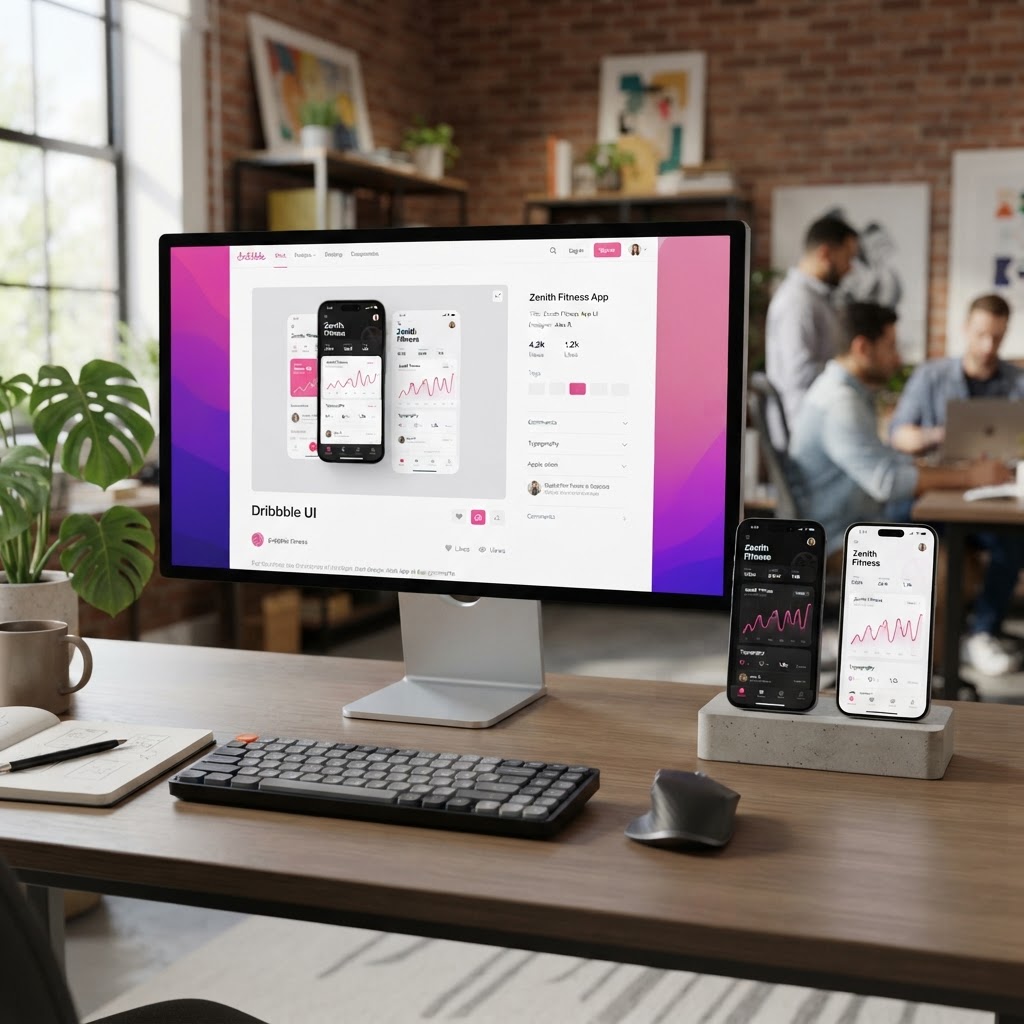
Why Your Dribbble Shots Aren't Getting Views (And How Mockups Fix That)
Let's be honest, your Dribbble shots are getting buried.
You spend hours on a design, export it, upload it, and. . 47 views. 3 likes. No comments. Meanwhile, a designer with worse work but better presentation is trending.
Here's the thing: on Dribbble, Behance, and every other design platform, presentation beats craftsmanship. A mediocre design in a gorgeous mockup will outperform a great design on a flat white background every single time.
Why mockups matter more than you think
When someone scrolls through Dribbble, they're not evaluating your pixel alignment. They're reacting to a thumbnail in 0.3 seconds. That thumbnail either makes them stop or keeps them scrolling.
Mockups create that stop. They give your work context, a phone in a hand, a logo on a building, a UI on a laptop in a real environment. They make abstract pixels feel like real products.
The 3-tier mockup system
Tier 1: The Hero Shot This is the first thing people see. One bold mockup that communicates the entire concept. Phone in hand with your app UI. Book cover on a shelf. Poster on a wall. One image, maximum impact.
Tier 2: The Detail Crop Zoom into one element, a button interaction, a navigation state, a color palette swatch. This shows you care about the details. Use a clean device frame mockup with the crop inside.
Tier 3: The Context Shot Show the design in the wild. A laptop on a desk with your website. A business card in someone's wallet. This helps viewers imagine the design in their own life.
The tool problem
Most designers know they should use mockups. The problem is the tools. Photoshop mockup files are expensive and hard to edit. Canva mockups are generic. Figma plugins are limited.
That's exactly why we built NewForm Studio, upload your design, pick a template, and get a professional mockup in seconds. No Photoshop. No layers. No $40 mockup pack downloads. Just upload, generate, download.
You get 5 free mockups to start. After that, it's $1.99/month for unlimited.
The workflow
- Finish your design (in whatever tool you use)
- Export as PNG
- Drop it into NewForm Studio
- Pick a template, phone, laptop, poster, business card
- Generate and download
- Post to Dribbble with a clear title and tags
The whole thing takes under 2 minutes. That's not a step in your process, it's a checkbox.
What to avoid
- Don't use 12 mockups in one shot. Dribbble's grid rewards focused, bold thumbnails. One strong mockup beats a collage.
- Don't use mockups that look like stock photos. If it looks like a free Unsplash download, it's hurting you.
- Don't skip the context shot. It's the difference between "nice design" and "I want to hire this person."
The bottom line
Your work deserves to be seen. But it won't be seen if it doesn't look worth seeing. Mockups are the cheapest, fastest way to close that gap.
Start with 5 free mockups in NewForm Studio, no signup cost, no commitment. Just upload and see the difference.
Find Your Stack
Discover the perfect design tools for your workflow.
Take the 60-second quizNewForm Studio
Turn your designs into professional mockups instantly.
Open StudioMore from NewForm

Before and After UI Redesign: What Actually Changes When You Level Up a Design
A before and after UI redesign reveals the difference between decent and great design. Here is what changes and the principles that drive the improvement.
5 min read · Oct 3, 2026

Graphic Design Trends Every Designer Should Try in 2026
From 3D depth to bold typography and AI-assisted design systems, the 2026 graphic design trends are reshaping how designers create. Here is what to try now.
5 min read · Oct 3, 2026